

Hermes Agent Tips & Best Practices for 2026: 17 That Matter
Installing Hermes Agent takes an afternoon; getting good at it is a separate skill. This page is for people whose agent is already running and who want the habits that make it pay off: matching models to jobs, tuning the two memory files, turning repeated tasks into saved skills, setting approval gates, and designing cron jobs and sub-agents that return decisions instead of noise. It is the companion to our step-by-step Hermes Agent setup guide, not a second install tutorial. Every frame was checked against three 2026 screen recordings: Sharbel A.'s 31-minute deep dive is the primary source, with Metics Media's beginner walkthrough and Parker Prompts' tutorial supplying frames and cross-checks. Hermes iterates fast, so treat model names, prices and version numbers as accurate as of October 2026.
Source & credits
Screenshots in this guide are captured from Sharbel A.'s public walkthrough video. Every step links back to the exact moment it shows, so you can follow along.
Sharbel A. ↗Start on the right surface
- 1
Pick one surface, ignore the rest for now
Hermes Agent shows up as a desktop app, a Telegram bot and a CLI plus web dashboard, which is why beginners feel like they installed five products. Treat the desktop app as the control room where you check sessions, switch models and manage profiles. Add Telegram when you want the assistant in your pocket, and leave the CLI for debugging until something breaks.
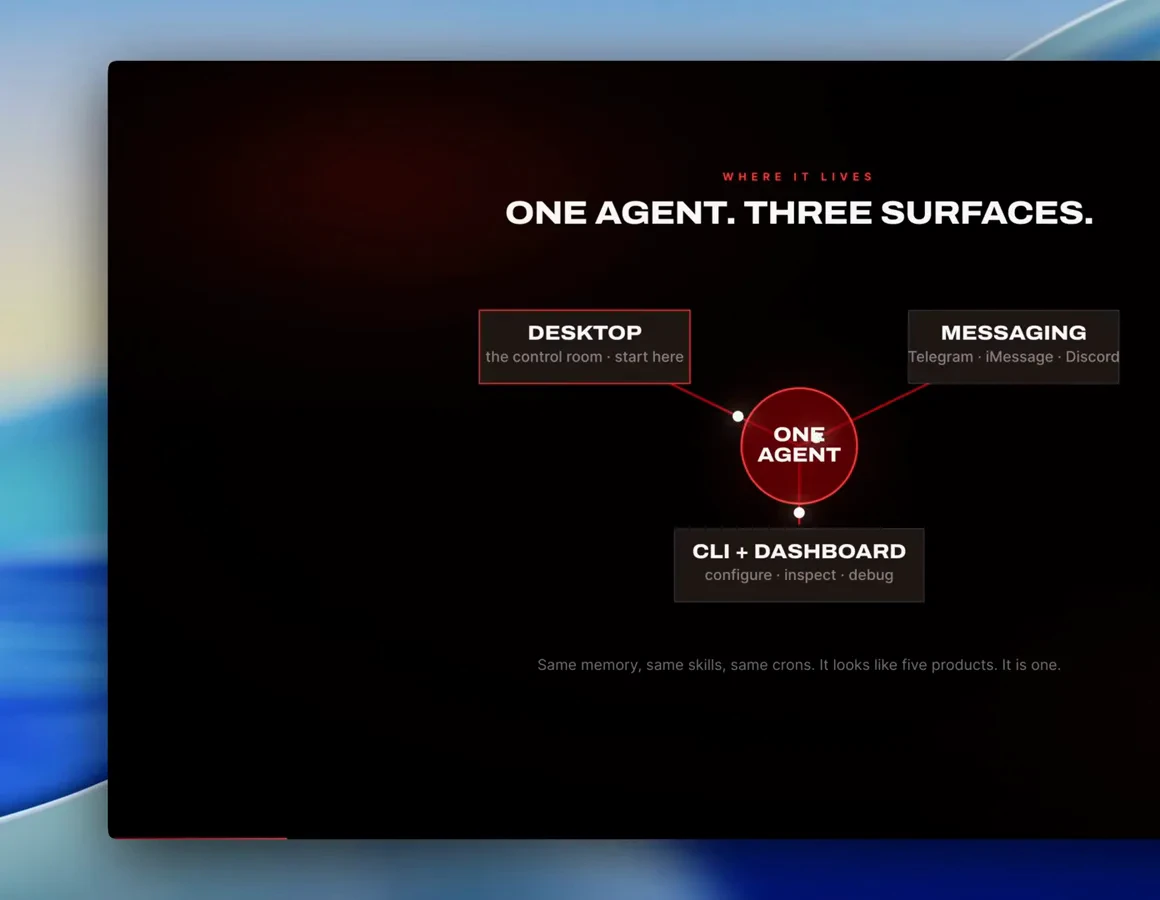
Desktop first, Telegram second, terminal last - one agent, three doors.Watch at 3:00 - 2
Open with a context-rich first message
Metics Media's first message to his fresh agent spells out where it lives - a Hostinger VPS inside a Docker container - and asks it to check its environment and list its tools and skills. The reply mirrors what the setup wizard reported. Copy the habit: tell the agent its surroundings, ask for an inventory, and you start with a map instead of small talk.
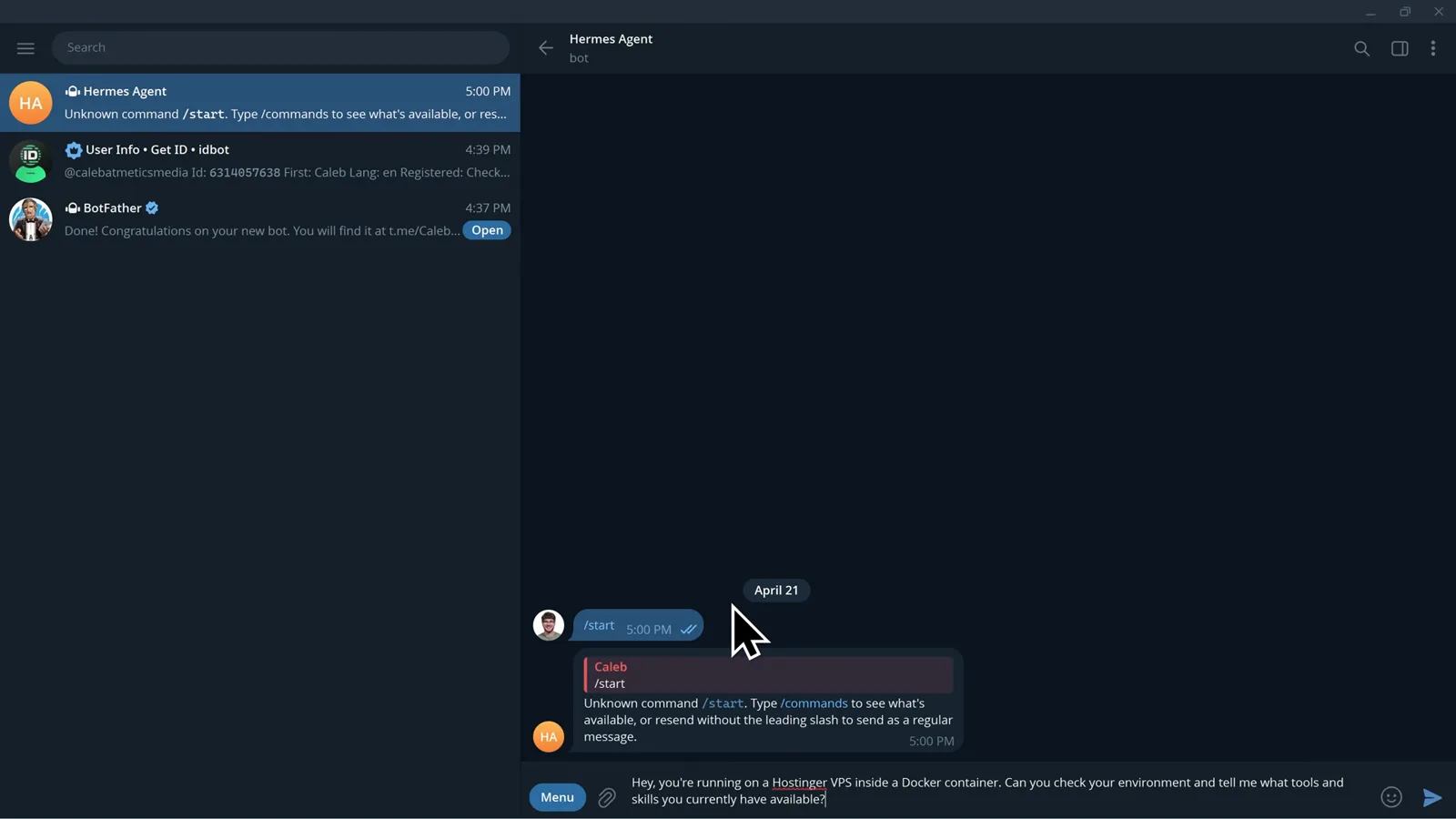
Your first message is a briefing, not a hello.Watch at 19:46
Match the model to the job, then cap the bill
- 3
Ask what the model is for, not which is best
There is no single best model for Hermes Agent. Sharbel's rule: the strongest model you can afford for coding, tool chains and anything where failure is expensive; cheap fast models like Gemini Flash, Haiku or GPT mini for summarize-format-extract background work; long-context models for giant transcripts; local Ollama models for private experiments. Name the job first, then pick from that row.
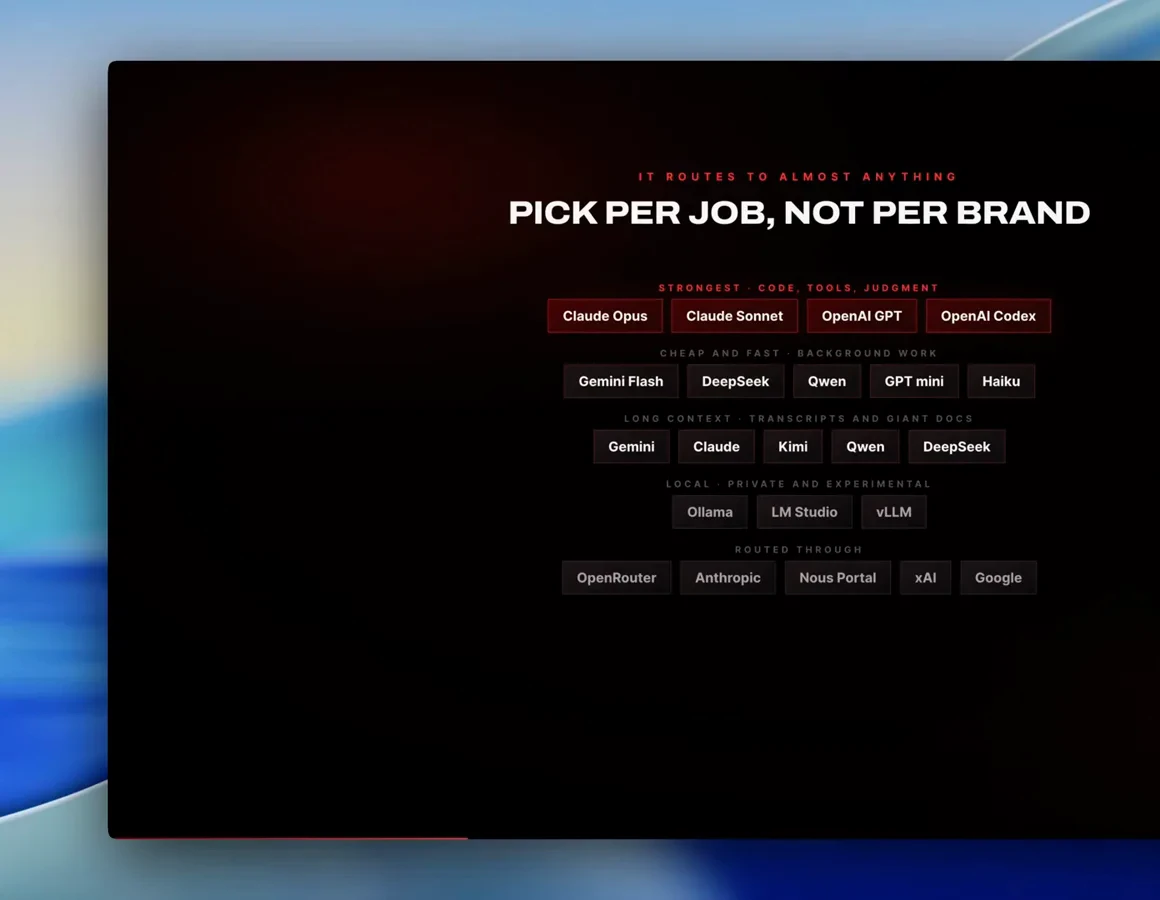
Model tiers are a roster, not a ranking.Watch at 9:20 - 4
Plug in the subscription you already pay for
Before buying more API credits, check what you already have: Sharbel points out that subscription tiers like ChatGPT's Codex plans - roughly $20 or $100 a month when he recorded - can drive Hermes instead of paying twice. His second hack pairs with it: tell Hermes which model to use for heavy work and which cheaper one to use for scheduled jobs, and it sets the routing up for you.
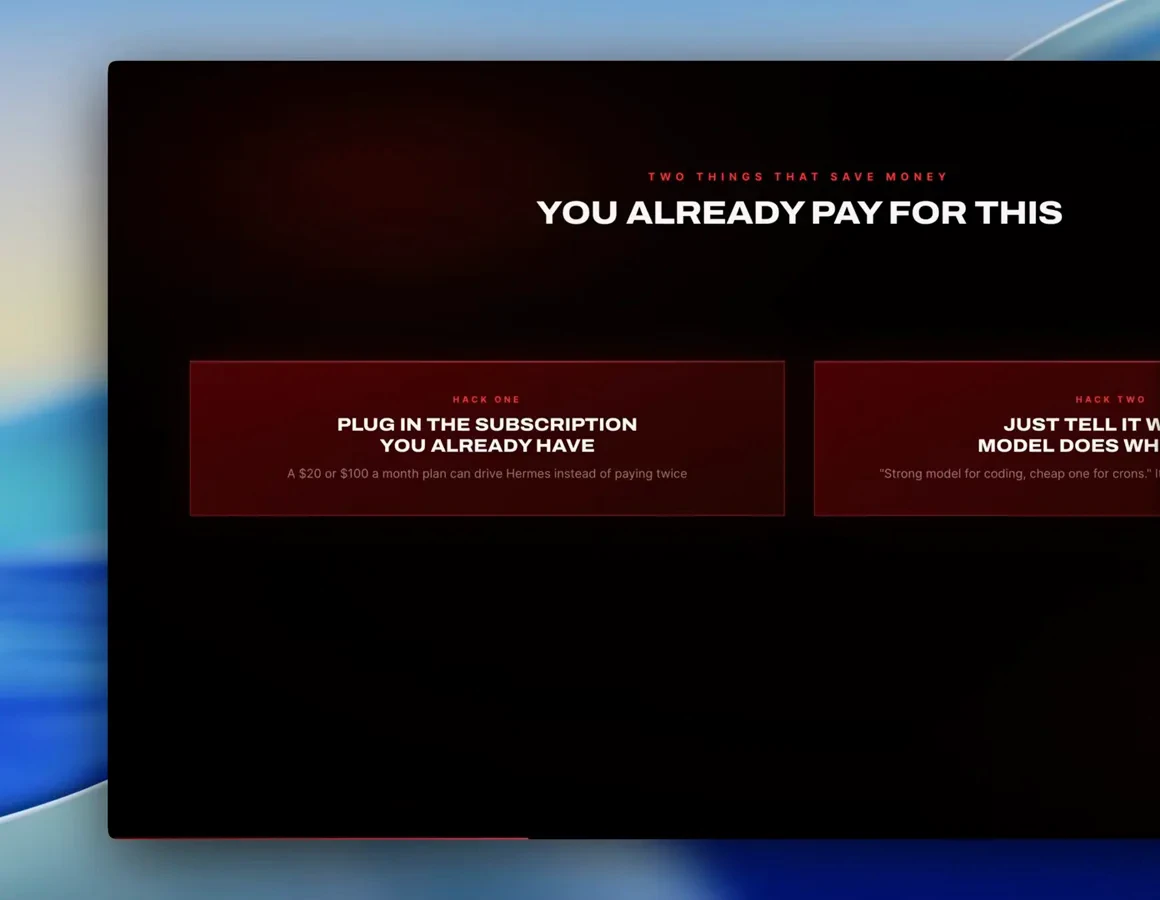
The cheapest token is the one your plan already covers.Watch at 10:16 - 5
Give routine work to the free rows
Parker Prompts' setup ends on OpenRouter's model picker, where a handful of rows - owl-alpha and other :free entries - cost nothing per task. Point scheduled and background jobs at those while you are still experimenting, and let OpenRouter's auto-routing push simple questions to cheaper models. Model lineups change constantly, so re-check the list rather than trusting old screenshots.
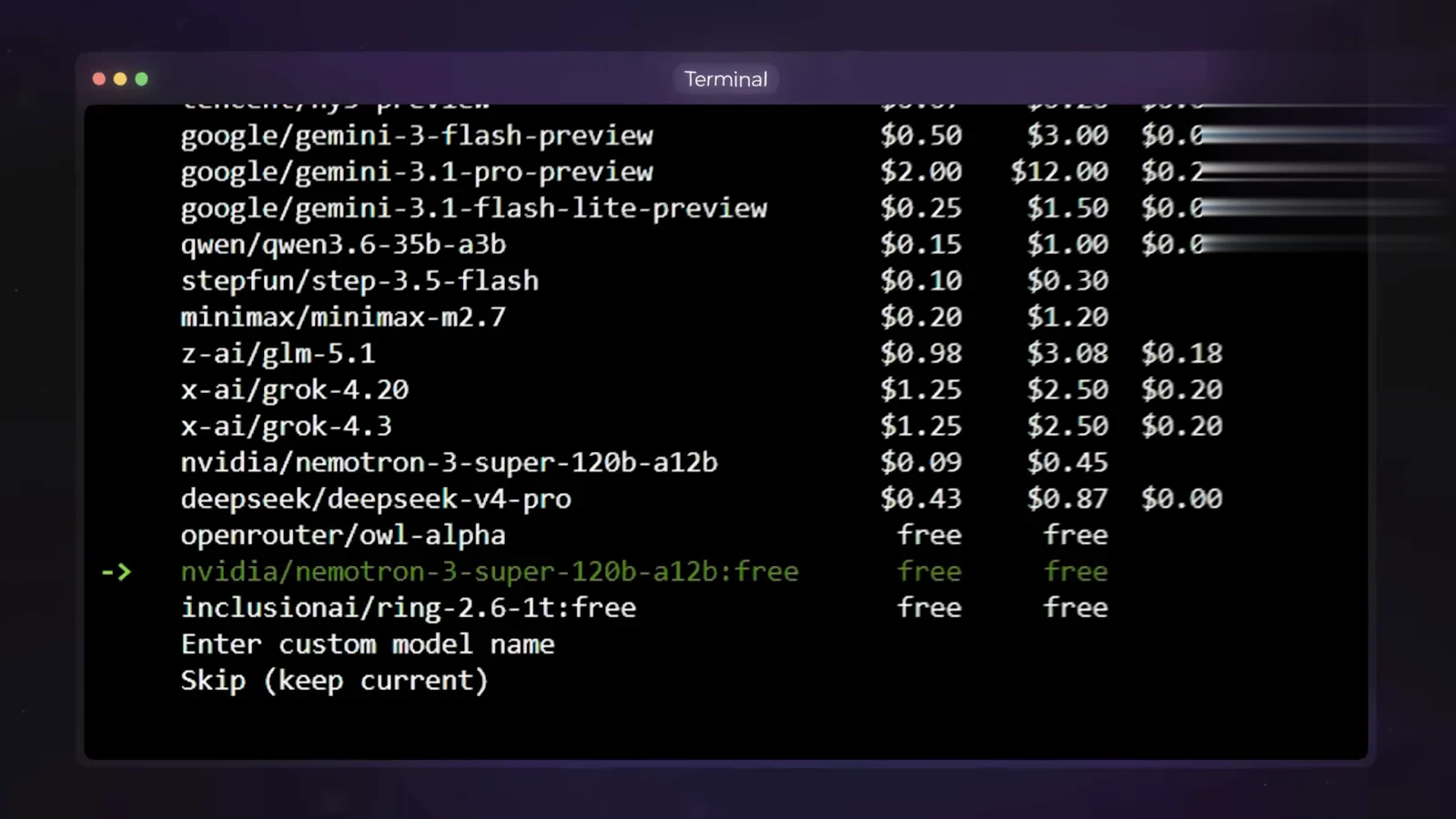
Zero-cost rows exist; spend your budget where judgment is needed.Watch at 4:18 - 6
Set a credit limit before you need it
While creating the OpenRouter key, Metics Media types 50 into the credit limit field - a hard ceiling no runaway cron job can spend through. The same dialog can reset the limit daily, weekly or monthly and give the key an expiry date. Leave the field blank and the key is unlimited, which makes this fifteen-second step the cheapest insurance in the whole setup.
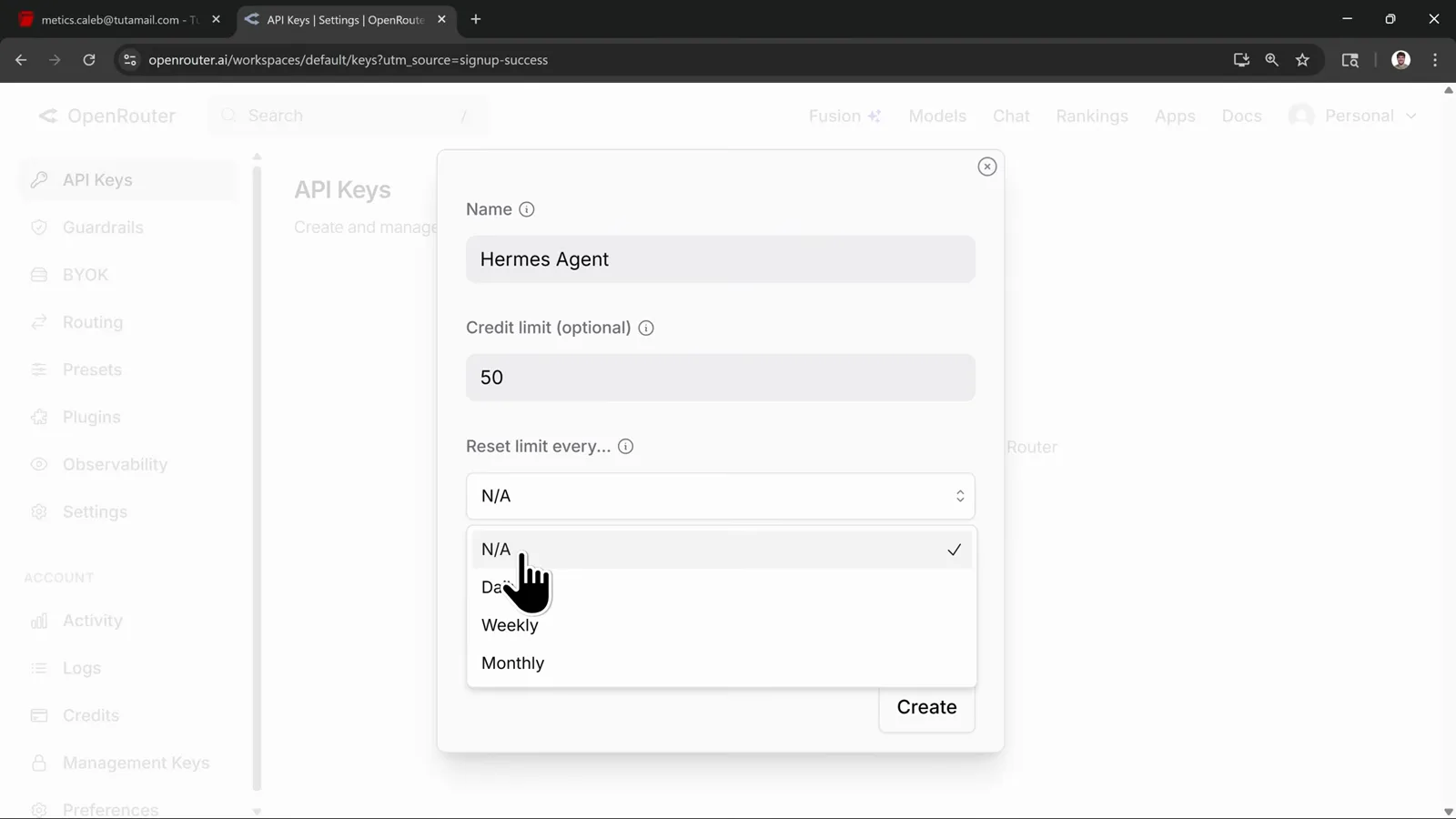
A $50 ceiling turns worst cases into rounding errors.Watch at 10:00 - 7
Upgrade single jobs, not your default
Metics Media keeps GPT 5.4 mini as his cheap default for everyday chat, then asks the agent to change the weekly AI tools research job to run on Opus 4.6. The confirmation names that job and promises the rest of the setup stays untouched. Use /model in chat to check or switch your default, and reserve paid horsepower for the one job that needs it.
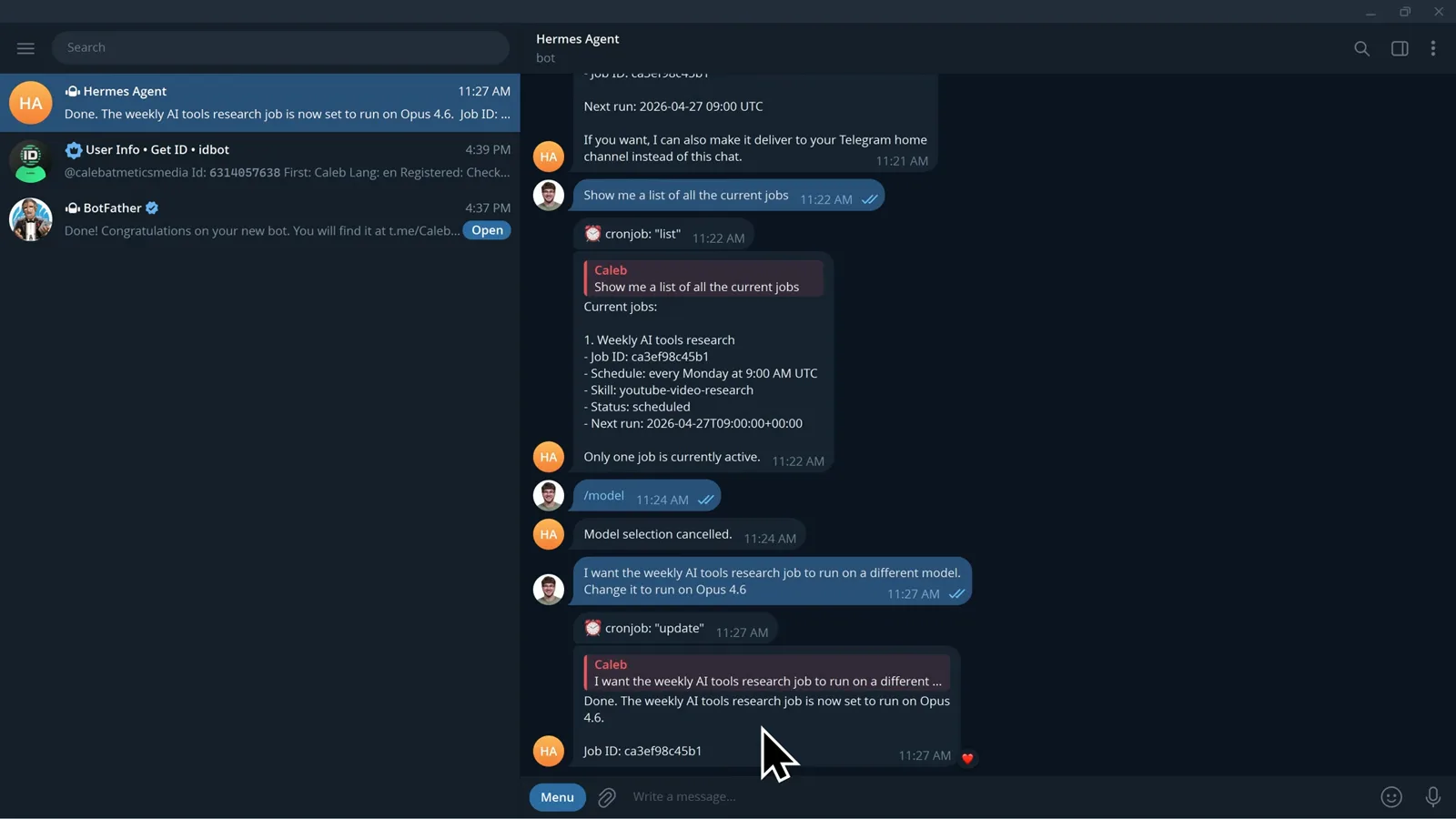
One job gets the muscle; the meter keeps running cheap.Watch at 33:25
Tune memory, then turn repeats into skills
- 8
Keep memory to two small files
Built-in memory is two markdown files: user.md holds who you are, your preferences and expectations, while memory.md holds environment facts, project conventions and lessons learned. Both are injected into every session, which is exactly why they are deliberately small. Store facts that stop you repeating yourself - like keeping Telegram replies short - not task progress or a transcript of Tuesday's chat.
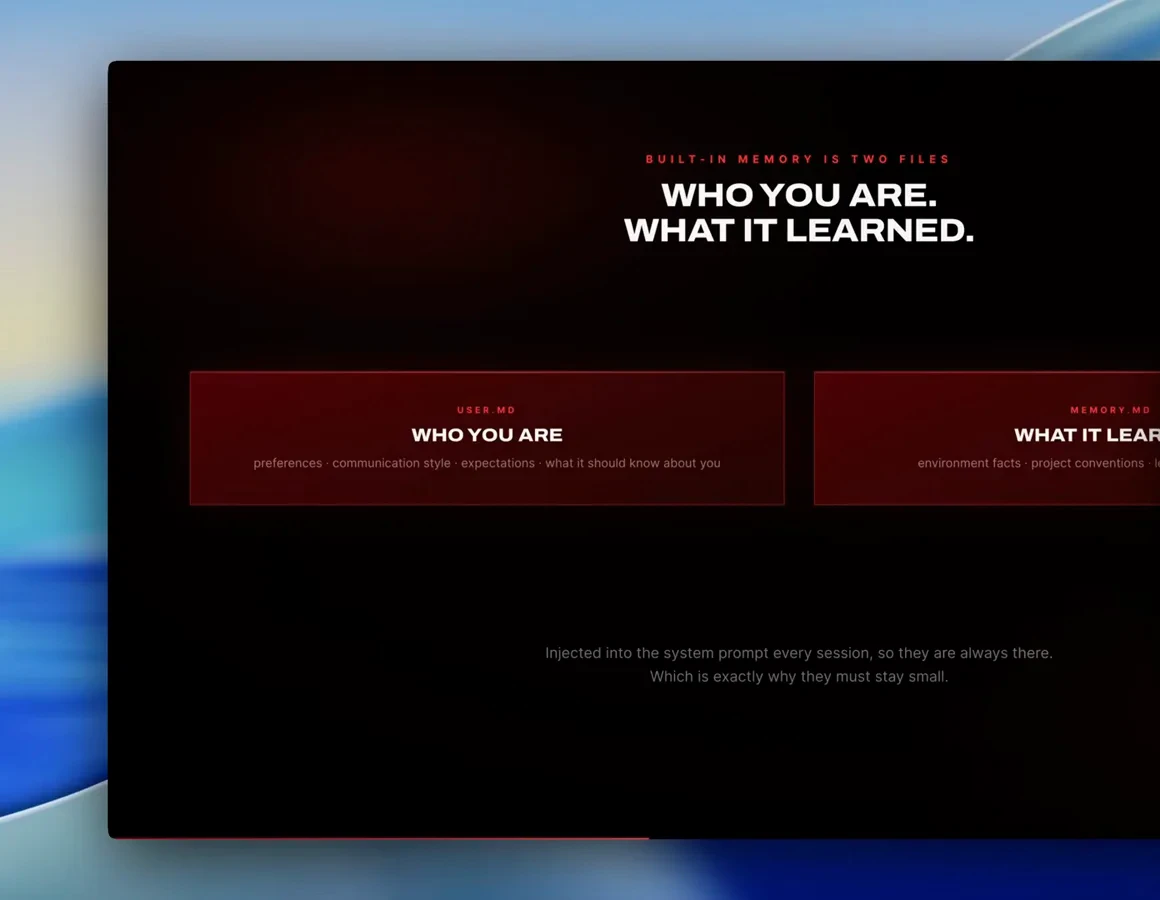
If everything is memory, nothing is.Watch at 11:24 - 9
Steer behavior through the three config files
Parker Prompts breaks the personality layer into three files: souls.md sets the agent's personality, agents.md sets specific rules like output format and coding style, and user.md is the memory about you. None of them need manual editing - tell Hermes a preference in Telegram and it files the update itself. Every prompt runs through personality, rules and context before it answers.
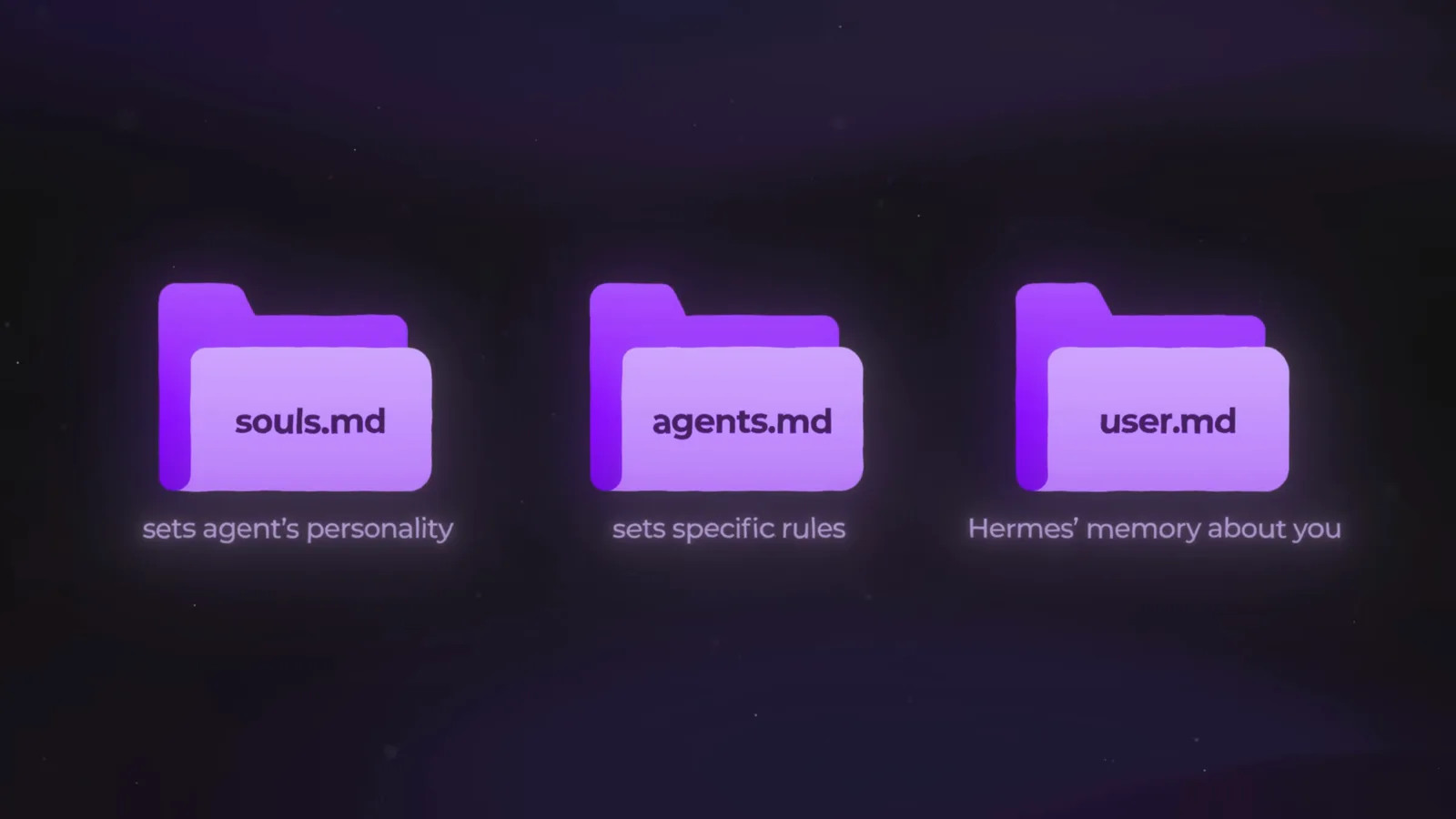
Three files decide the voice you argue with.Watch at 9:14 - 10
Save every repeated task as a skill
When a task goes well, tell Hermes to keep the recipe: Parker Prompts asks for what they just did to be saved as a skill called weekly-report-builder, and the confirmation spells out what gets reused - CSV source, Monday briefing, week-over-week comparison. Skills are procedures while memory is facts; keeping that split is what makes the agent improve instead of just remember. As of v0.12.0 (April 30, 2026) a background curator also grades and prunes the skill library on a seven-day cycle.
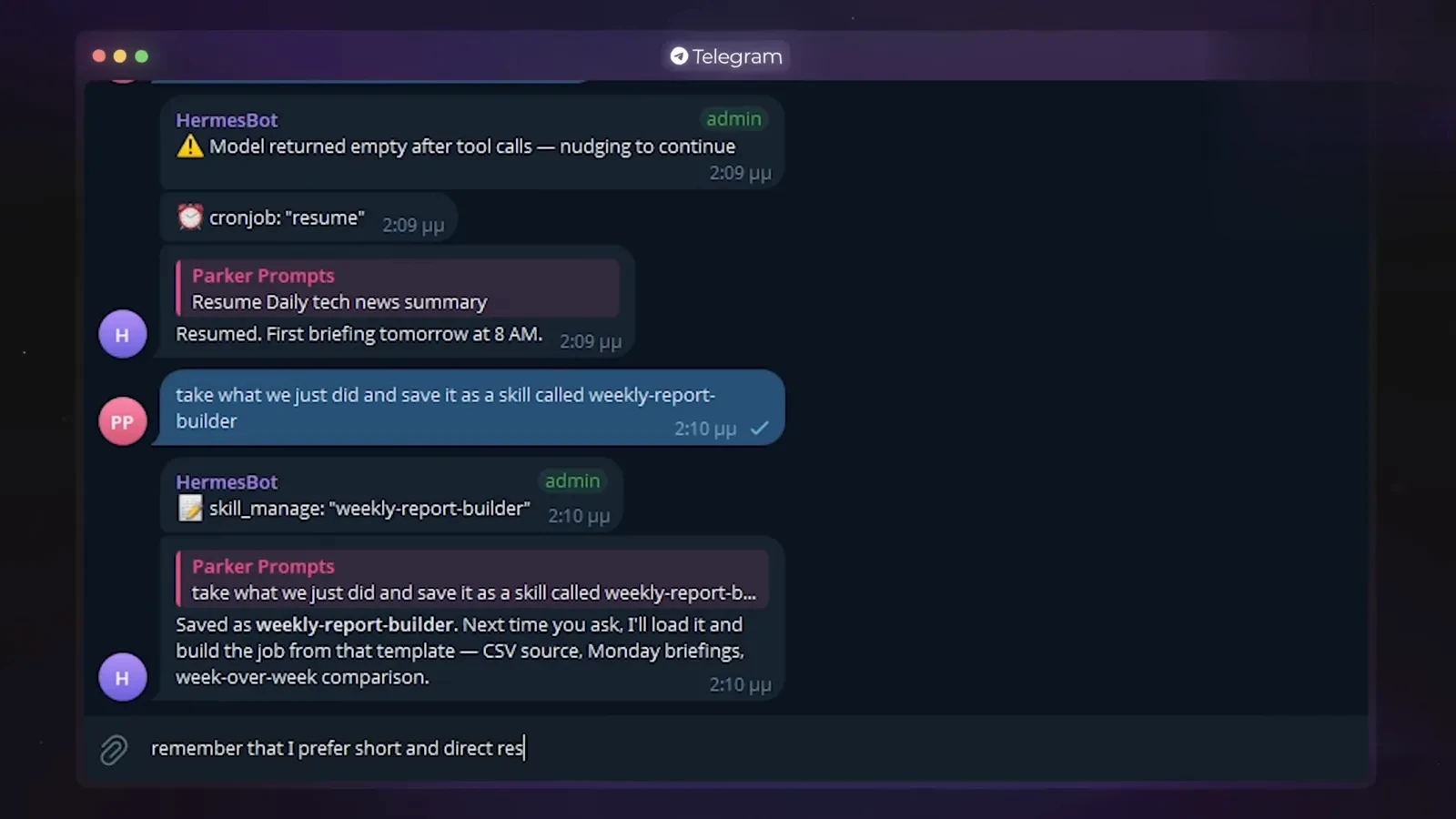
The second run should start from the blueprint, not scratch.Watch at 9:27
Set safety gates before you scale up
- 11
Let it prepare everything, approve what leaves
Sharbel's boundary line: reading, researching and drafting are reversible, so let the agent run them all day. Sending the email, posting, buying or deleting touches the outside world, so those wait behind a human checkpoint - his example is letting Hermes write five replies but not send one of them unreviewed. Automate the preparation and keep the gate for yourself until its track record earns trust.
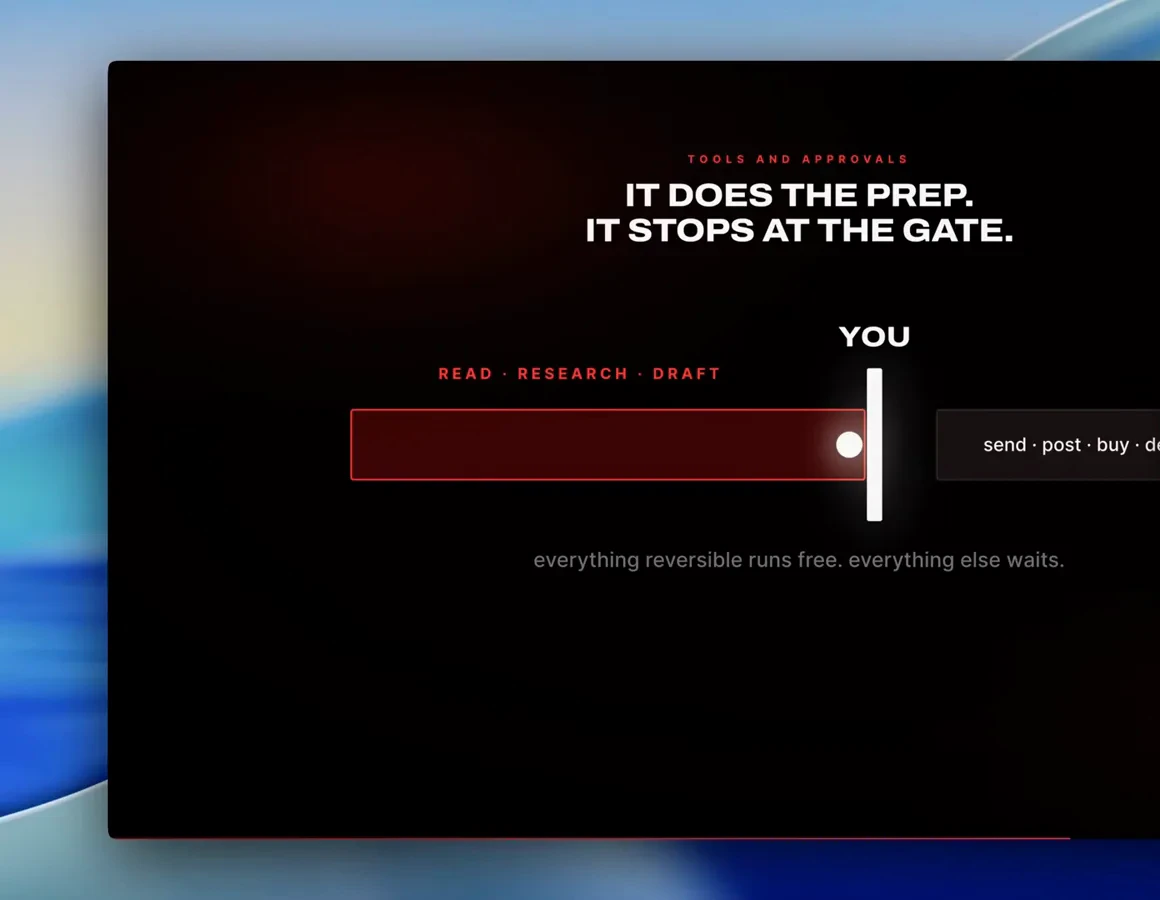
Drafts are cheap; the send button is yours.Watch at 17:15 - 12
Trust new skills only after the scan
Hermes Agent ships a skill scanner that automatically checks new skills for unsafe code before they install, on top of a pre-installed library that already covers common jobs. The scanner is a guardrail, not a substitute for judgment: before approving a community skill, ask the agent what it does, where it came from, and what it changes.
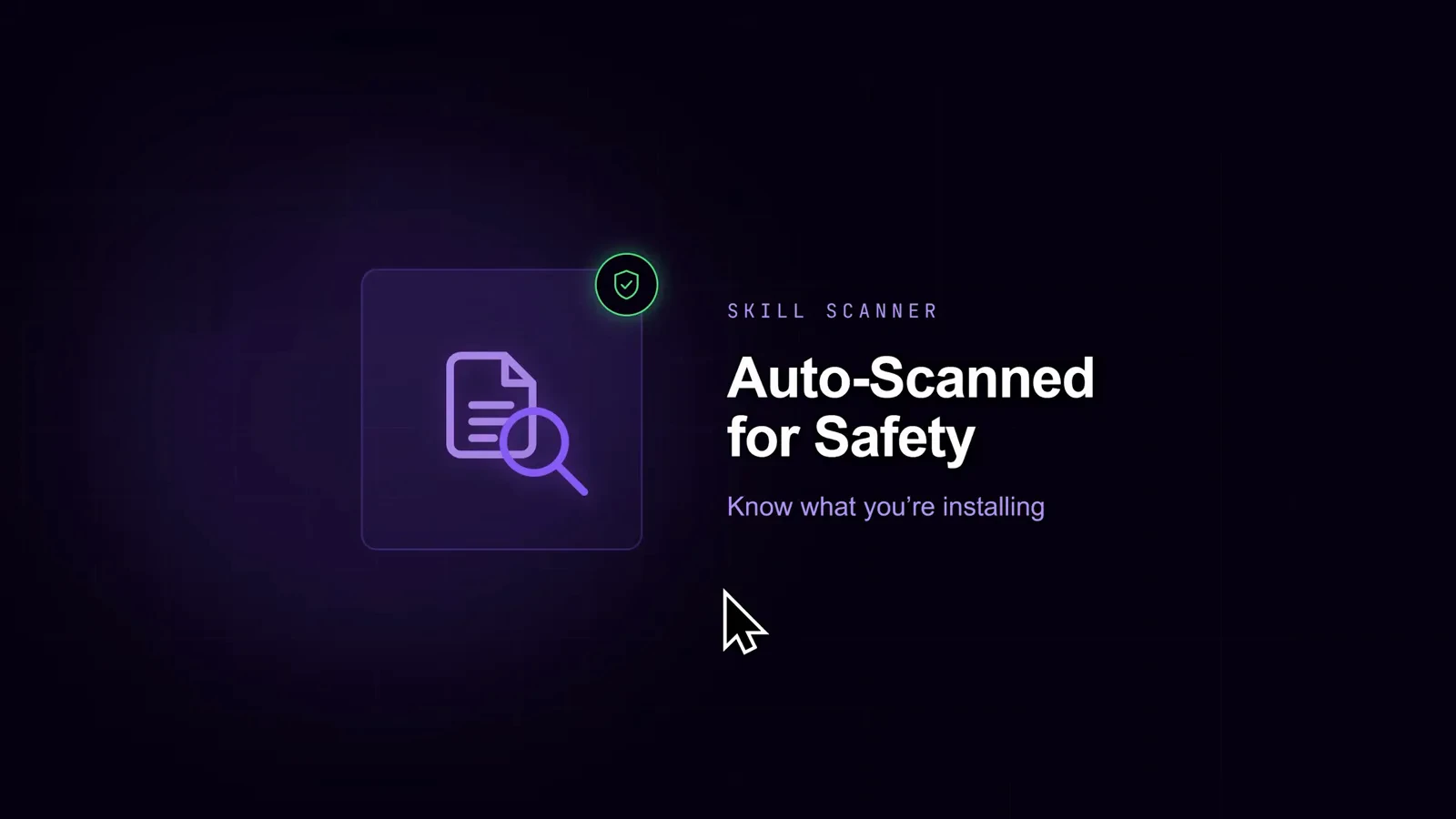
The scanner reads the code once; you should know what it does forever.Watch at 17:22 - 13
Start small, and use throwaway accounts
Metics Media's onboarding advice is deliberately boring: stick with Telegram for the first few days, pick one or two skills that solve a real problem, and connect fresh, exclusive accounts rather than your main email, banking or password manager. Parker Prompts repeats the same warning in his walkthrough. Build trust with a small blast radius, then expand what the agent can touch.
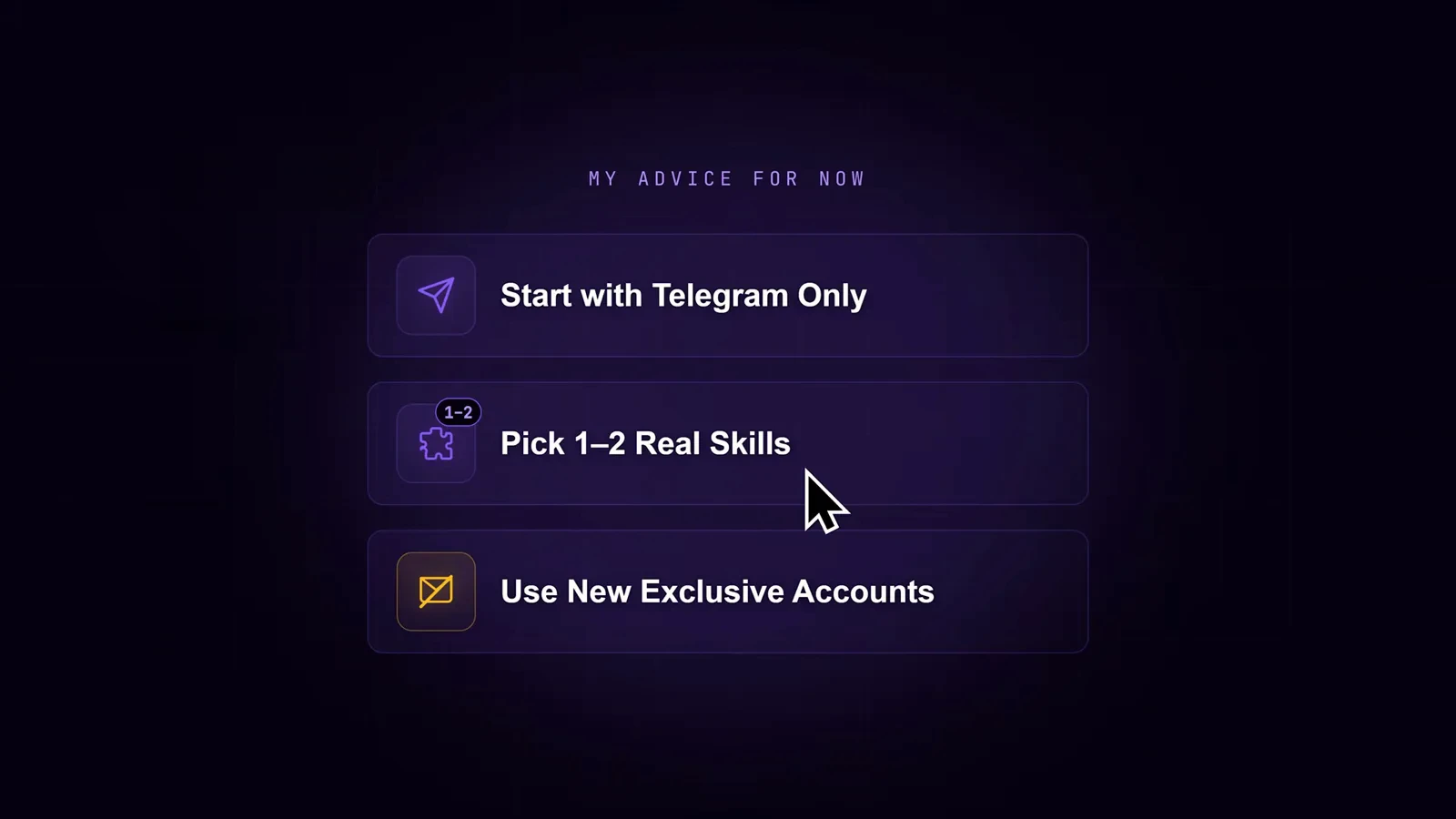
New agent, new accounts - keep the blast radius small.Watch at 17:42
Put it to work: schedules, sub-agents, profiles
- 14
Create scheduled jobs in plain language
You never touch crontab: describe the job in one sentence - Metics Media asks for a weekly Monday 9 a.m. job that researches trending AI tools using the youtube-video-research skill - and the confirmation card returns the name, schedule, skill, delivery channel, job ID and next run. Ask to see a list of all current jobs any time, then pause, edit or remove them from the same chat.
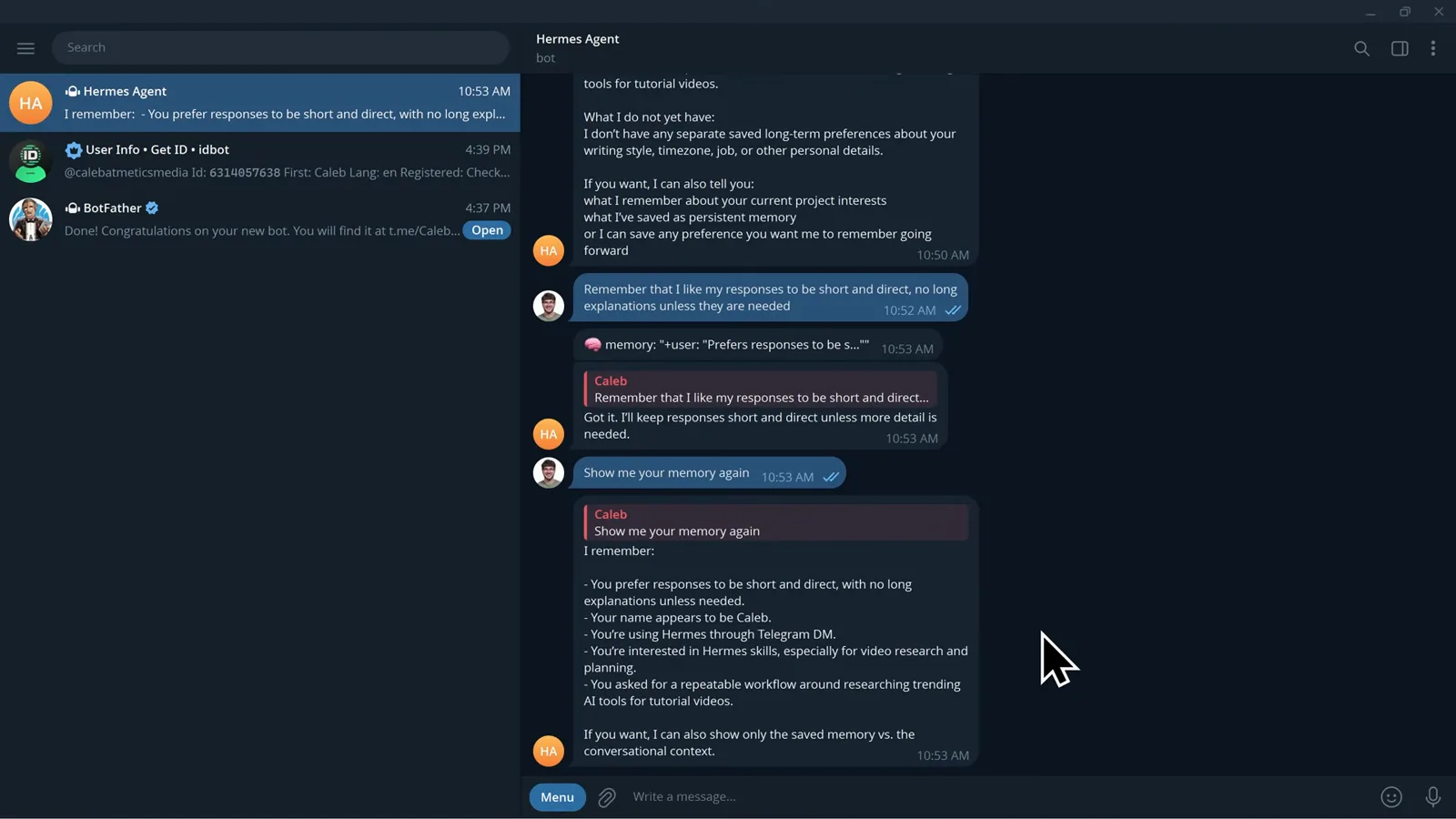
One sentence in, a job card with a next-run time out.Watch at 29:55 - 15
Schedule decisions, not daily noise
The highest-value cron is exception monitoring: Sharbel's slide shows a timeline where the agent runs, finds nothing and says nothing - until a red ping marks the moment something changed. Because every cron runs in a fresh session, the prompt must be self-contained: what to review, where, what counts as important, and where to report. His morning example returns only three things: one urgent problem, one opportunity, one recommended action.
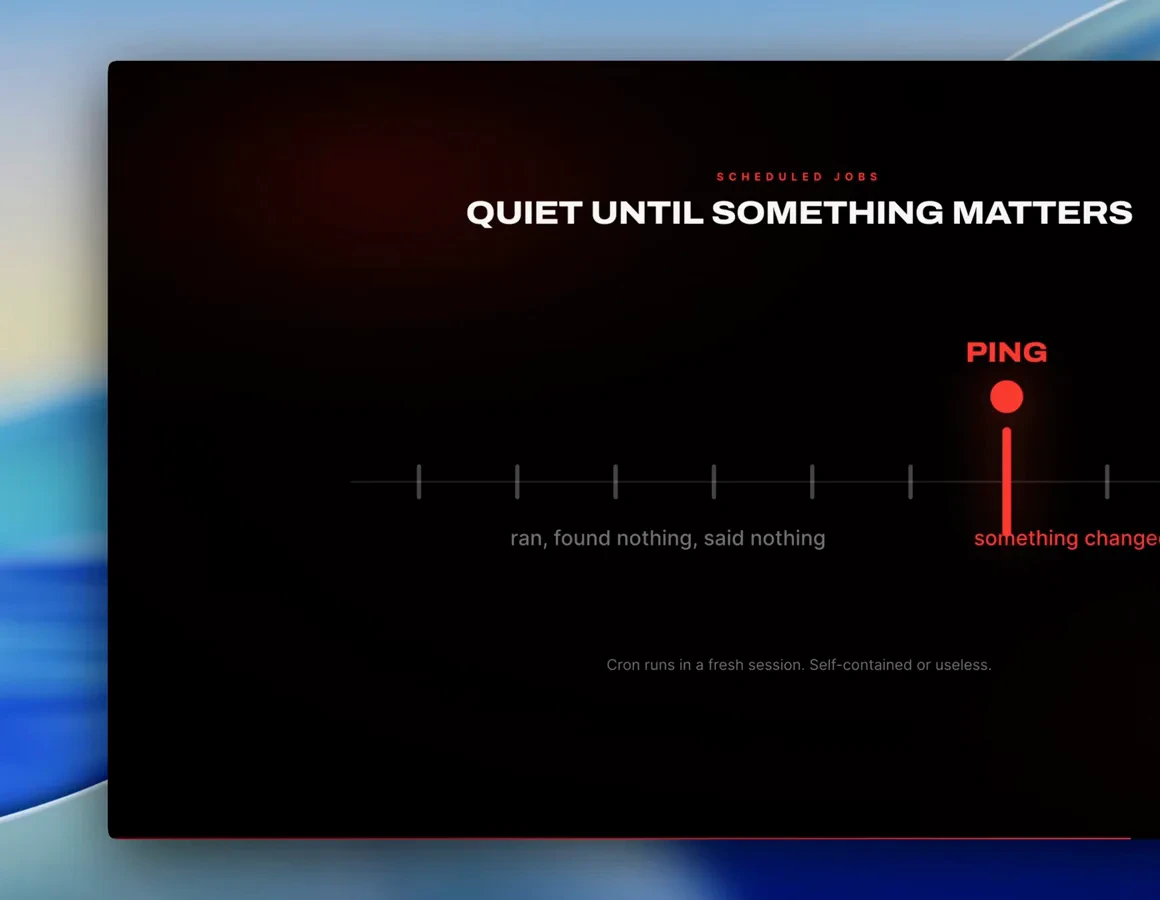
Silence is the product; the ping is the payoff.Watch at 18:32 - 16
Split work only when it divides cleanly
Sub-agents shine on parallelizable research: Sharbel fans one task out to three - extract hooks from competitor transcripts, check keyword demand, review the content pipeline - then merges and verifies their output. Each sub-agent gets a specific scope and a named output format; a vague swarm of five agents produces confident nonsense. Verify before you trust any summary.
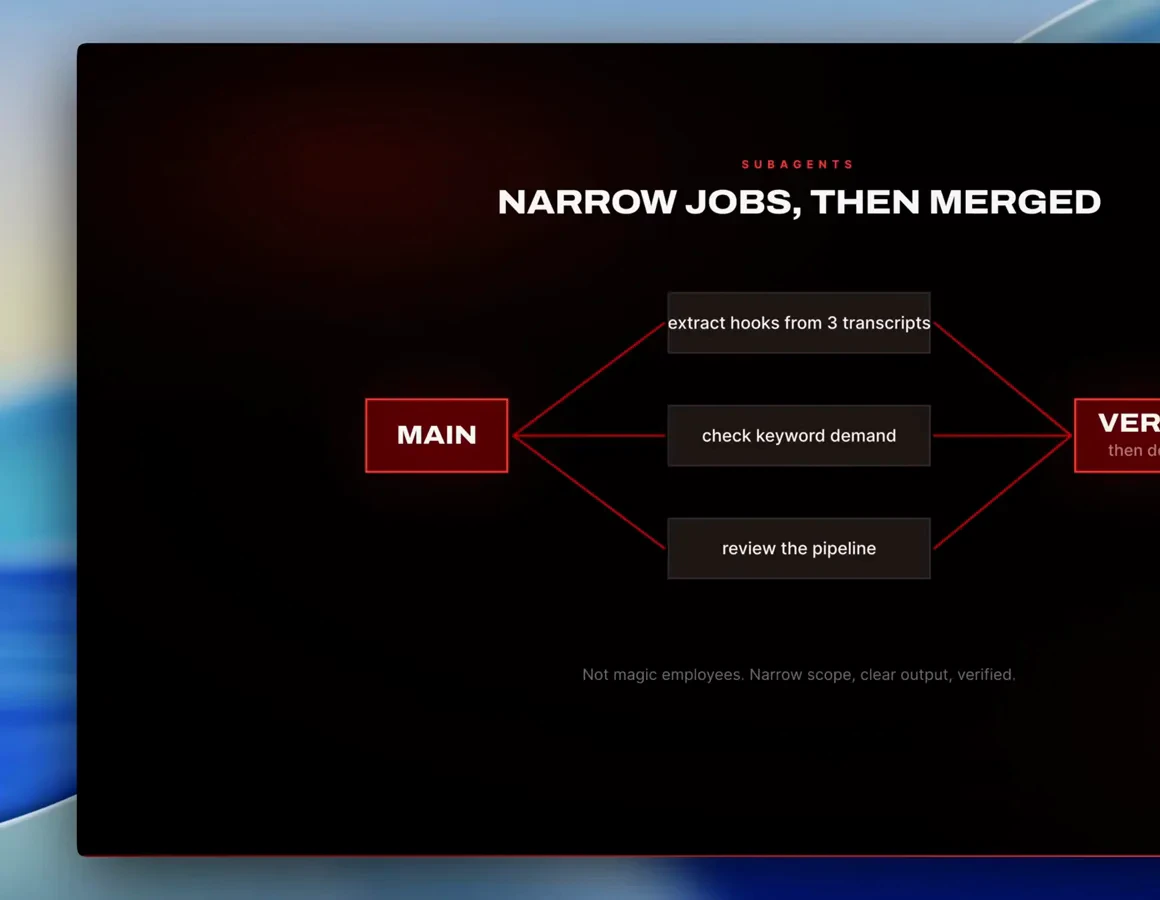
Narrow scope in, verified output out.Watch at 20:22 - 17
Give each job its own profile
A profile is a separate home for the agent - its own config, API keys, memory, skills and crons - so your coding agent knows your repos and deploy rules while your content agent knows your format and filming quirks. Create one with hermes profile create research or just ask in chat, and give each a clean memory instead of one polluted brain. Order matters: build the workflow first, profile second.
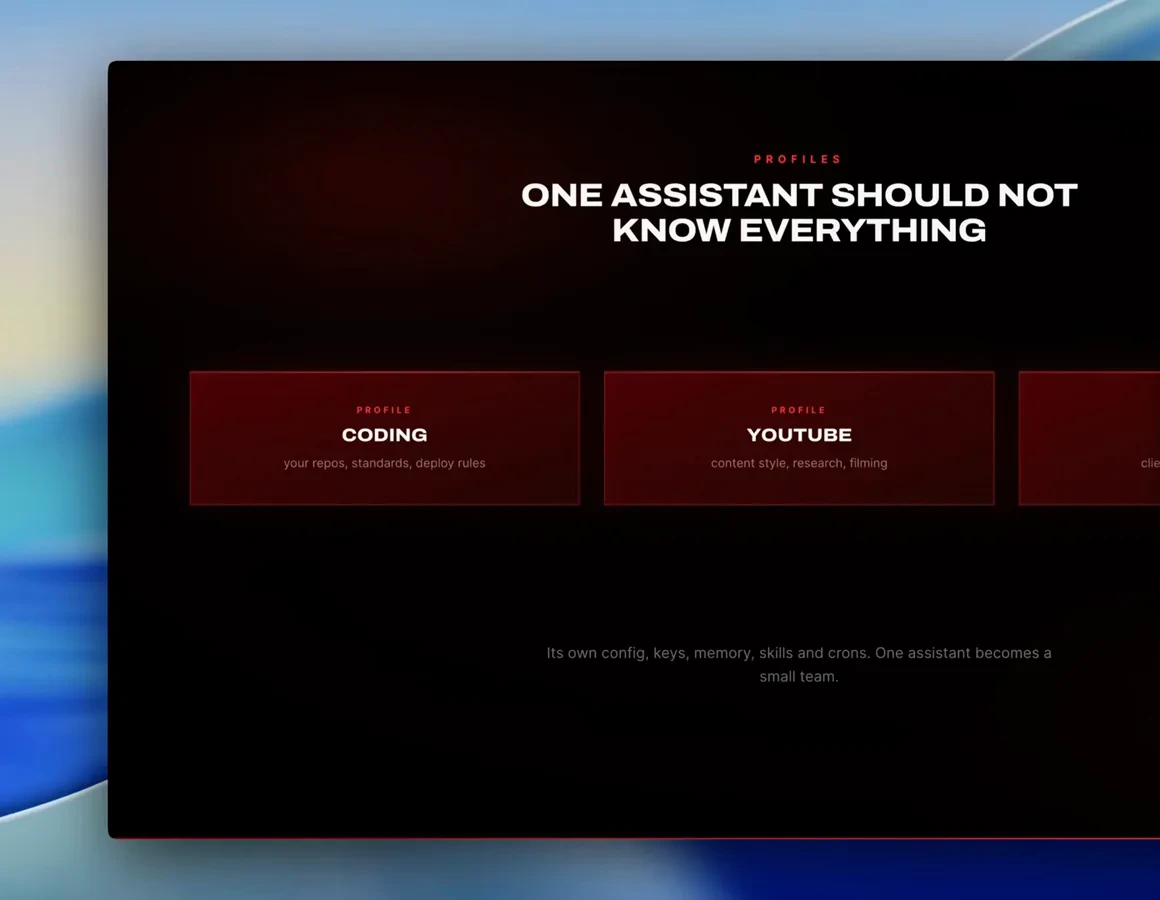
One assistant becomes a small team.Watch at 21:52