

OpenClaw vs Hermes Agent: How to Choose Your AI Agent
OpenClaw and Hermes Agent share one recipe - an open-source agent on a server, chatted with over Telegram or Discord - so this guide skips the hype and compares the decisions that matter: the catalog versus the learning loop, setup, cost, security records and who each one fits. Every frame is verified against three hands-on 2026 walkthroughs - Metics Media's dedicated comparison, Tech With Tim's same-jobs test and Hostinger Academy's OpenClaw 2.0 review - and since all three channels sell hosting, money claims stay attributed and dated.
Source & credits
Screenshots in this guide are captured from Metics Media's public walkthrough video. Every step links back to the exact moment it shows, so you can follow along.
Metics Media ↗Two open-source agents, two opposite bets
- 1
Same ingredients, opposite design bets
Both projects are open-source AI agents you run on a server and chat with through Telegram, Slack or Discord - they read files, run scripts, browse the web, send email and schedule jobs. The walkthrough's title card frames the whole decision in two labels: OpenClaw is built around the catalog, Hermes around the learning loop. Every other difference below grows from that split.
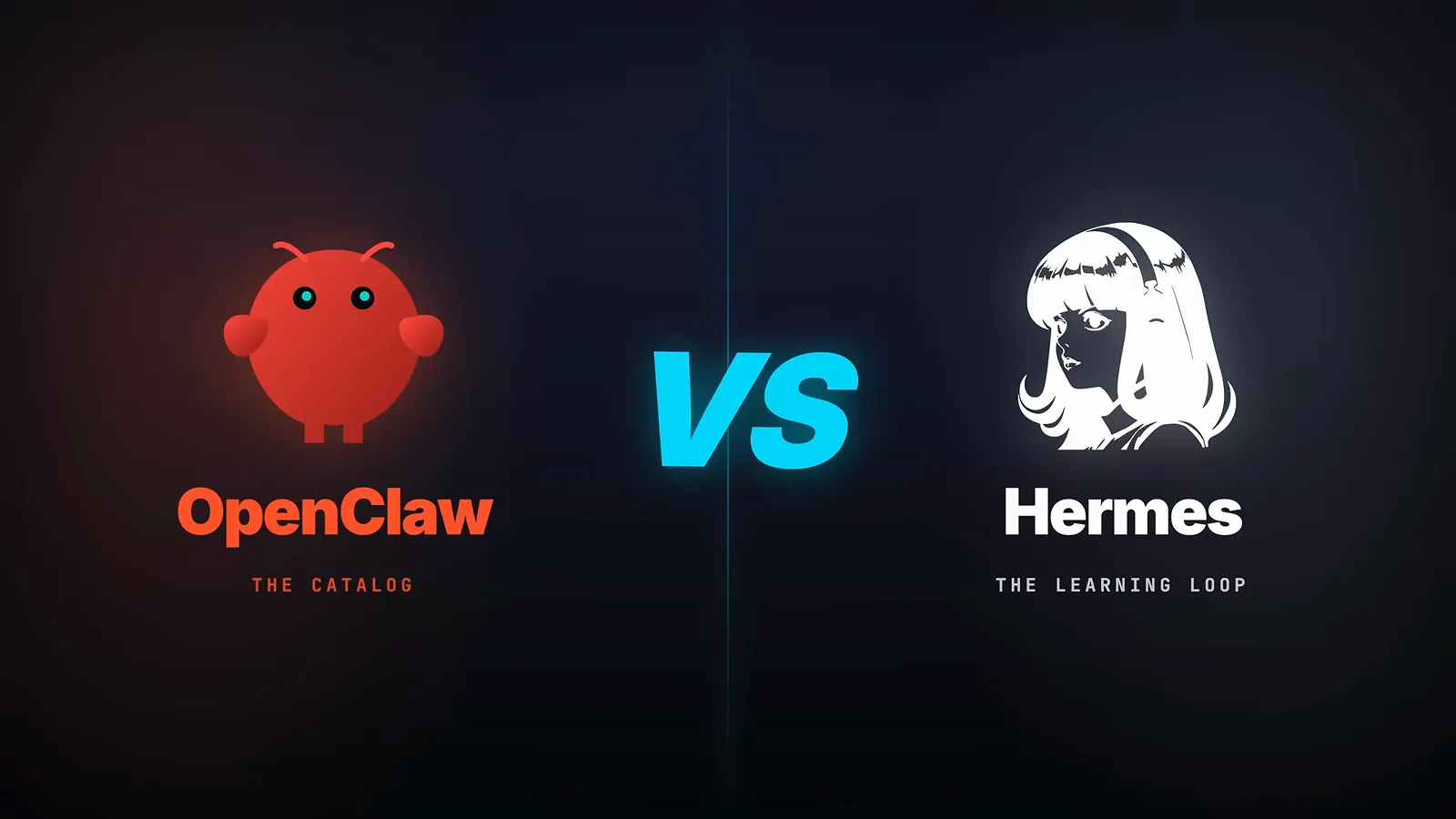
The two labels on this card are the spine of every comparison below.Watch at 0:05 - 2
Where the two projects stand as of mid-2026
Tech With Tim's comparison table puts numbers on the gap: OpenClaw launched in November 2025 and has shipped 137 releases; Hermes followed in February 2026 and reached its eleventh by July. Zoomed onto Hermes' column, the headline stat is daily volume - 224 billion tokens a day against OpenClaw's 186 billion, so the younger project already carries more traffic. The same column notes it runs ClawHub skills with auto-migration on install, and connects models through a short list plus OpenRouter for everything else.
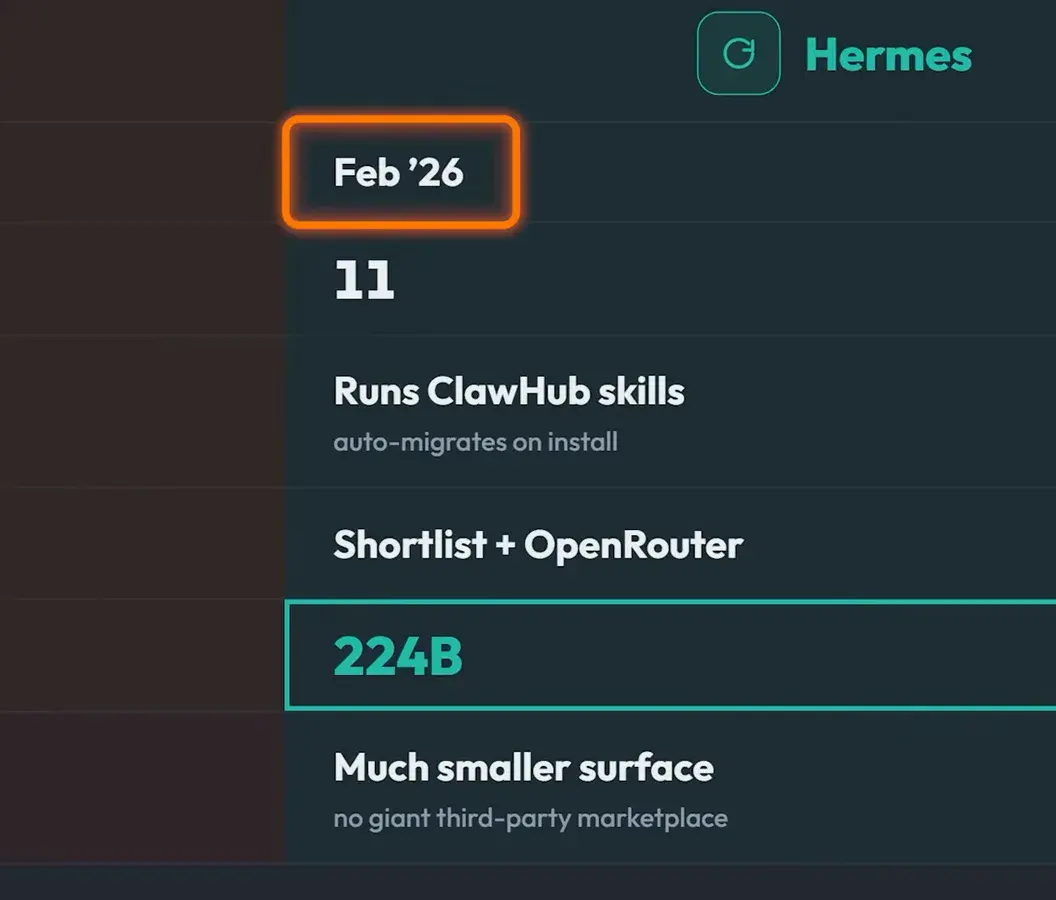
Released five months later, already busier: 224 billion daily tokens against 186 billion.Watch at 1:10
Where it runs and what day one feels like
- 3
Run it where you can press delete
The deployment card argues against your daily machine: an autonomous agent reads your files, touches your accounts and sits on your home network. Both walkthroughs recommend a cheap virtual private server instead - if the agent misbehaves or gets compromised, you delete the box and redeploy, remotely, in seconds. Self-hosting on a Mac mini or a spare laptop works too, but it is the more technical path with the bigger blast radius.
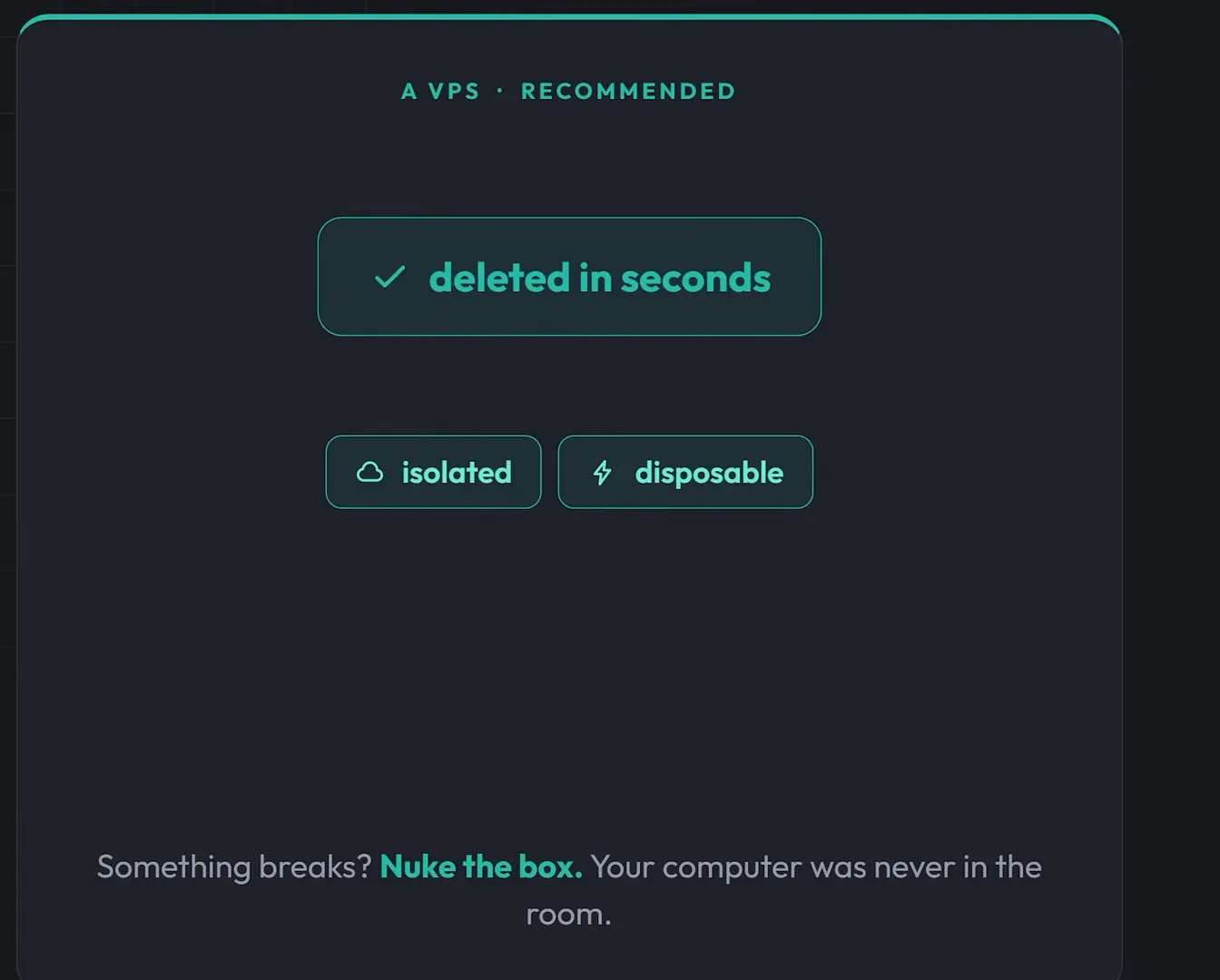
The panel's own summary: something breaks, nuke the box - your computer was never in the room.Watch at 5:07 - 4
The one-click path: pick a template, not a terminal
Neither agent needs a terminal if you take the hosted route: hosting providers ship one-click templates for both, and this walkthrough's plan picker shows KVM tiers from about $6.49 to $25.99 a month as of July 2026, with KVM 2 the practical floor either way. One tip from the same walkthrough: uncheck the provider's ready-to-use AI option if you want to plug in your own API keys rather than let the template preconfigure them.
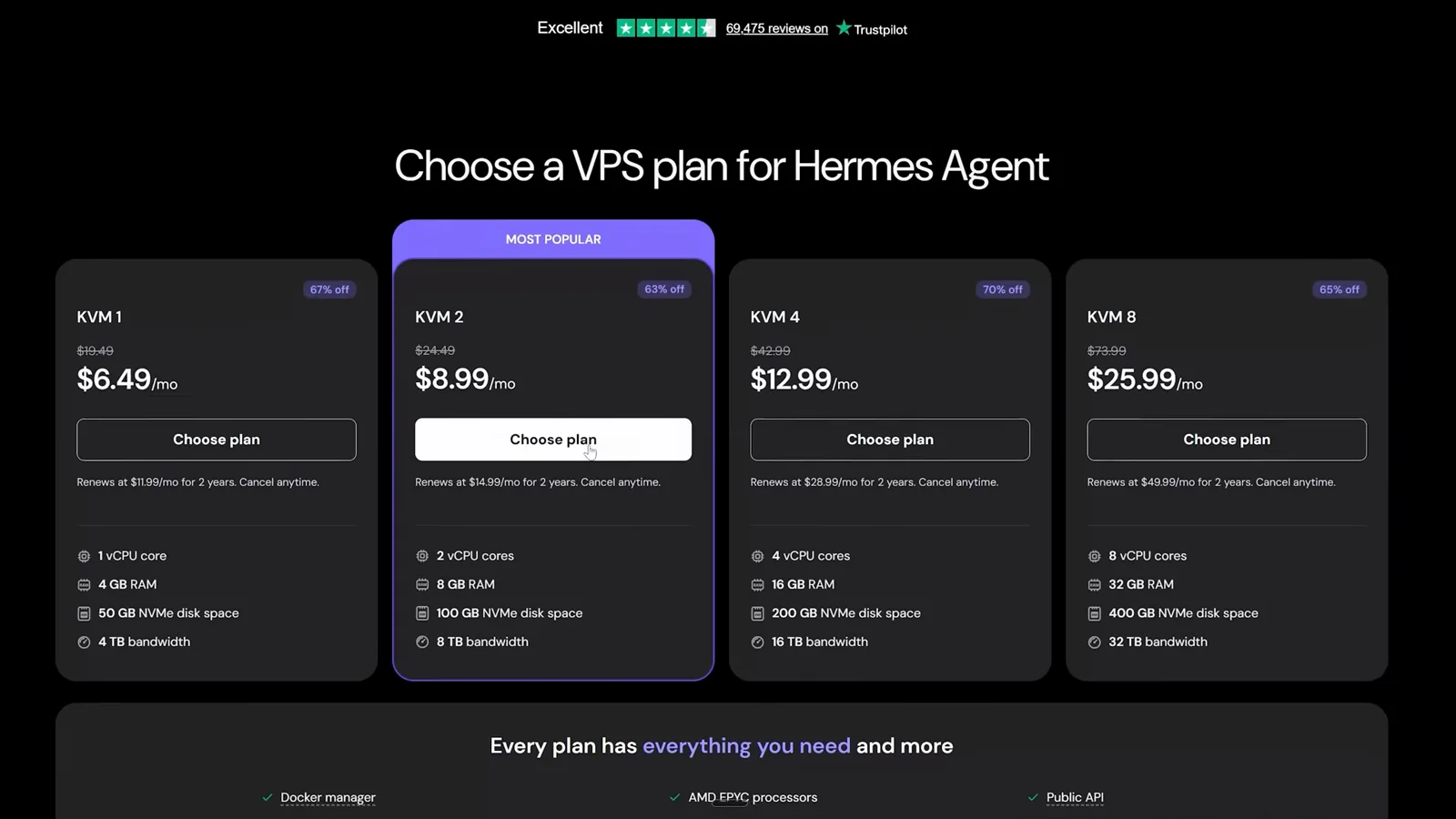
The walkthrough picked KVM 2 at $8.99 a month; prices move, so re-check before you buy.Watch at 6:45 - 5
OpenClaw ships a dashboard; Hermes starts as a CLI
Out of the box the two feel different. OpenClaw's web dashboard - the control board here manages channels, messages, nodes, skills, automation and more - is why people call it the friendlier of the two, though the same depth makes it developer-leaning. Hermes is CLI-first: you talk to it inside your chat apps, and the optional web dashboard is an extra install unless your hosting template preinstalls it.
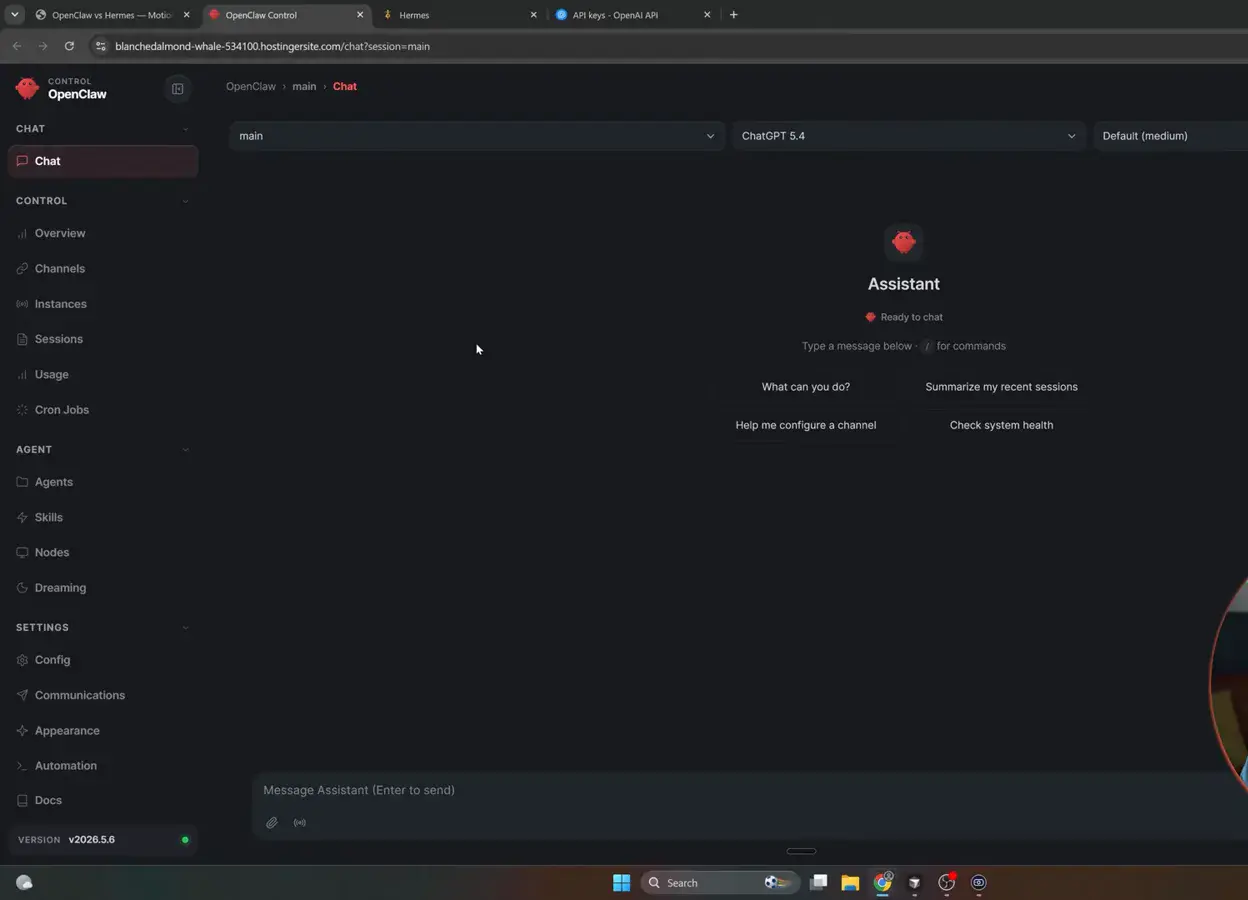
Browsable and deep - the out-of-the-box dashboard is one of OpenClaw's three headline advantages.Watch at 7:30 - 6
Hermes day one: provider, key, first message
The card compresses Hermes' onboarding advantage into three steps: pick a provider, paste a key, send a message - you are talking to an agent in minutes. That tightness is the third Hermes win in the June walkthrough. The trade-off sits in provider choice: OpenClaw supports more than 50 providers natively, from Anthropic and OpenAI to Gemini, Grok, DeepSeek and local Ollama models, while Hermes' wizard offers a short list and reaches the rest through OpenRouter.
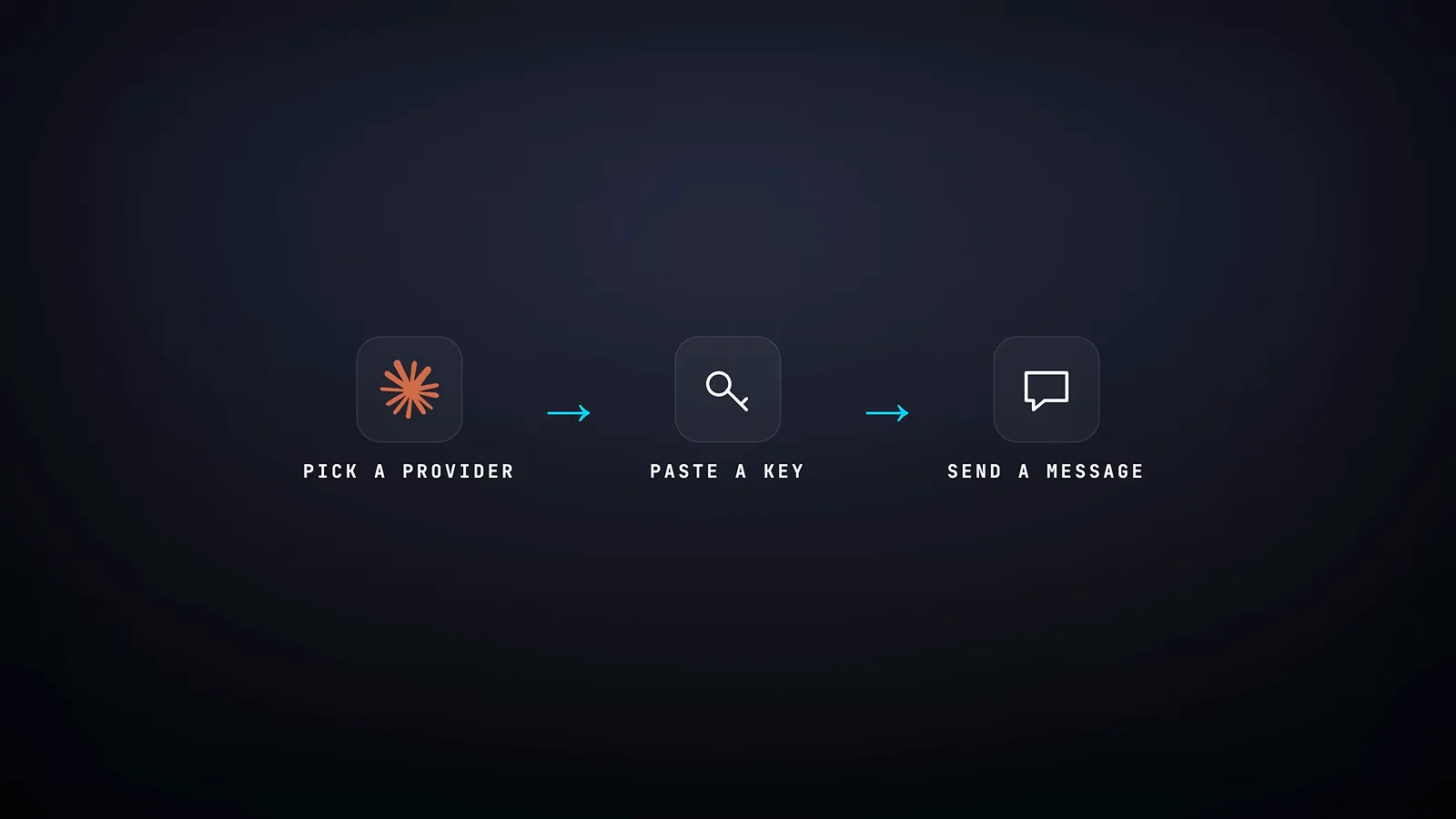
Minutes to a working agent - the tight defaults are the point.Watch at 4:07
Where the capabilities actually split
- 7
OpenClaw's bet: a marketplace you browse
ClawHub is the catalog the OpenClaw experience is built around - skills and plugins for scraping, image generation, accounting, calendar sync and more, installed with a click from the dashboard. Size depends on who counts and when: the June 2026 walkthrough's card claims 50,000-plus entries, while Tech With Tim's July count landed near 5,400 after a security purge cut a 13,700 peak down to 3,300. Either way it is the largest library in the category.
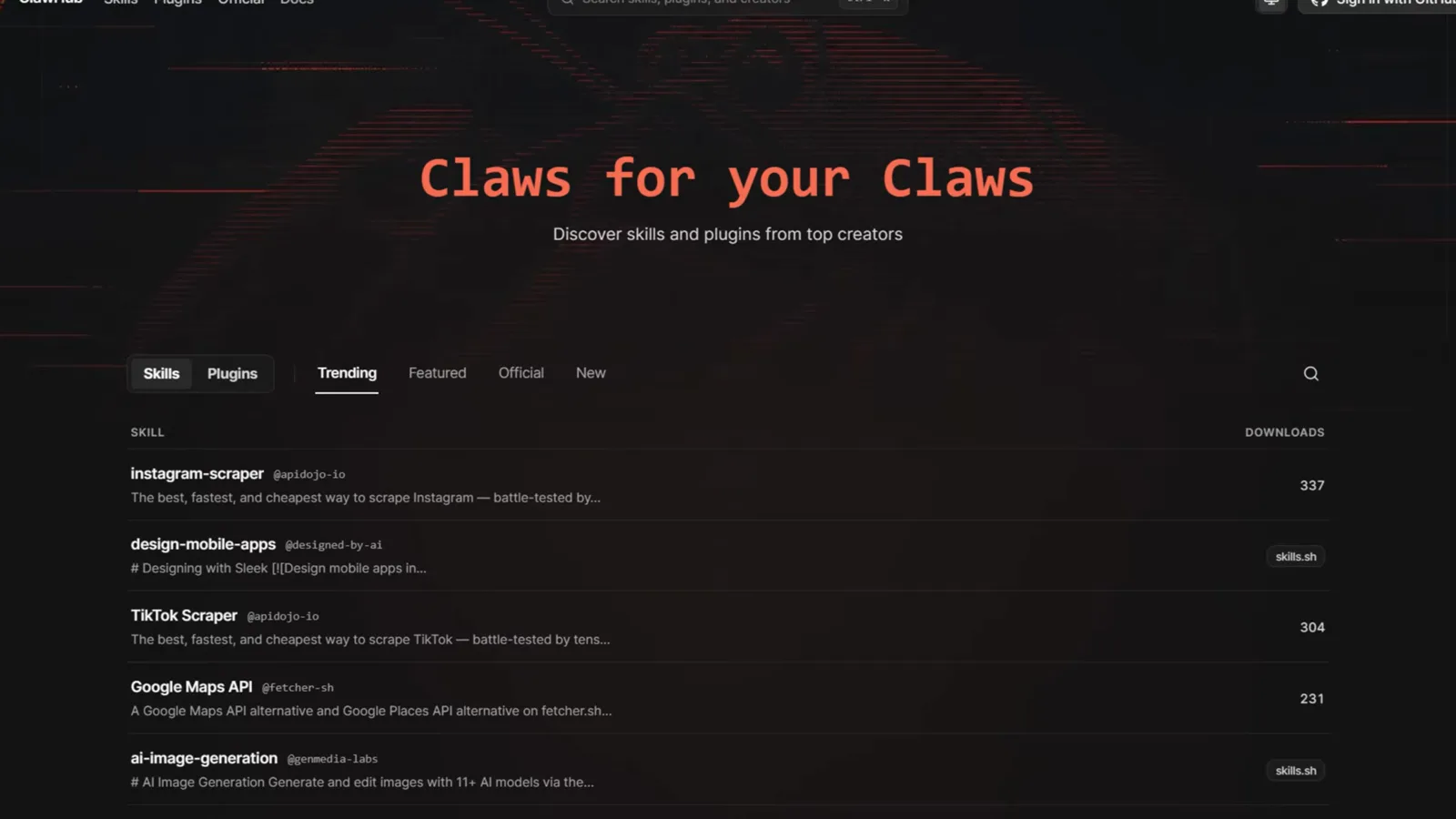
Browse, click install, done - day-one breadth is the pitch.Watch at 1:06 - 8
Hermes' bet: skills that write themselves
The curator is Hermes' background maintenance pass over agent-created skills: it tracks how often each skill is viewed, used and patched, moves long-unused ones through active, stale and archived states, and periodically spawns a short auxiliary-model review proposing consolidations or fixes. The docs frame it as the guardrail of the self-improvement loop - skills created on the fly do not pile up into context bloat. The curator landed in Hermes v0.12 in April 2026.
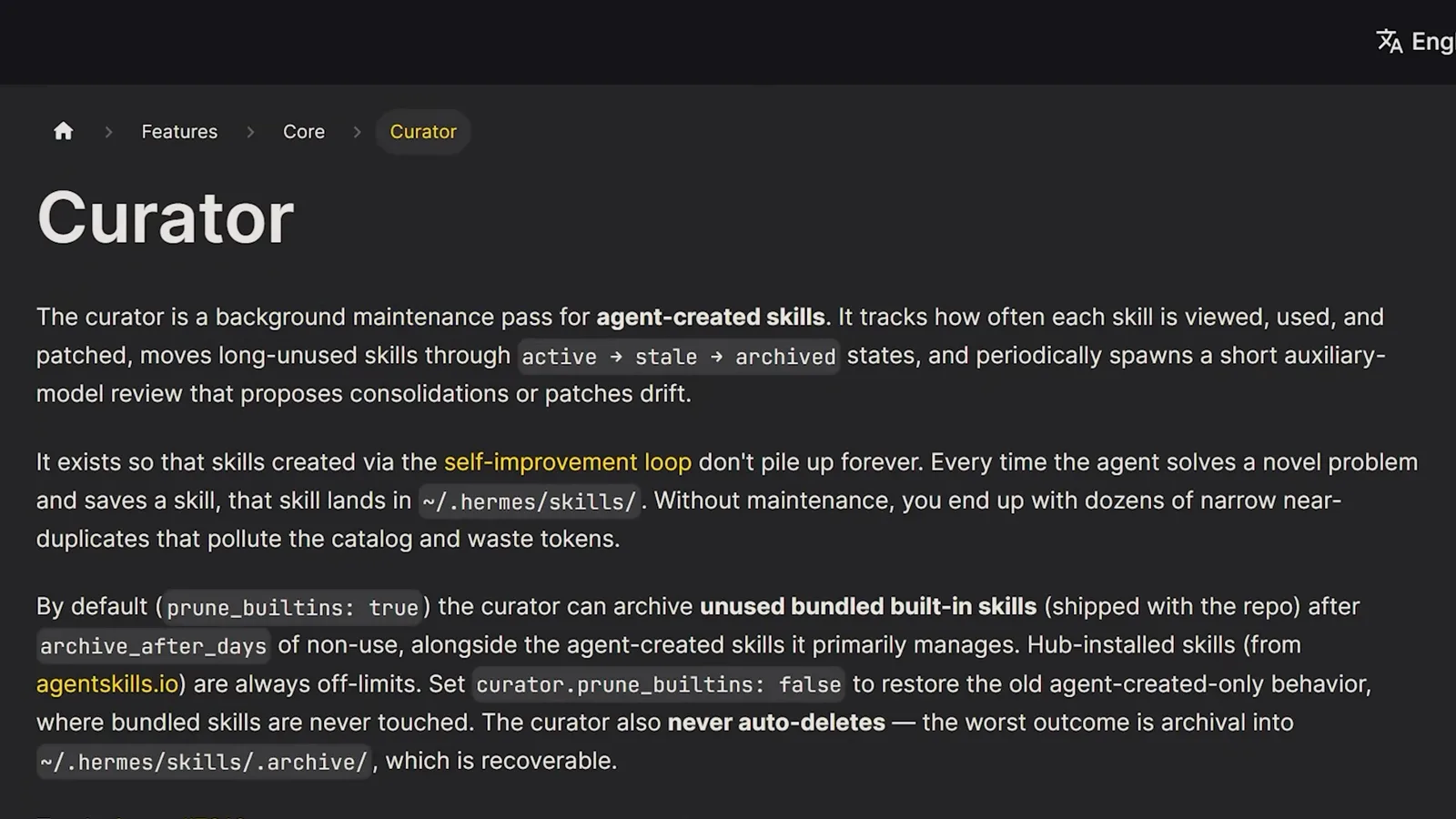
Creation is automatic; the curator keeps the skill library from rotting.Watch at 12:11 - 9
The same loop, one difference: approval
OpenClaw caught up in June 2026 with Skill Workshop, and this split card shows the philosophical gap: OpenClaw proposes new skills and waits - you supervise every skill, and even the auto-proposal setting ships off by default - while Hermes improves itself automatically. Mind the timeline, though: the September 2026 OpenClaw 2.0 update lets workshop skills apply automatically once they pass OpenClaw's security check, so check versions before you compare.
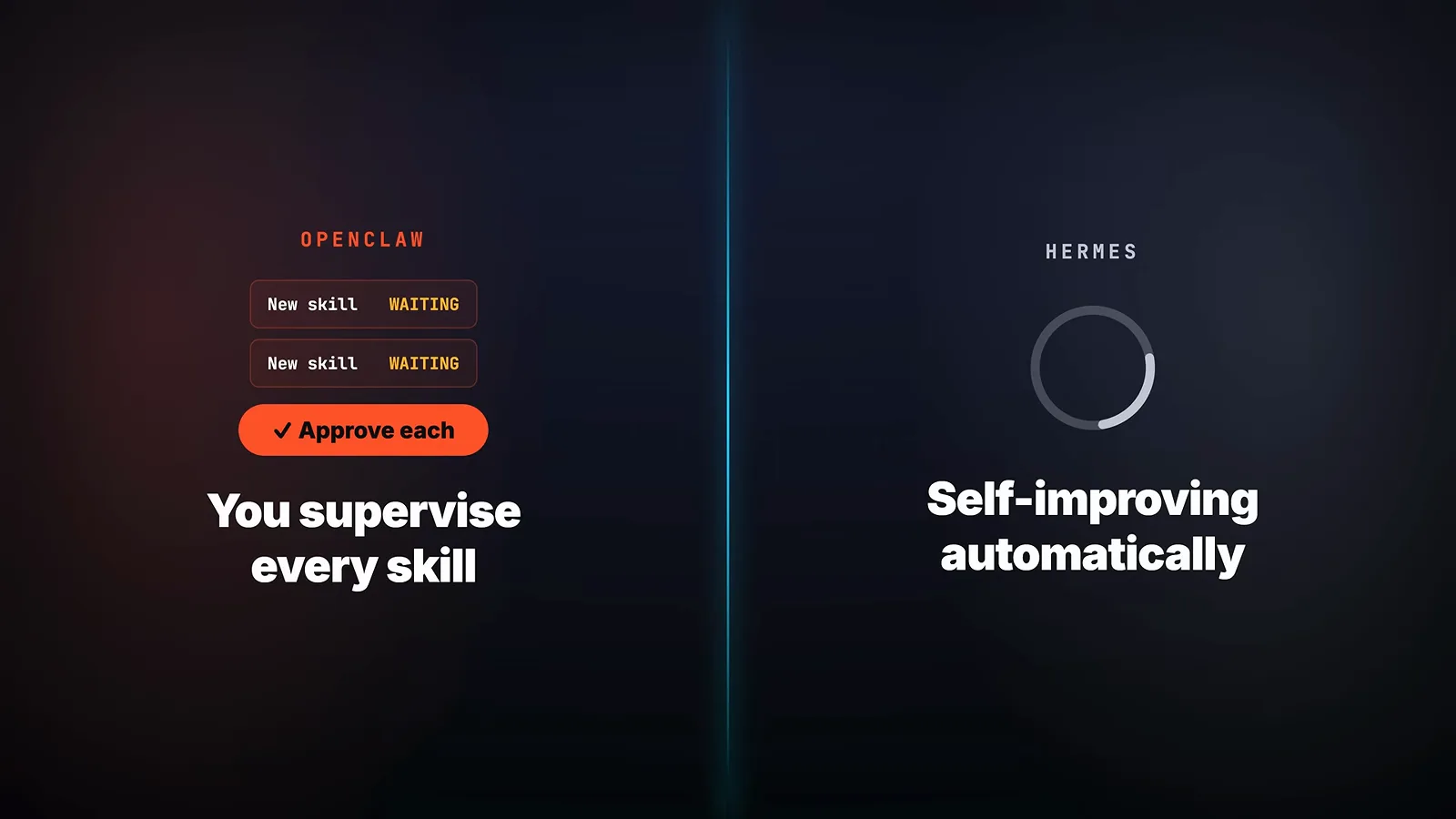
The June 2026 state: supervised on the left, automatic on the right. Version 2.0 narrowed it.Watch at 3:20 - 10
Where OpenClaw still leads: many agents, many gateways
Breadth is OpenClaw's home turf. The 2.0 dashboard runs several configured assistants side by side - here a workspace, a software-engineering builder, a market-watching trader and a social-media sage. Tech With Tim's verdict is that multi-gateway setups stay easier here too: Telegram, Discord, a website widget and WhatsApp can each route into different agents that share memory. That is the customer-facing, multi-channel profile, and it is the main reason advanced users still pick OpenClaw.
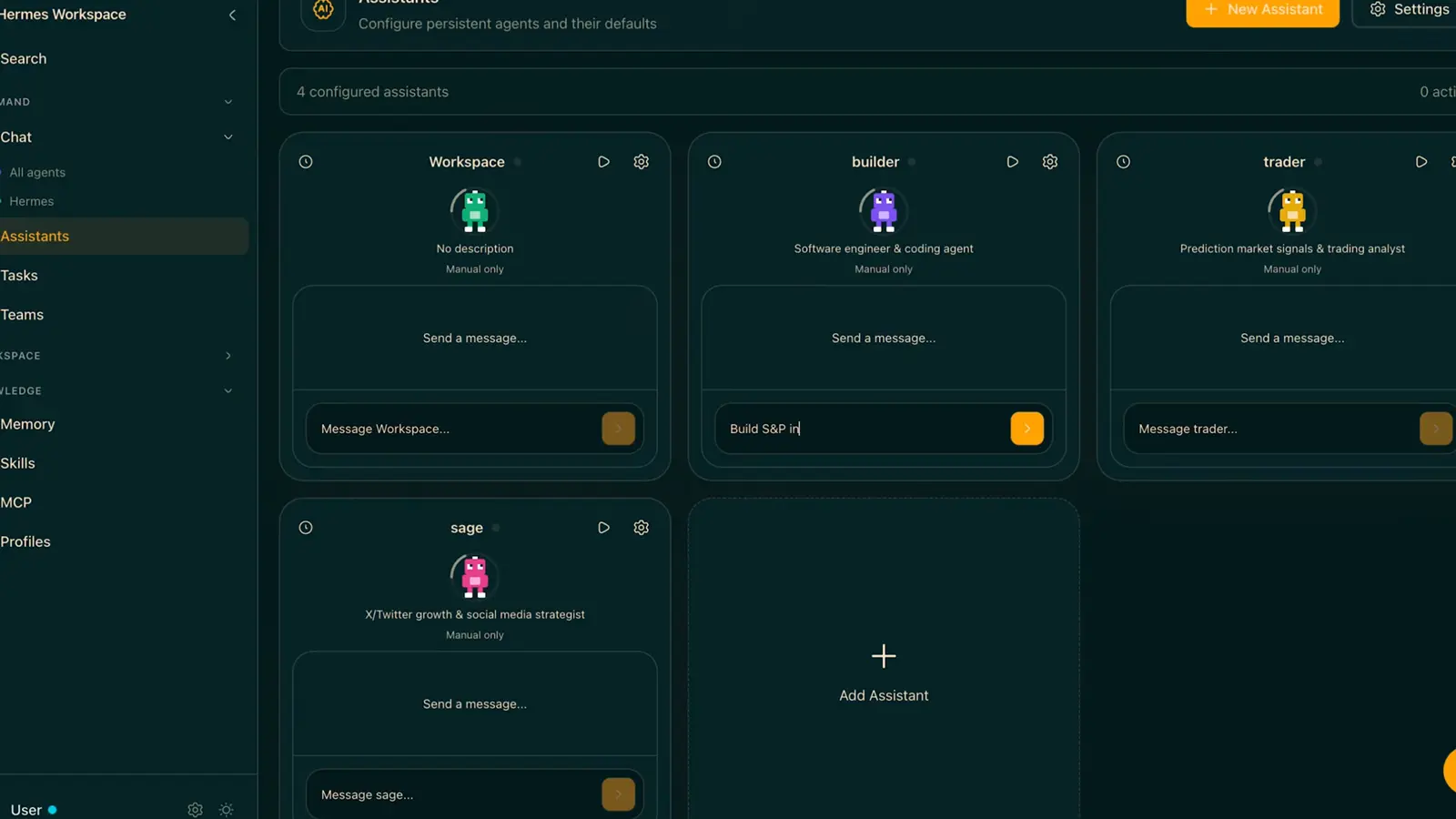
One control board, several agents - the team-style layout Hermes does not ship by default.Watch at 4:00
What it costs, what the security record says
- 11
Cost per turn is a tie; repeats are not
Both agents run the same models with the same prompt-caching discount of roughly ninety percent on cached tokens, so a single turn costs about the same. The divergence is repetition: Hermes saves a skill the first time it solves a problem and replays it cheaply forever, so its curve flattens early, while OpenClaw either waits for your approval or re-derives the work at full price. The June walkthrough still put either agent under $20 a month once configured, on the cheapest model that does the job.
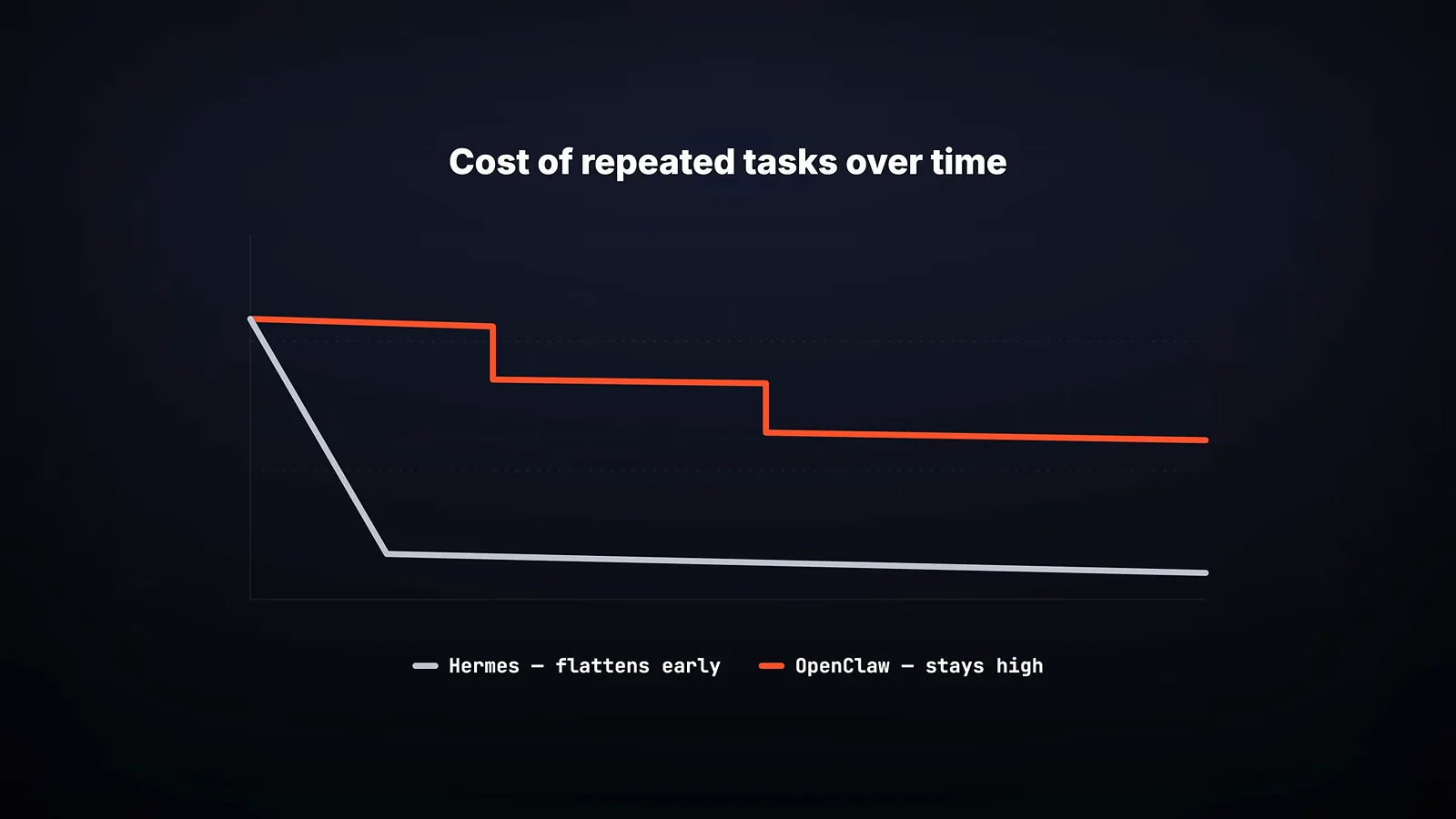
The flat line is the curator compounding; the red staircase is work re-earned at full price.Watch at 3:48 - 12
OpenClaw's rough 2026: the security record
The numbers behind OpenClaw's security reputation: more than 130 security advisories filed between February and early April 2026, headlined by a critical remote-code-execution flaw - CVE-2026-25353, nicknamed ClawBleed - where a malicious link could seize your gateway, with over 40,000 instances exposed at the time. SecurityScorecard counted 40,214 exposed instances and flagged 35.4 percent vulnerable; Infosecurity Magazine reported 63 percent vulnerable and 12,812 open to that RCE. Patching was fast, and a separate audit flagged over 1,000 malicious ClawHub skills - so update often and install skills only from publishers you trust.
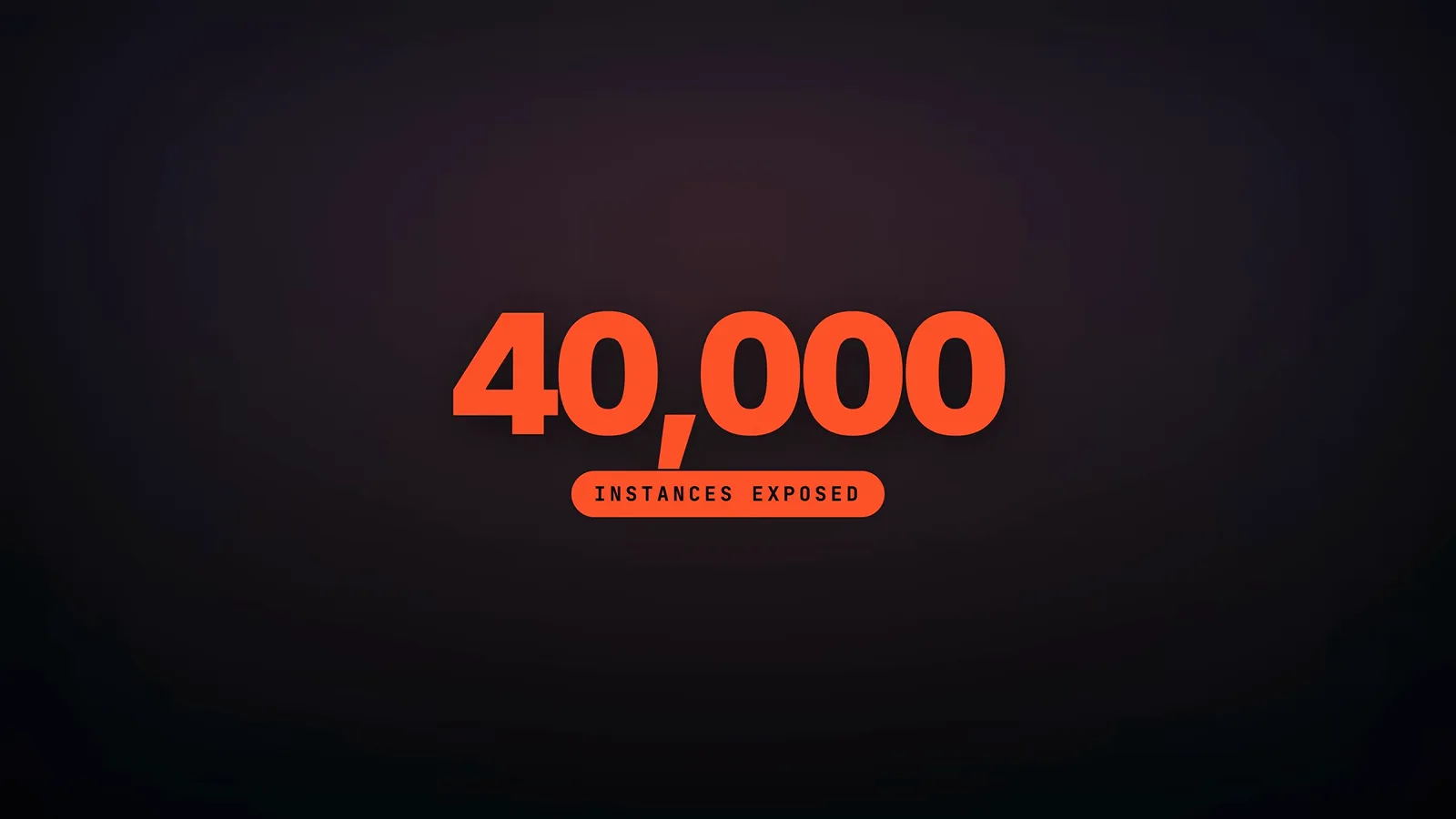
The incident that defined OpenClaw's 2026 - patched fast, remembered longer.Watch at 7:12 - 13
Hermes' record is smaller - and so is its ecosystem
Hermes' side of the ledger: roughly a dozen CVEs across 2026, plus an April audit that found four critical and nine high-severity issues in the default configuration, all patched in the releases that followed. The slower rate is partly structural - no third-party skill marketplace runs through Hermes the way ClawHub runs through OpenClaw. The walkthrough's takeaway card is the fairest summary: OpenClaw has the bigger ecosystem and the bigger attack surface, Hermes the smaller of both - and both can be run safely if you keep them updated.
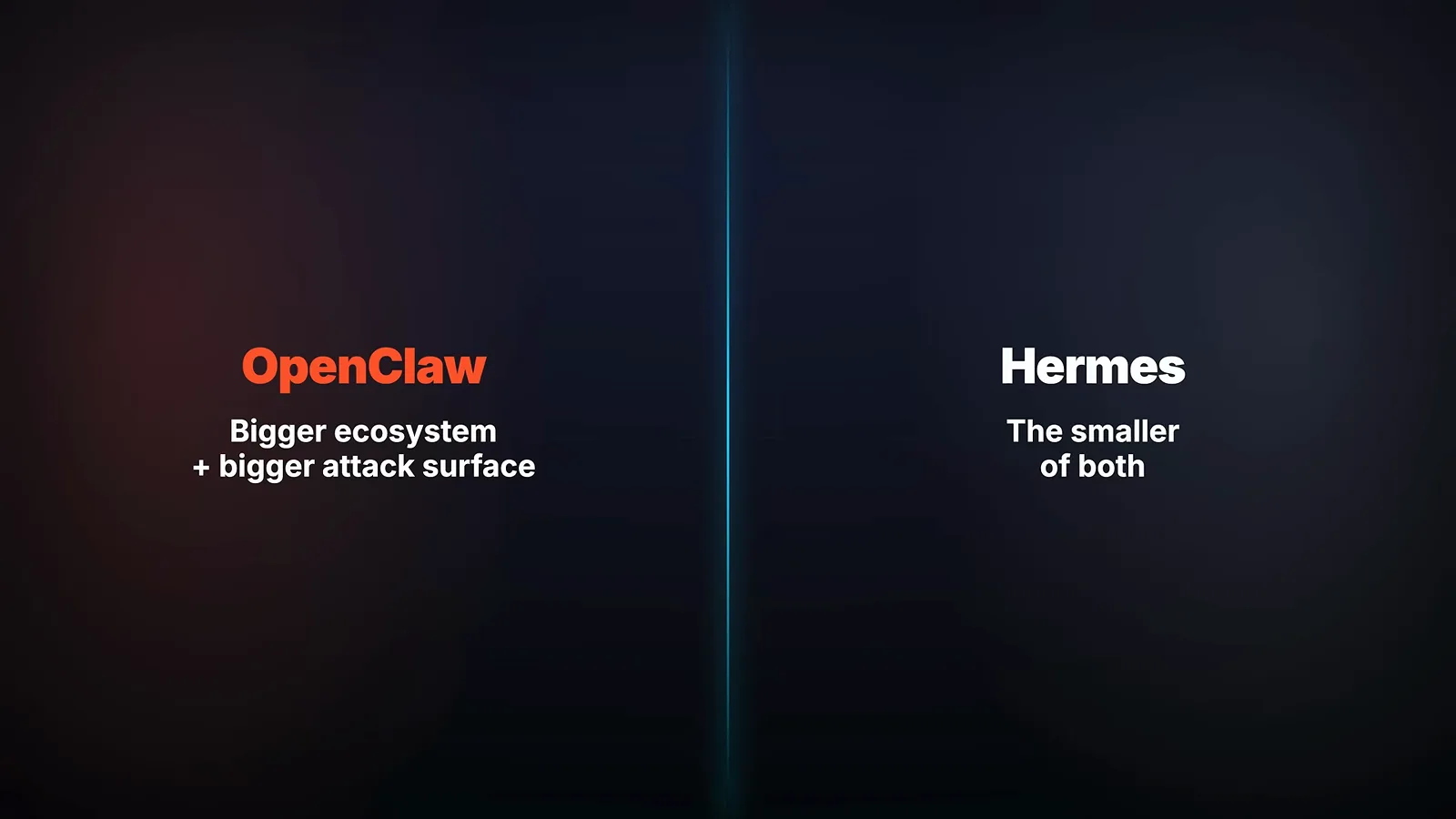
Not safe versus unsafe - big versus small, with fast patches on both sides.Watch at 7:50
Three profiles, three different answers
- 14
Profile 1 - the first-timer: Hermes
The walkthrough's recommendation framework maps three profiles to three answers. If this is your first agent, you want one personal assistant on Telegram or Discord, you would rather not spend a weekend tuning config files, and the appeal is something that gets better at your work over months, the card hands the win to Hermes: tight defaults, and a curator that compounds the longer you use it.
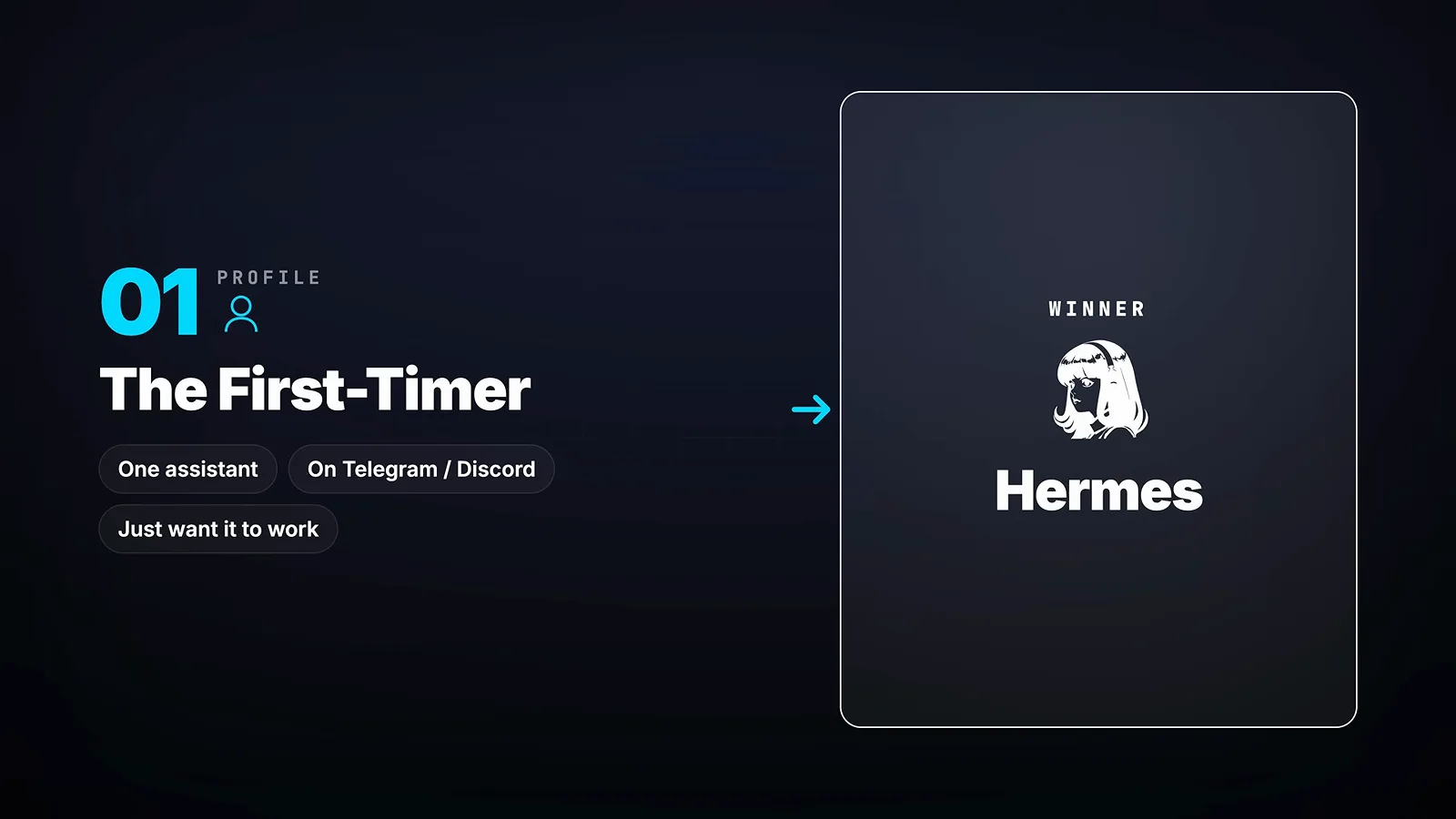
One assistant, zero tuning, better every month - that is the Hermes profile.Watch at 8:13 - 15
Profile 2 - the power user: OpenClaw
If you want the clickable dashboard, the massive pre-built marketplace or fine-grained control over providers and configuration, the framework sends you to OpenClaw - its catalog and dashboard are the strongest in the category. The card carries two conditions borrowed from the security section: keep the version current, and install skills only from publishers you trust.
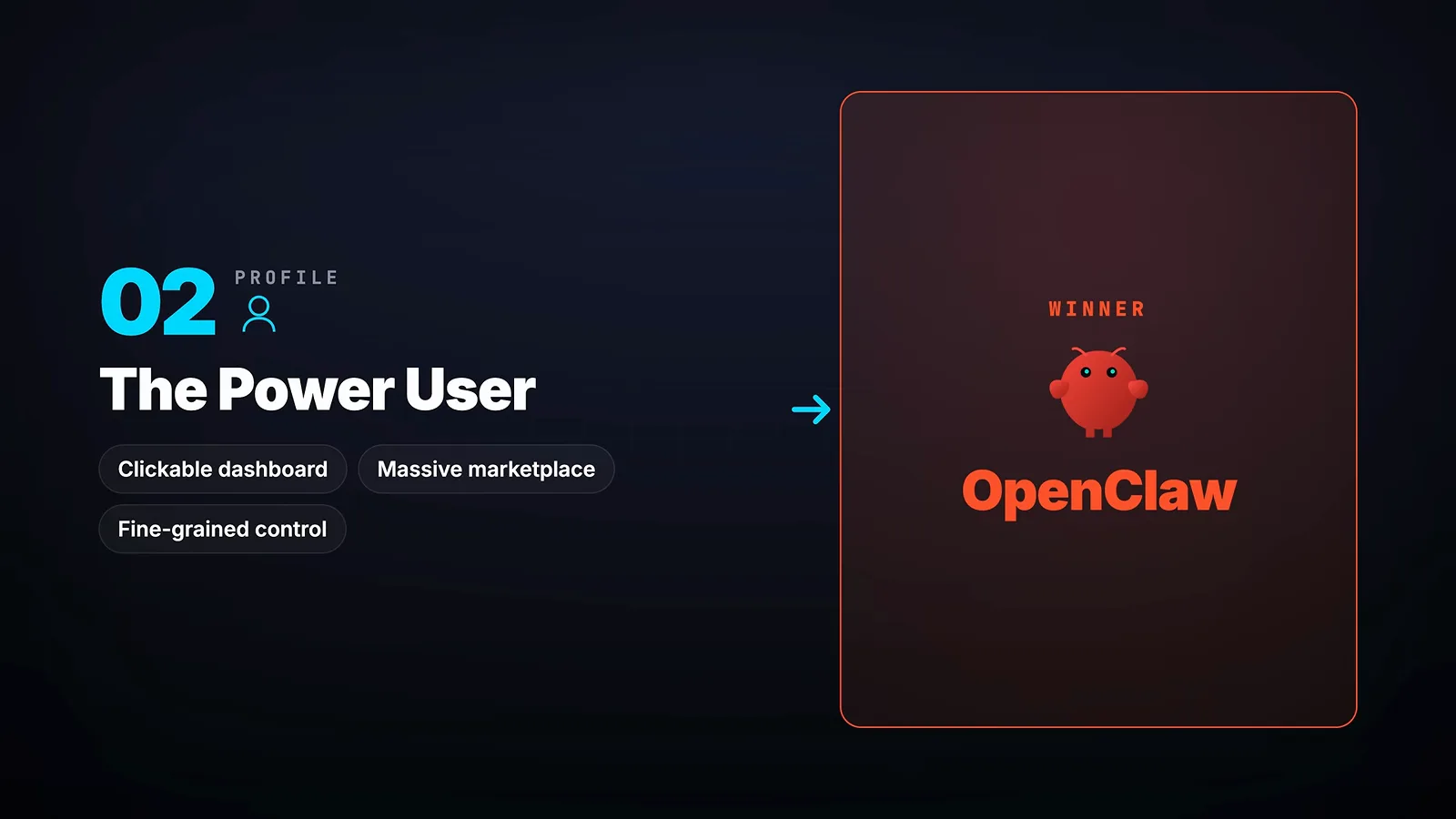
Dashboard, marketplace, knobs - OpenClaw wins the moment control is the point.Watch at 8:28 - 16
Profile 3 - the repetitive worker: Hermes again
The third profile runs the same kinds of tasks daily - briefings, the same research, email triage - and wants that repeated work to get cheaper. That is exactly what the curator caches automatically, so the framework picks Hermes a second time; OpenClaw can match it through Skill Workshop, but every new skill waits for approval, which is safer and slower to realize the savings. The walkthrough's closing line: Hermes if you just want it to work and get better as you use it; OpenClaw for the catalog, the providers and the friendlier UI.
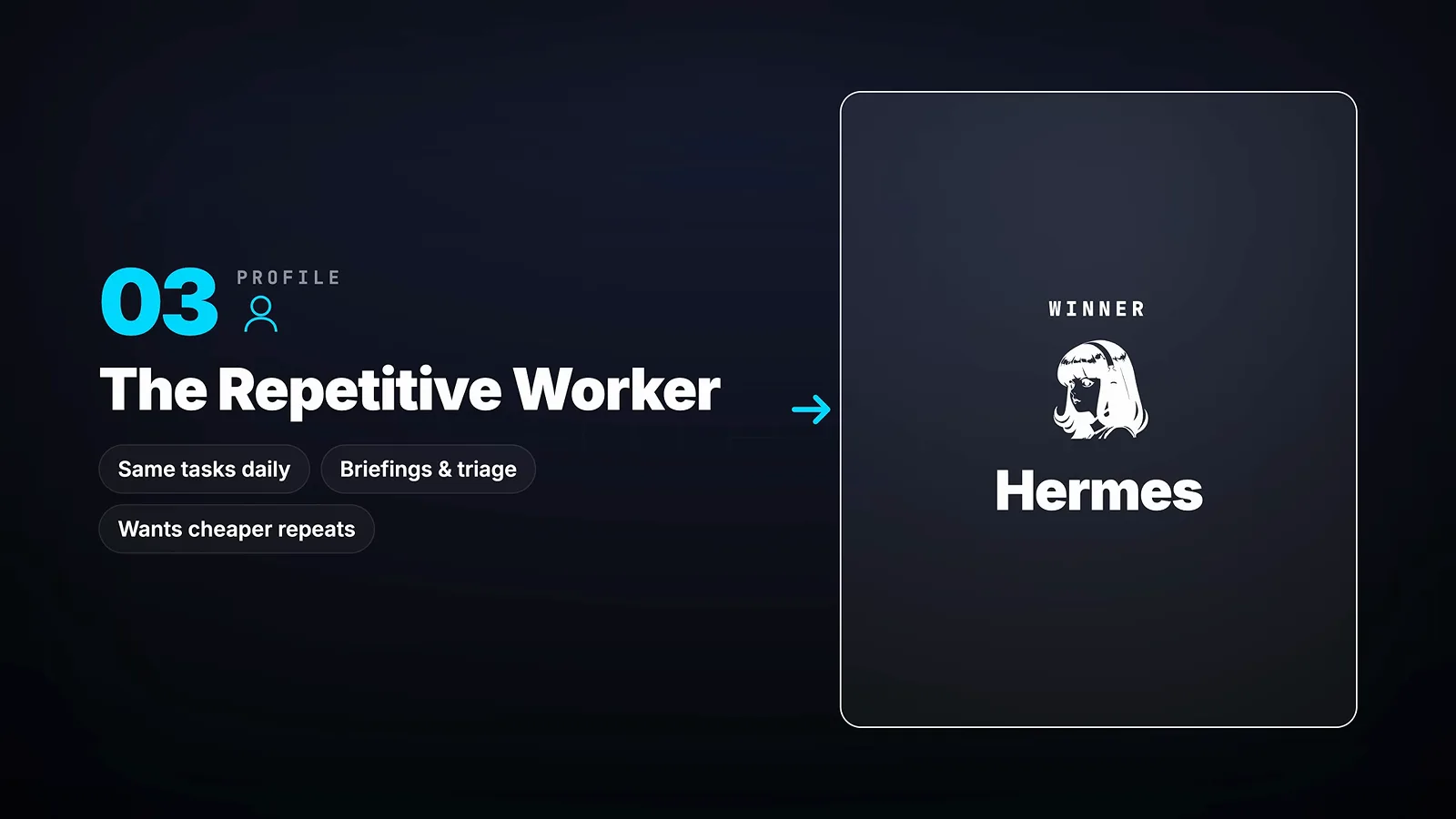
Same tasks every day? The cheap-repeat loop is Hermes' strongest case.Watch at 8:52