

What Is OpenClaw? The Self-Hosted AI Agent That Does Things
Screenshots come from Metics Media's beginner explainer, with the gateway and onboarding frames from Fireship's Code Report; IBM Technology's architecture breakdown supplies the agentic-loop facts. Knew it as Clawdbot or Moltbot? Same lobster - the rename saga opens the page.
Source & credits
Screenshots in this guide are captured from Metics Media's public walkthrough video. Every step links back to the exact moment it shows, so you can follow along.
Metics Media ↗What OpenClaw is, in four frames
- 1
A self-hosted assistant you run on your own machine
Metics Media opens with the one-line definition: OpenClaw is a self-hosted AI assistant that runs on your own machine or a VPS, powered by API keys from a model provider like OpenAI or Anthropic. Nothing about it lives in someone else's app - the assistant, its memory and its tools sit on hardware you control. That single design choice drives everything else on this page.
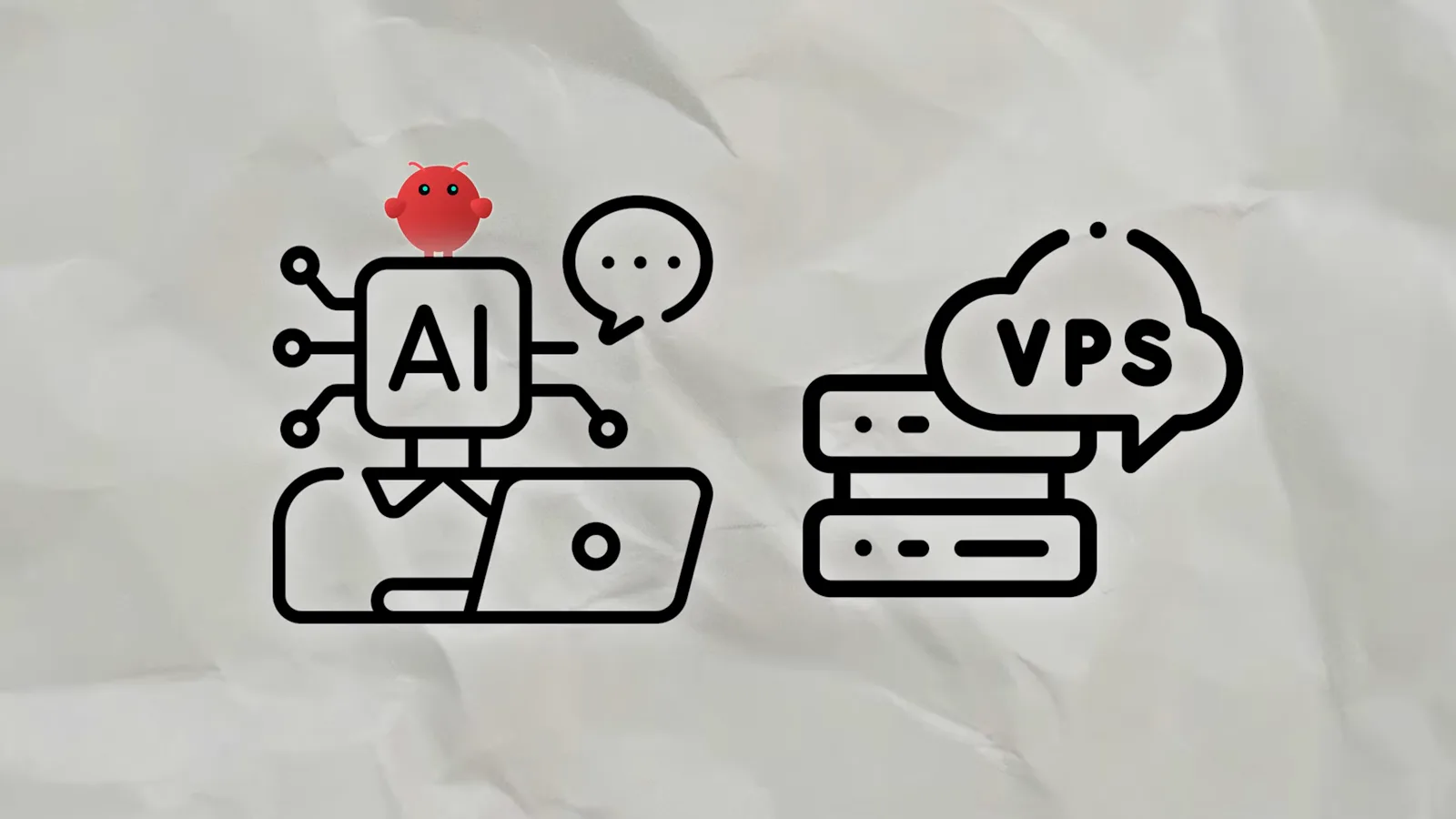
Your hardware, your assistant - the API key is the only outside dependency.Watch at 0:25 - 2
The pitch: the AI that actually does things
OpenClaw's own site calls it the AI that actually does things: it clears your inbox, sends emails, manages your calendar and checks you in for flights - all from WhatsApp, Telegram, or any chat app you already use. That last part is the differentiator. You talk to it where you already talk, and it goes off and does the task instead of drafting text for you to paste elsewhere.
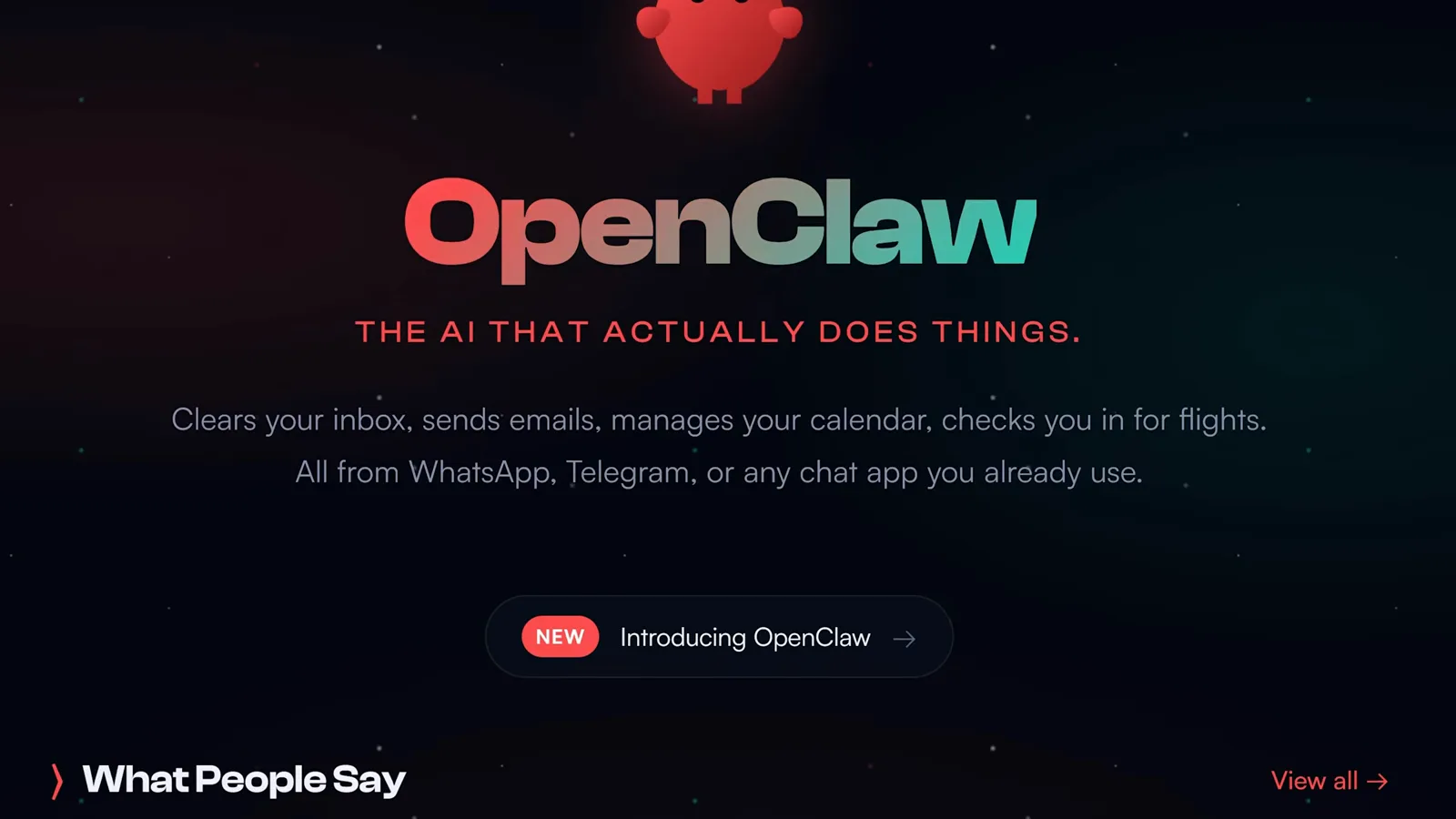
Messaging-first: the chat app you already have is the remote control.Watch at 2:26 - 3
Same lobster, three names: Clawdbot, Moltbot, OpenClaw
Fireship's Code Report covers the rename saga: the project launched as Clawdbot, Anthropic objected to the Claude-like name in January 2026, it spent a day as Moltbot, and then settled on OpenClaw. The project's own announcement post, screenshotted here, put it best: your assistant, your machine, your rules. If an older tutorial says Clawdbot or Moltbot, it is describing this same tool.
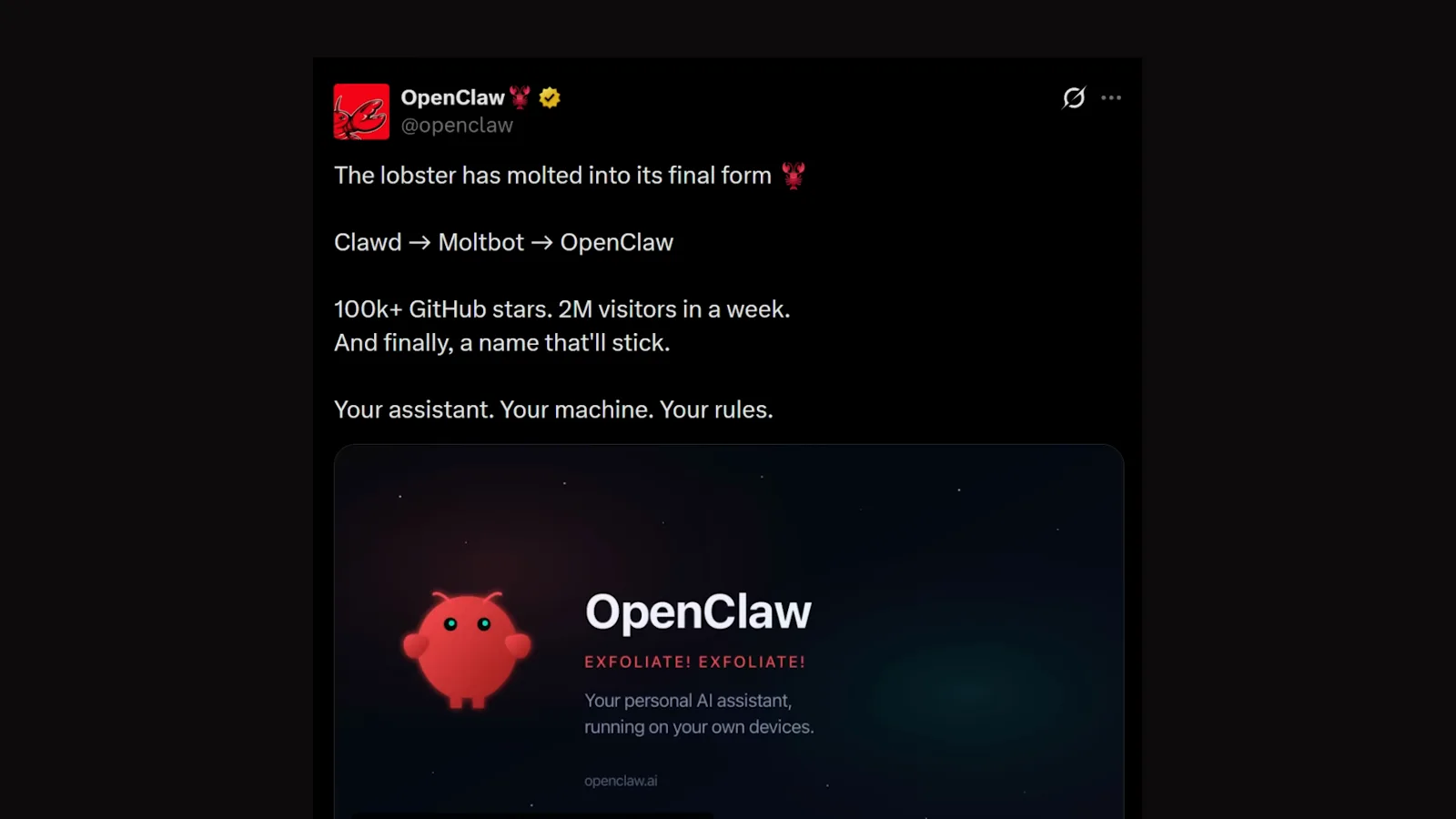
100k+ GitHub stars and 2M weekly visitors at rename time, as of early 2026.Watch at 0:57 - 4
Always on, acting on its own - not another chat tab
Here is the contrast that explains the hype. With ChatGPT or Claude you juggle conversations and prompt a chatbot for every step; with OpenClaw you have one assistant that stays online around the clock, acts on its own, and gets more useful over time as it learns your workflow. You set direction once, and it handles the repeat work in the background.
Set direction once; the assistant works the repeat tasks alone.Watch at 2:09
How it works: gateway, channels, skills
- 5
One gateway at the hub of everything
IBM Technology's breakdown explains the architecture: OpenClaw runs as a local Node.js service, and everything hangs off a single hub called the gateway - an always-on WebSocket server that handles message routing, session management, multiple agents and tool use. You manage it from this gateway dashboard (shown under its earlier Clawdbot branding) or from the CLI.
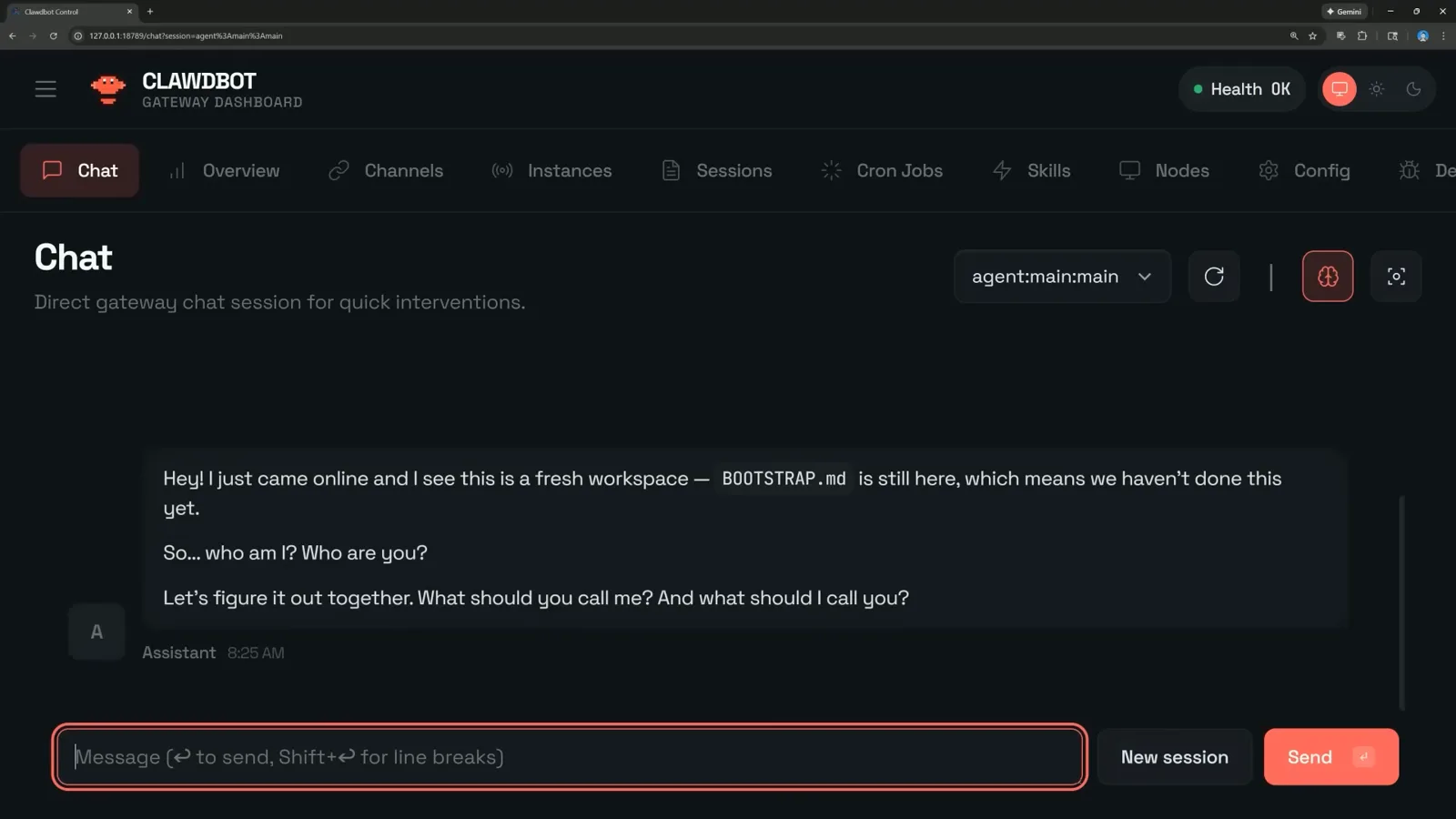
Fresh install: the gateway says hello and asks who you are.Watch at 3:21 - 6
Sixteen-plus chat apps plug into the same gateway
During onboarding you pick your messaging channel from a long list: Telegram, WhatsApp, Discord, Google Chat, Slack, Signal, iMessage, Microsoft Teams, Matrix, LINE and more. IBM's explainer covers how adapters normalize every channel into one unified internal format, so the gateway treats a WhatsApp message and a Slack DM identically. One assistant, reachable from every app you already use.
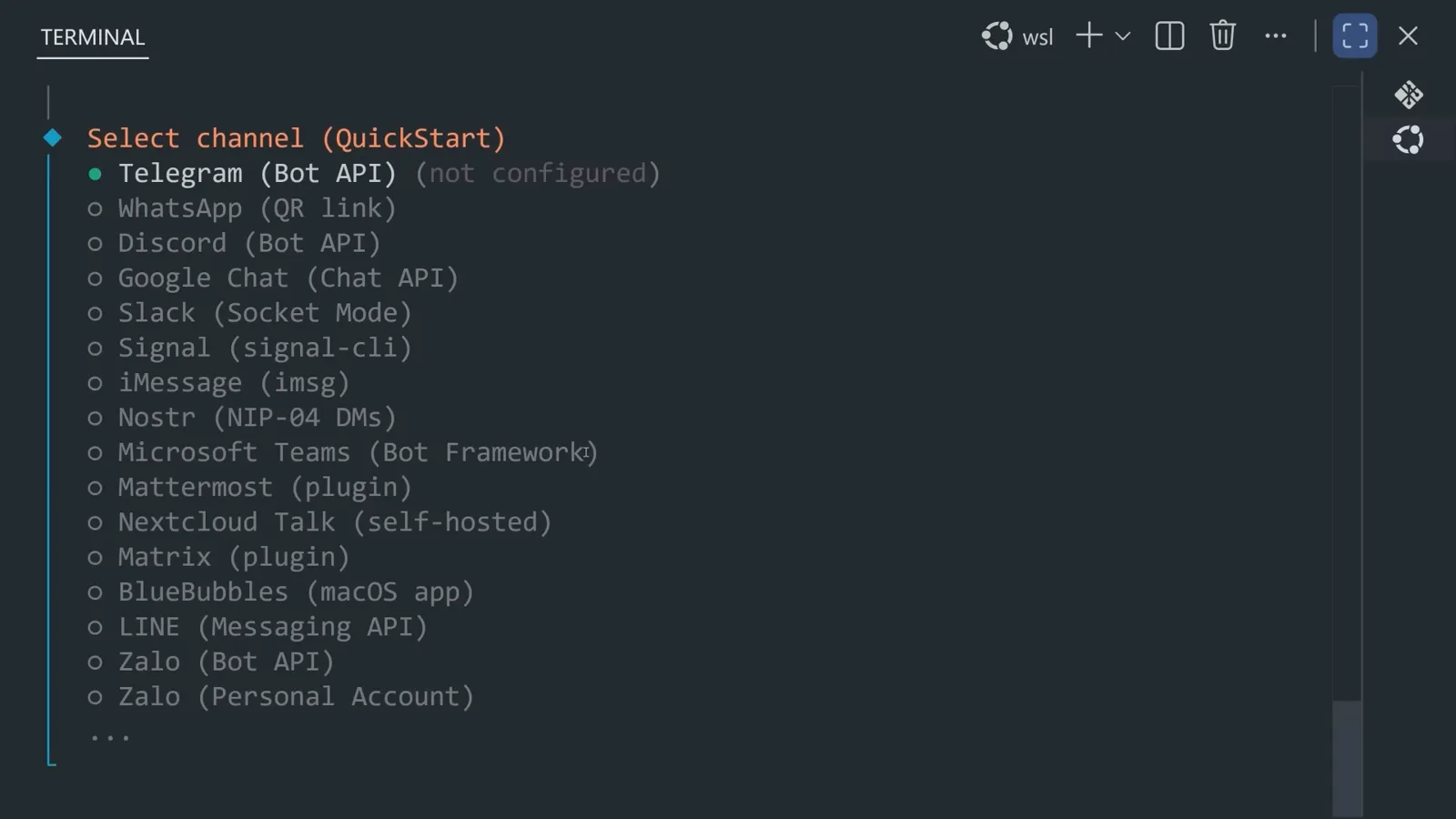
Pick one channel to start; adapters keep the rest interchangeable.Watch at 2:37 - 7
Skills are markdown folders - thousands of them
Skills teach OpenClaw new apps and new kinds of work, and IBM's walkthrough shows how they are built: folders holding a markdown file of instructions. The community directory screenshotted here catalogues 1,700-plus of them (as of early 2026), from google-calendar to a morning-email-rollup. OpenClaw never stuffs every skill into the model's context - it injects brief metadata and reads the full skill only when a task needs it.
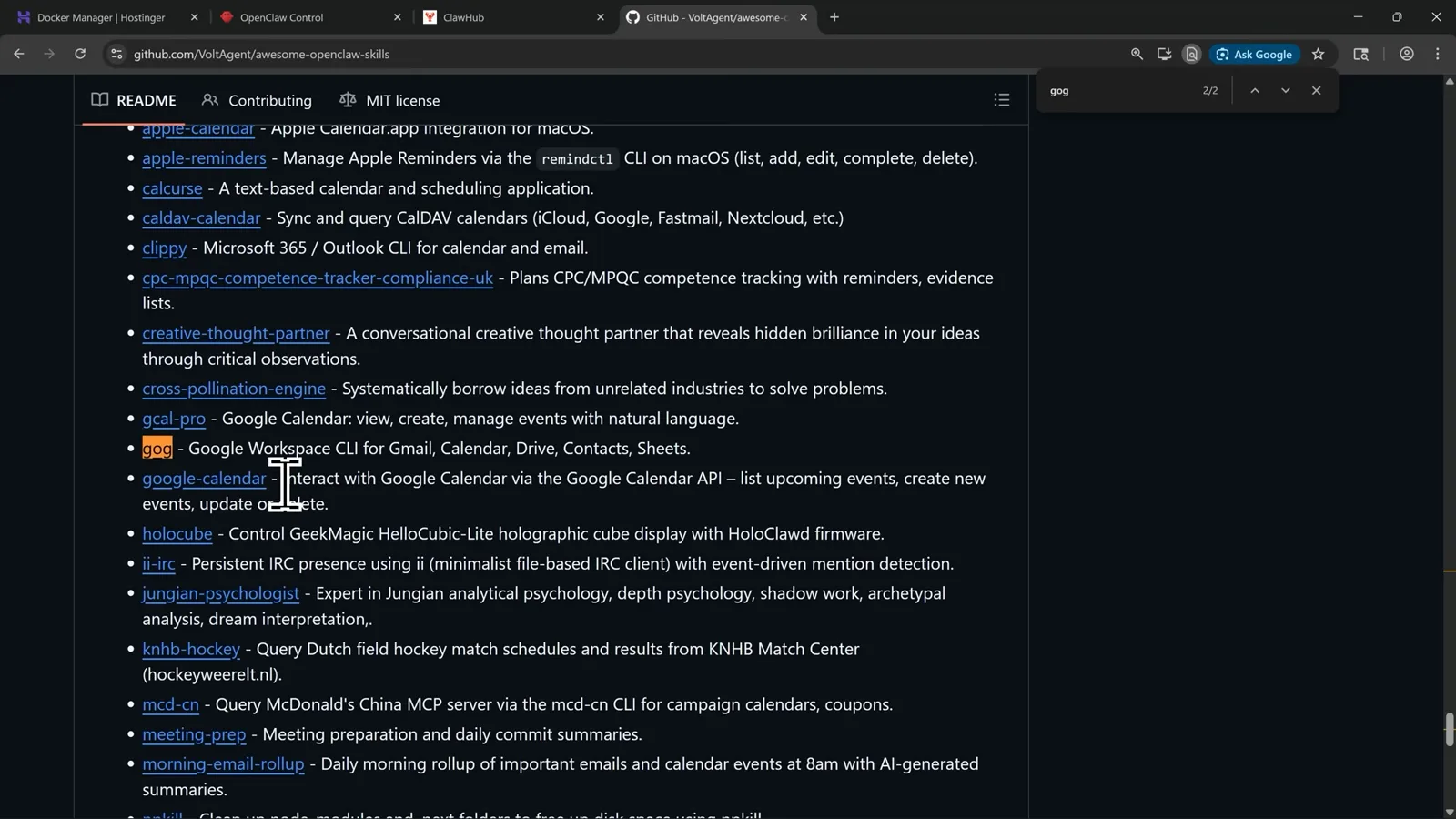
Metadata first, full file on demand - the context window survives.Watch at 4:16 - 8
Memory comes from hooks like session-memory
Onboarding also asks about hooks - small automations attached to lifecycle events. Fireship enables session-memory, which saves session context to memory whenever you issue /new, and IBM's diagram shows where that lands: the agent assembles each request from conversation history, long-term memory, system instructions and its available tools. Markdown files named AGENTS.md and SOUL.md pin down the agent's job and personality.
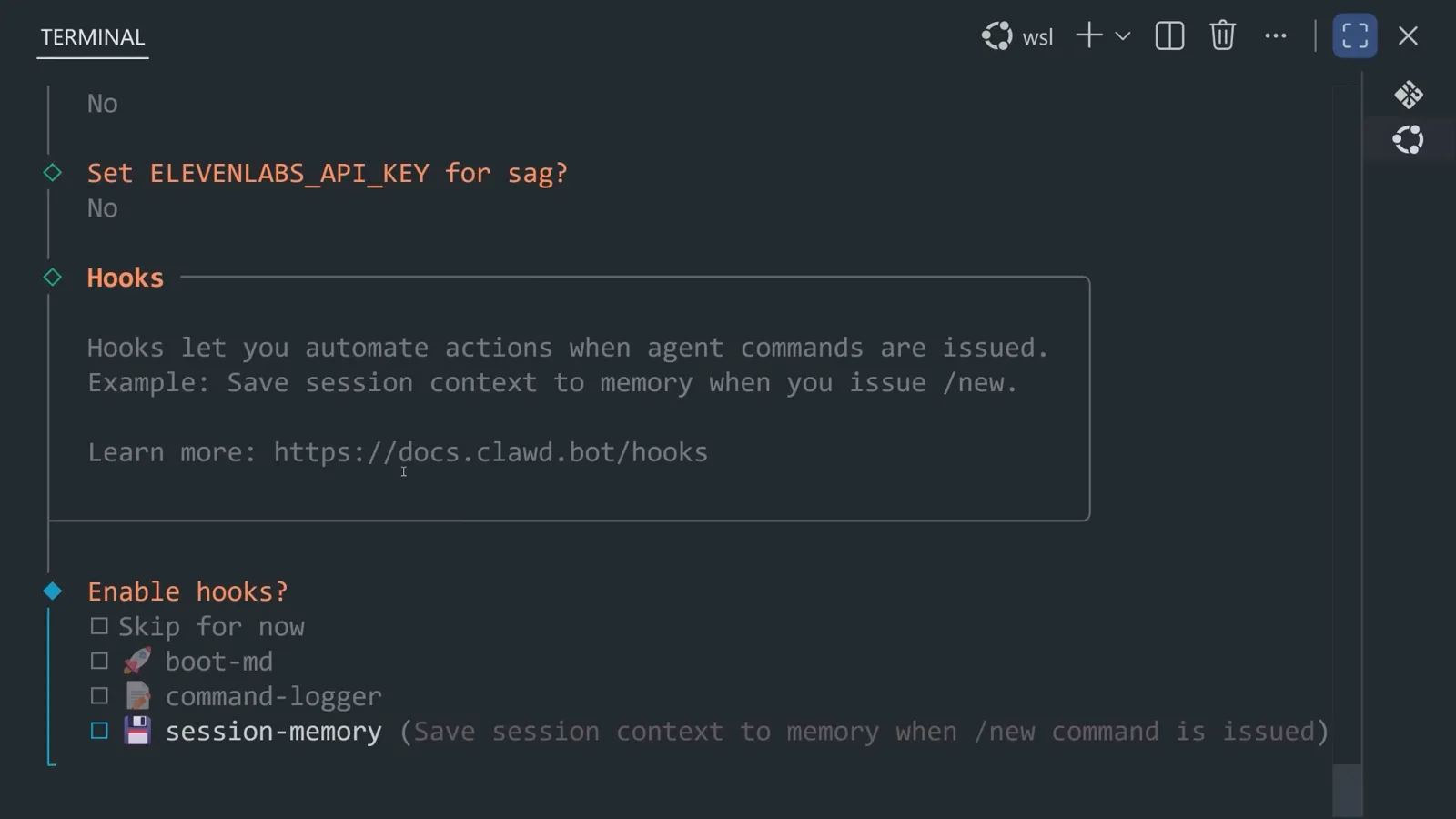
Hooks turn finished sessions into memory the next one can use.Watch at 3:09
The skill + job pattern, demonstrated
- 9
The pattern: install a skill, schedule a job, get a result
Metics Media reduces everyday OpenClaw use to three moves - install a skill, create a scheduled job, receive the result. The Gmail example: connect a Google Workspace skill, then create the job ping me on Telegram when this specific client emails me, include a one-sentence summary and a suggested reply. High-value emails now arrive as a digest in your chat instead of something you scroll for.

One client email, one Telegram ping, zero inbox scrolling.Watch at 0:40 - 10
A morning GitHub digest at 9 AM
Second example, same pattern: connect a GitHub skill and schedule every morning at 9 AM, send me the top three things in my repositories that need attention, and tell me what I should do first. The result swaps an aimless dashboard scroll for a prioritized list before your first coffee. Notice that jobs are plain-language sentences - you write them like a message to a colleague, not a config file.
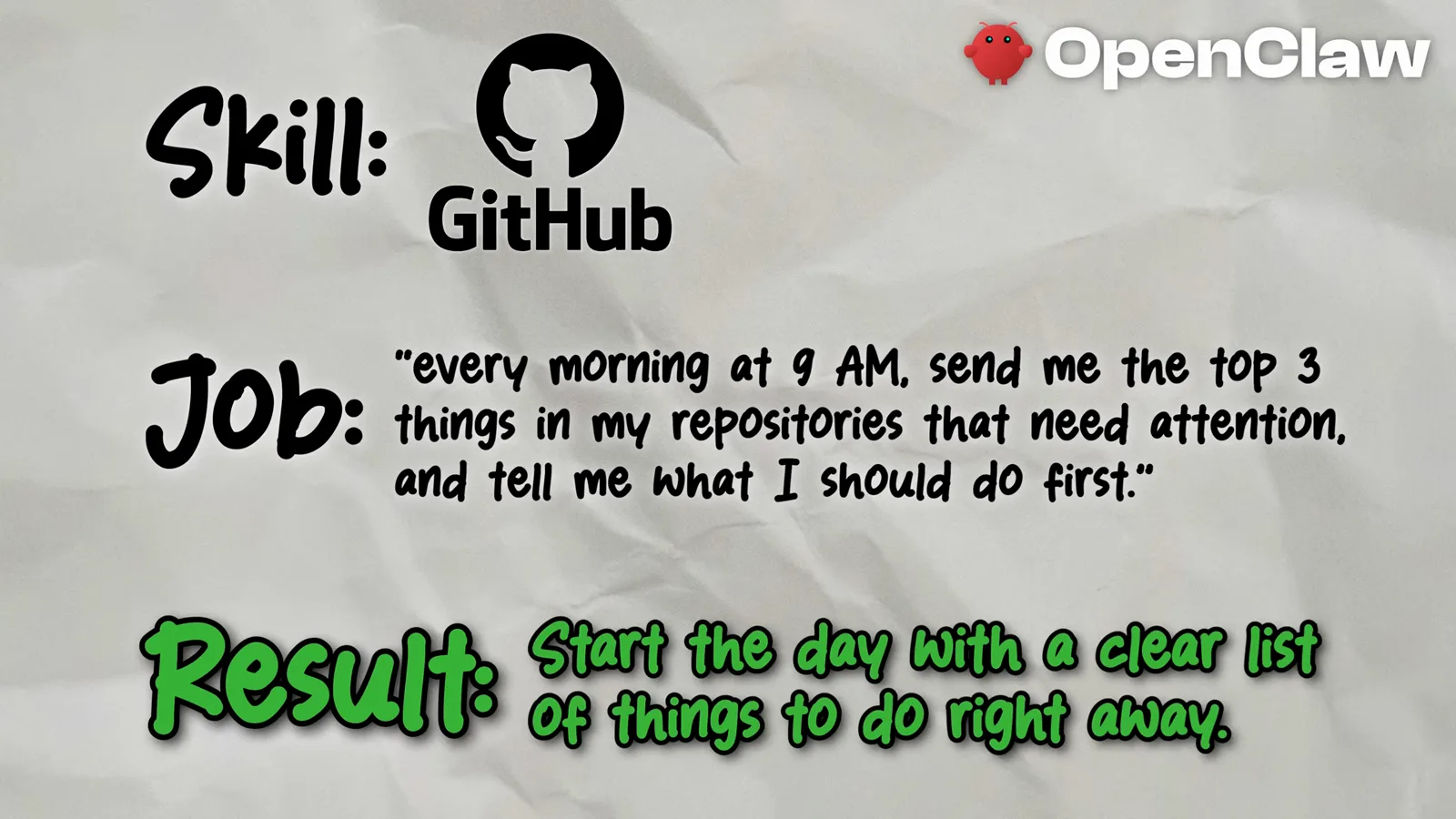
A plain sentence is the whole configuration.Watch at 1:18 - 11
Trending keywords to three content ideas, daily
Third example, aimed at creators and marketers: connect a social media skill for X, then schedule every morning, check the top trending keywords in my niche, pull the most relevant ones, and send me three content ideas. Creators spot video topics early, marketers track keywords for SEO and ads, and everyone else stays informed without scrolling social media all day.
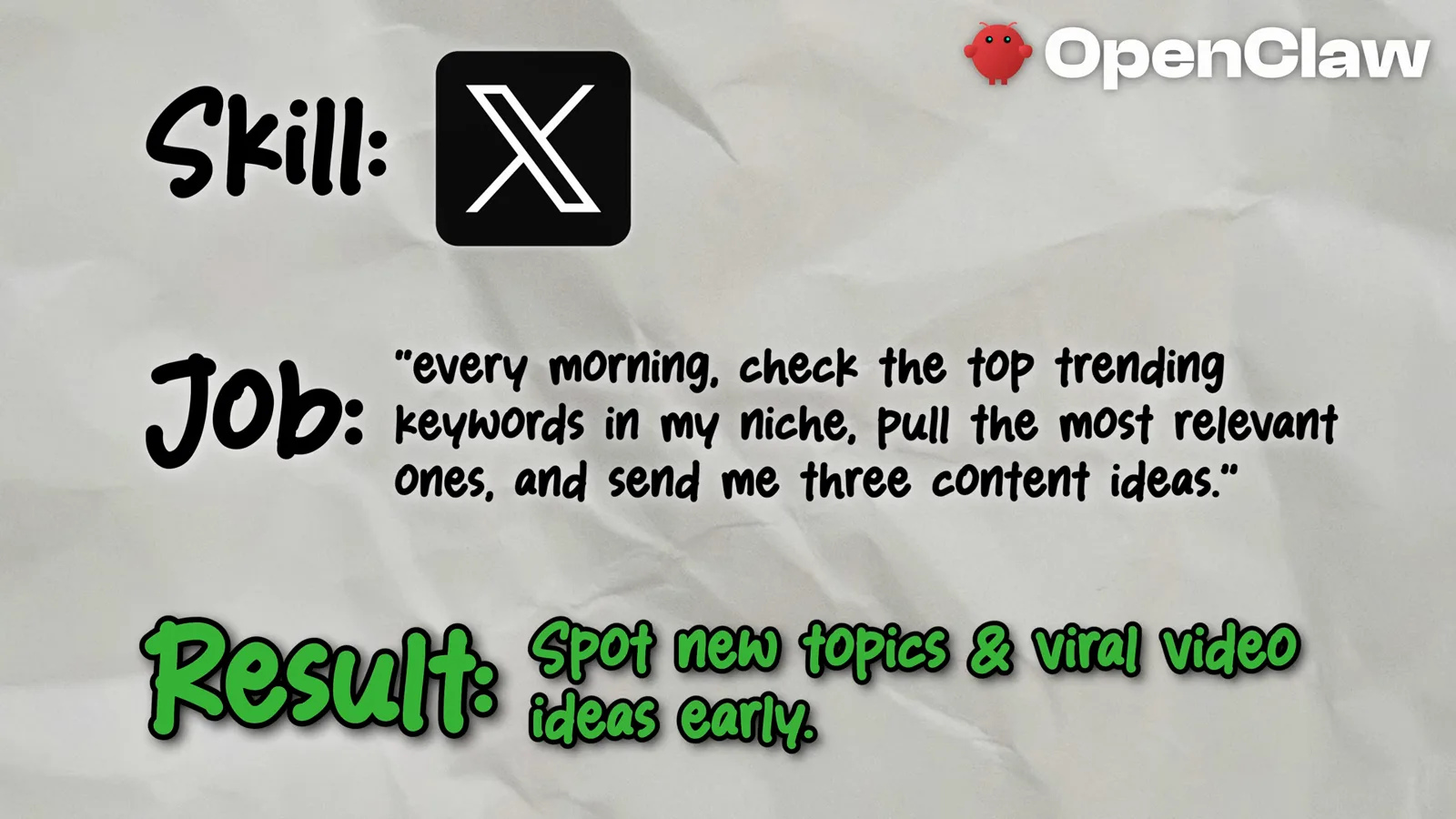
The scroll you keep doing is a job your assistant can do.Watch at 1:40 - 12
The assistant walks you through its own setup
Setup is conversational too. In this dashboard chat the user types let's set up Telegram! while the assistant opens by asking what you should call each other, because naming and personality are part of onboarding. Metics Media points out you can literally ask OpenClaw to help you connect things and walk you through next steps - and installing a skill is usually just pasting its GitHub link with the words install this skill.
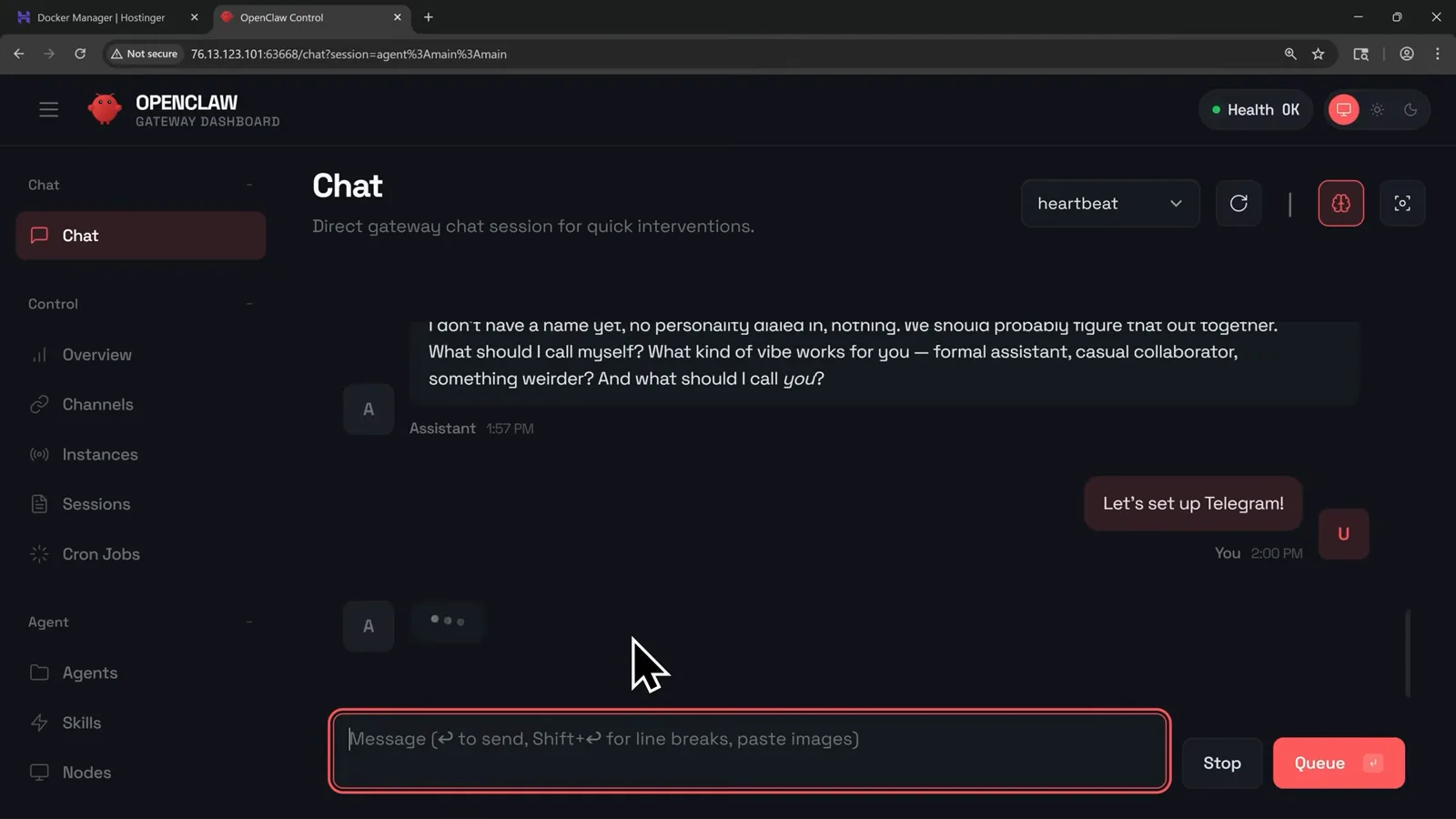
Onboarding is a conversation, down to picking a name.Watch at 4:28 - 13
Jobs are cron entries in the dashboard
Under the hood, jobs are cron jobs - a simple task scheduler inside the gateway dashboard. This new-job form holds Metics Media's suggested first job: check my Gmail and Google Calendar, summarize anything new, on a daily schedule with a system-event payload. Start with that one small daily summary, then add a job each time you notice yourself repeating the same task.
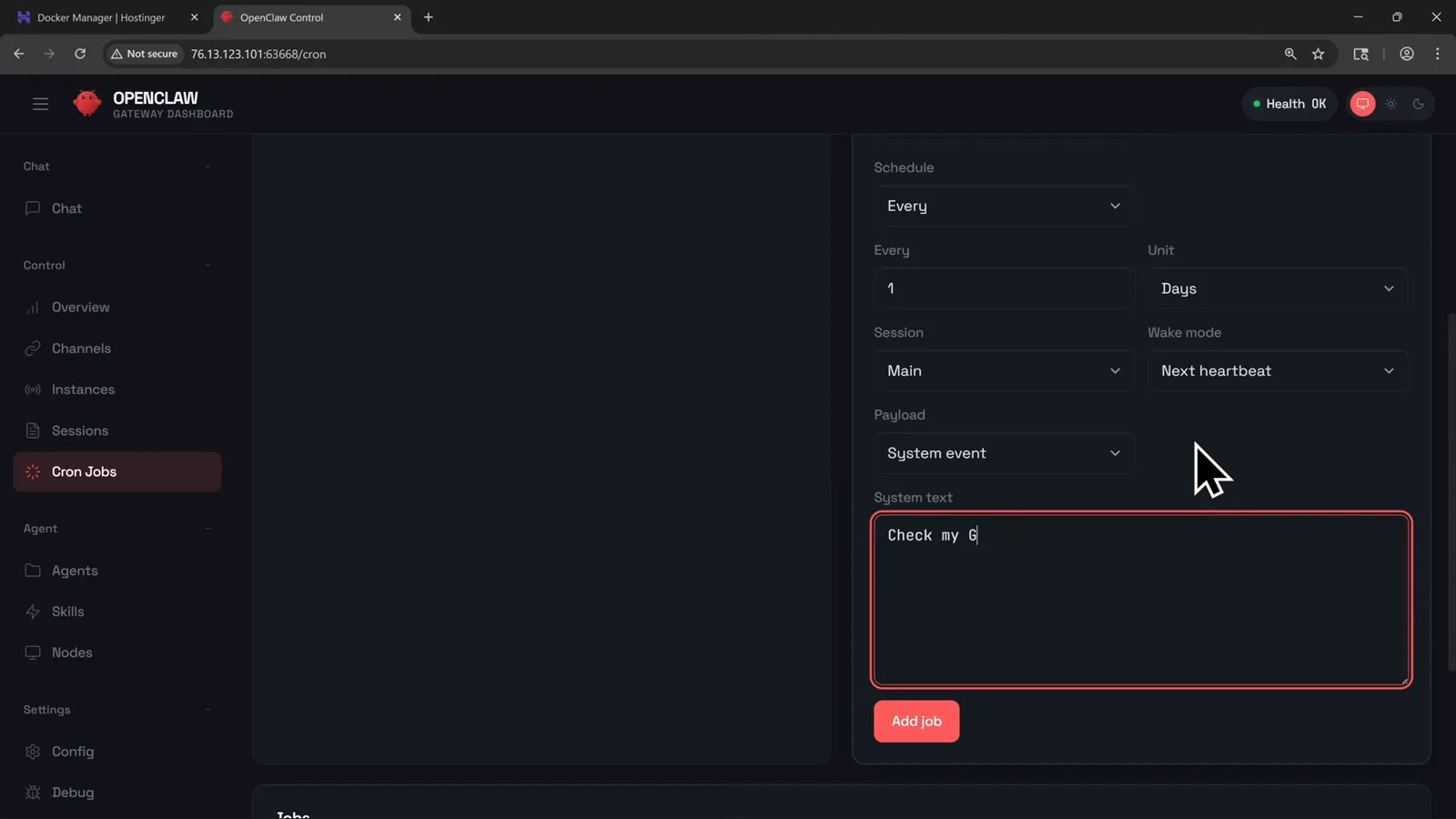
The recommended first job: one daily Gmail and Calendar summary.Watch at 6:28
Hosting it, and staying safe
- 14
The one hard requirement: a machine that never sleeps
OpenClaw runs on any machine you own - a spare laptop, a desktop, or the Mac mini everyone buys for the job - but it has to stay online 24/7. If the computer sleeps, restarts or loses internet, your assistant goes offline with it. That is why most people deploy to a VPS with Docker instead, which keeps the assistant reachable from anywhere.

Popular host, one flaw: it sleeps, your assistant sleeps.Watch at 2:50 - 15
Where skills live: ClawHub and the GitHub directory
Two places to shop for skills. ClawHub bills itself as the skill dock for sharp agents: upload AgentSkills bundles, version them like npm packages, install one with a single npx command. The GitHub skill directory from the previous step is the other source. Both are open platforms where anyone can publish - which is exactly why the next step matters.
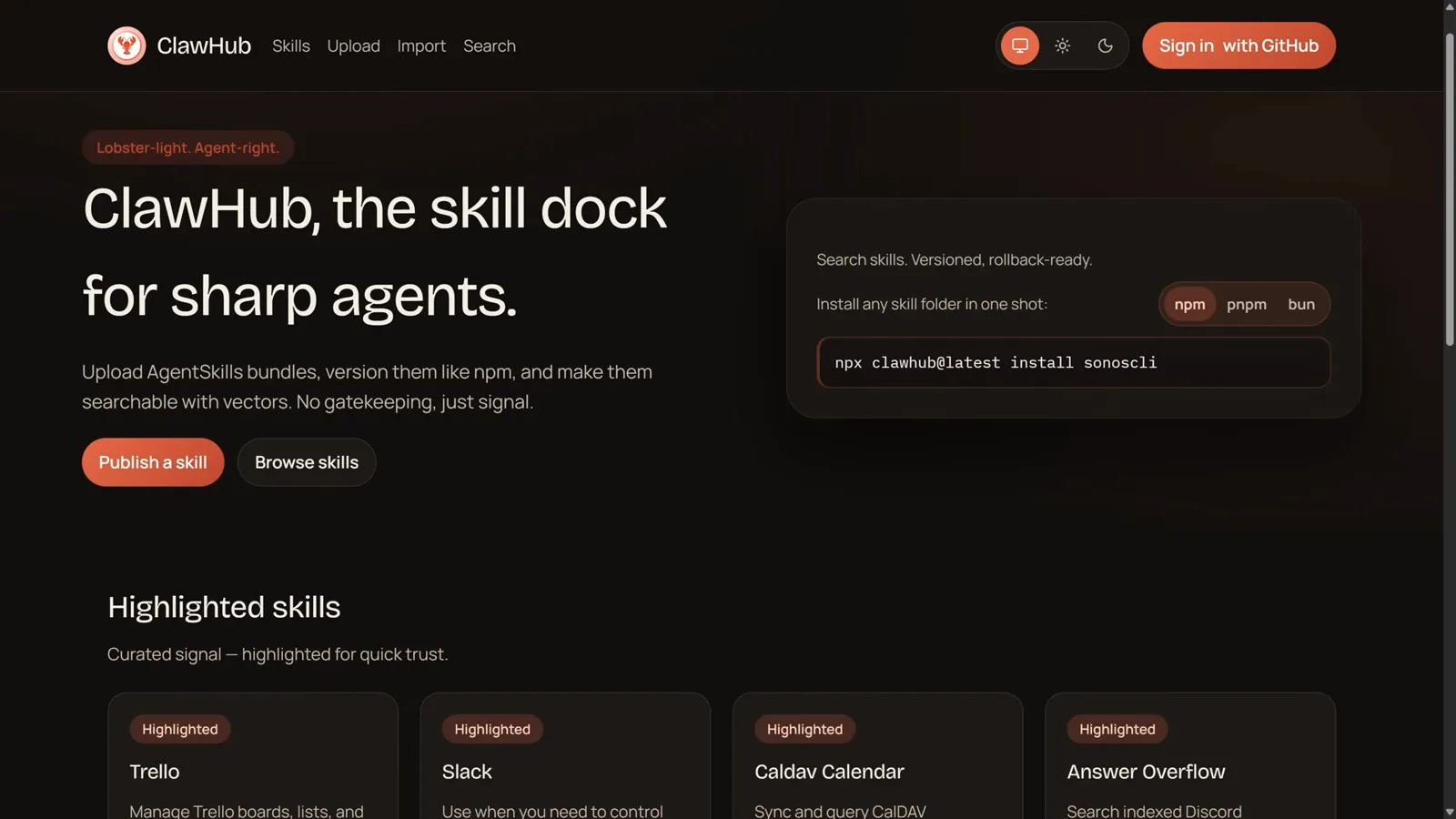
npm-style versioning for agent skills - open to everyone.Watch at 5:04 - 16
The catch: malicious skills are a measured risk
A Koi Security audit from February 2026 found 341 malicious skills across multiple campaigns among the 2,857 listed on ClawHub - skills built to steal data or scrape your VPS. IBM adds that thousands of OpenClaw instances sit exposed on the open internet, and warns about prompt injection through emails and web pages. The videos' advice: start small, connect only what you need, review what you install, encrypt credentials, and keep API keys locked down.
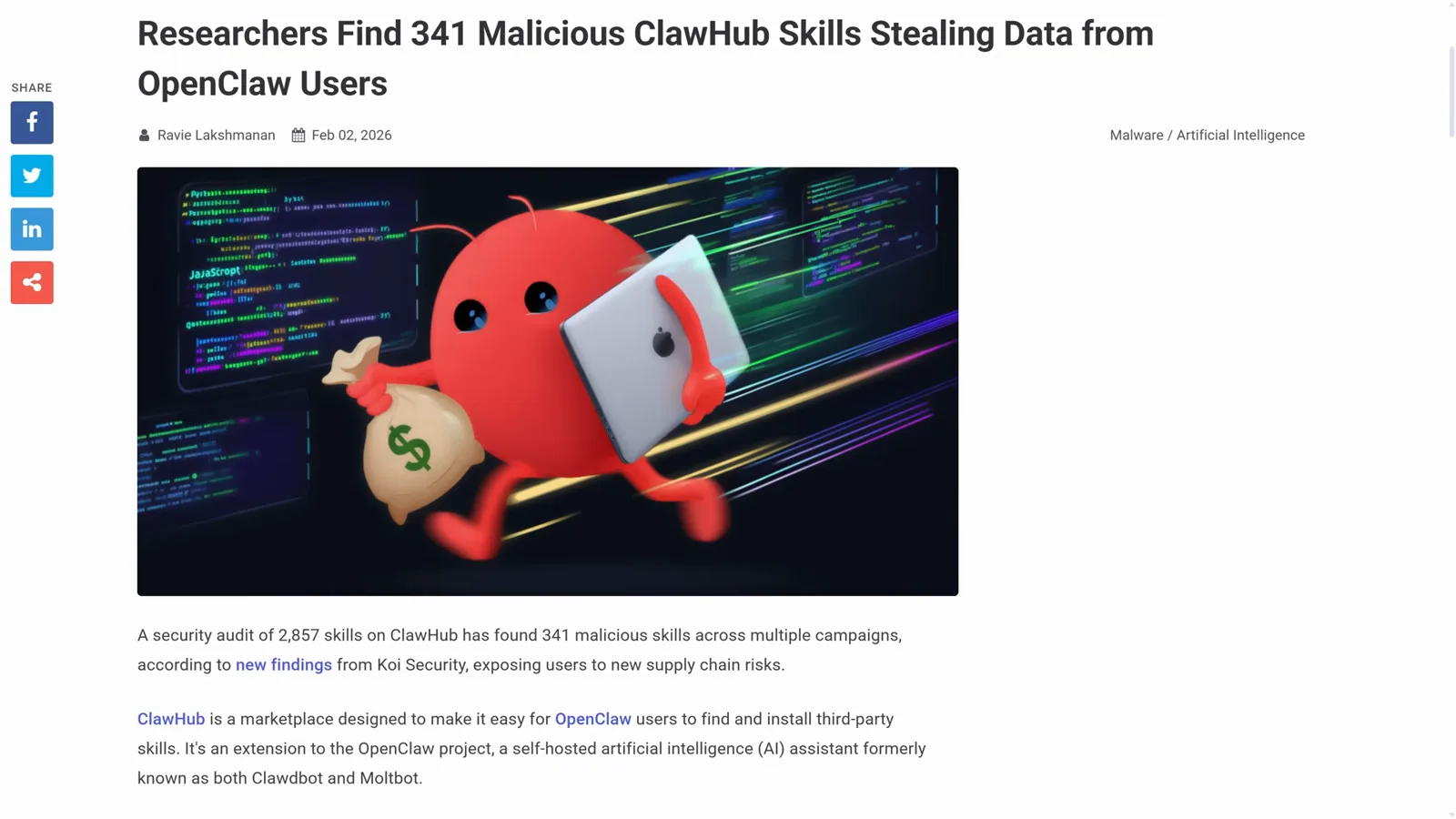
Autonomy with real access deserves real vetting.Watch at 5:26