

Sora 2 Prompting Guide: How to Use Sora 2 (2026)
Sora 2 turns a paragraph of plain English into a clip with camera moves, dialogue and sound design — and the gap between a bland output and a cinematic one is almost entirely the prompt. Two hands-on walkthroughs back every screenshot in this guide: Noble Goose's Sora 2 prompting tutorial builds three prompts from simple to advanced inside the Sora app, while Artlist's workflow video trains ChatGPT on OpenAI's own Sora 2 Prompting Guide and generates the final clips with Sora 2 Pro in Artlist's generator. You will learn the three-part formula every good Sora prompt follows — scene intent, shot composition, lighting and tone — then how to direct the shot second by second with timestamps or cuts, where dialogue and sound effects belong, and how to have ChatGPT write the timecoded prompt for you. The back half covers the full generation flow: paste the prompt, pick Sora 2 Pro, set 16:9, 12 seconds and 1080p, prepare a reference image for image-to-video, and judge what comes back. Expect imperfection — the same prompt never returns the same clip twice, and the source video shows several refinement rounds before the final shot lands. Work through the 16 steps below and you can reproduce every prompt and result shown here.
Source & credits
Screenshots in this guide are captured from Noble Goose's public walkthrough video. Every step links back to the exact moment it shows, so you can follow along.
Noble Goose ↗Write the prompt: the three-part formula
- 1
Open with a scene intent, not a subject
Every good Sora 2 prompt starts with one to three sentences of scene intent — you are briefing a cinematographer, not filing a search query. The walkthrough's example names the style first, then the subject and the setting: "High-quality 2D anime film style, cinematic realism. A samurai woman with long white hair walks slowly along a coastal path beside the ocean... Wooden fences line the path as waves crash softly below, creating a calm yet powerful atmosphere." Style, character, location and mood, in that order, give Sora everything it needs before you direct the shots.
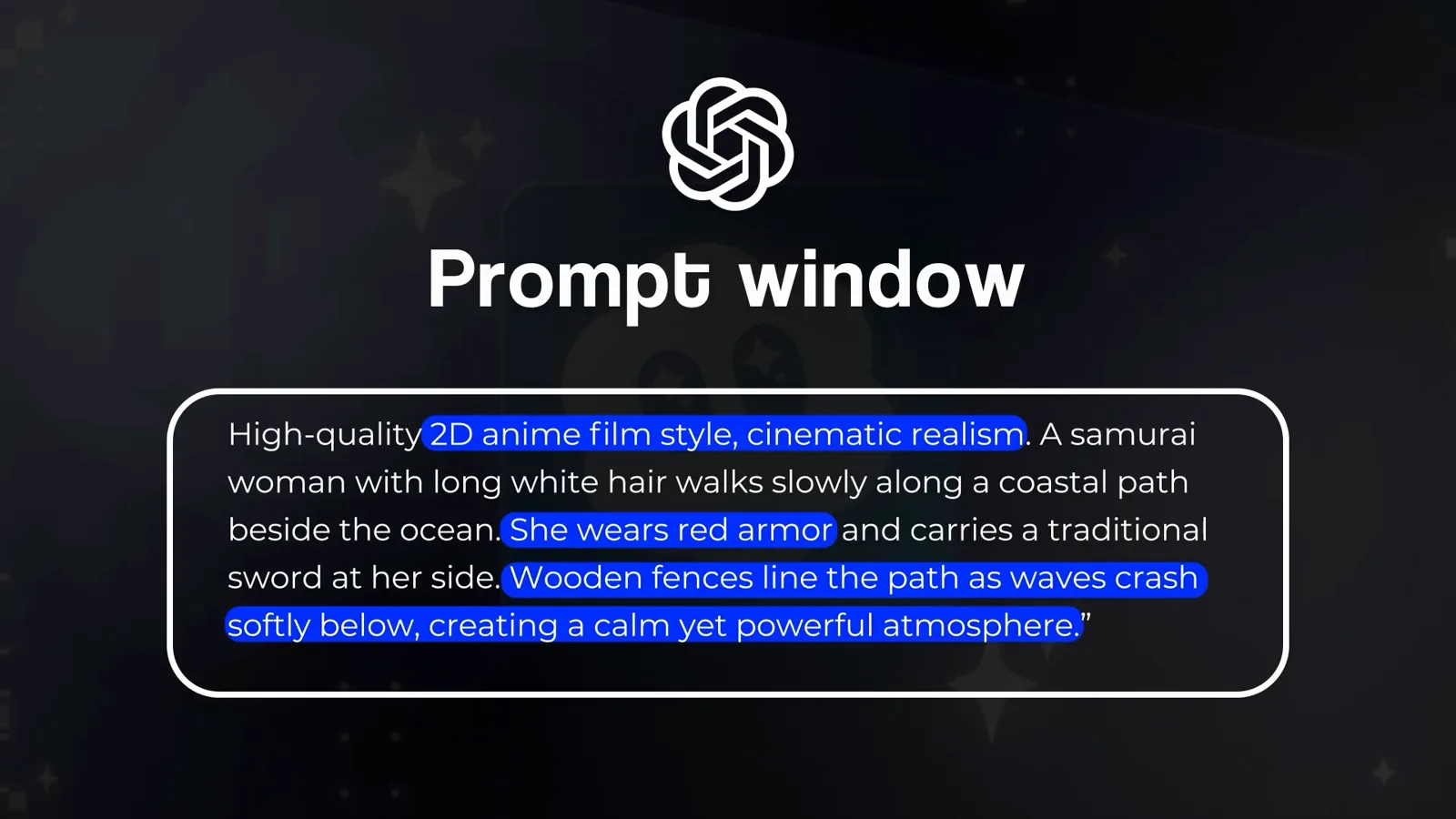
Scene intent first: style, subject, setting and mood in three sentences.Watch at 2:07 - 2
Direct the opening beat with a timestamp
Shot composition is where you direct. Sora 2 accepts timestamp control, so a segment like "[00:00-00:03] The woman continues walking slowly forward along the path. The camera follows smoothly behind her at waist height" tells the model exactly what the first three seconds contain — down to wind lifting her red cloak and petals drifting past her feet. Sora generations run 10 seconds on the free plan and 12 on Pro, so divide your runtime into three or four beats.
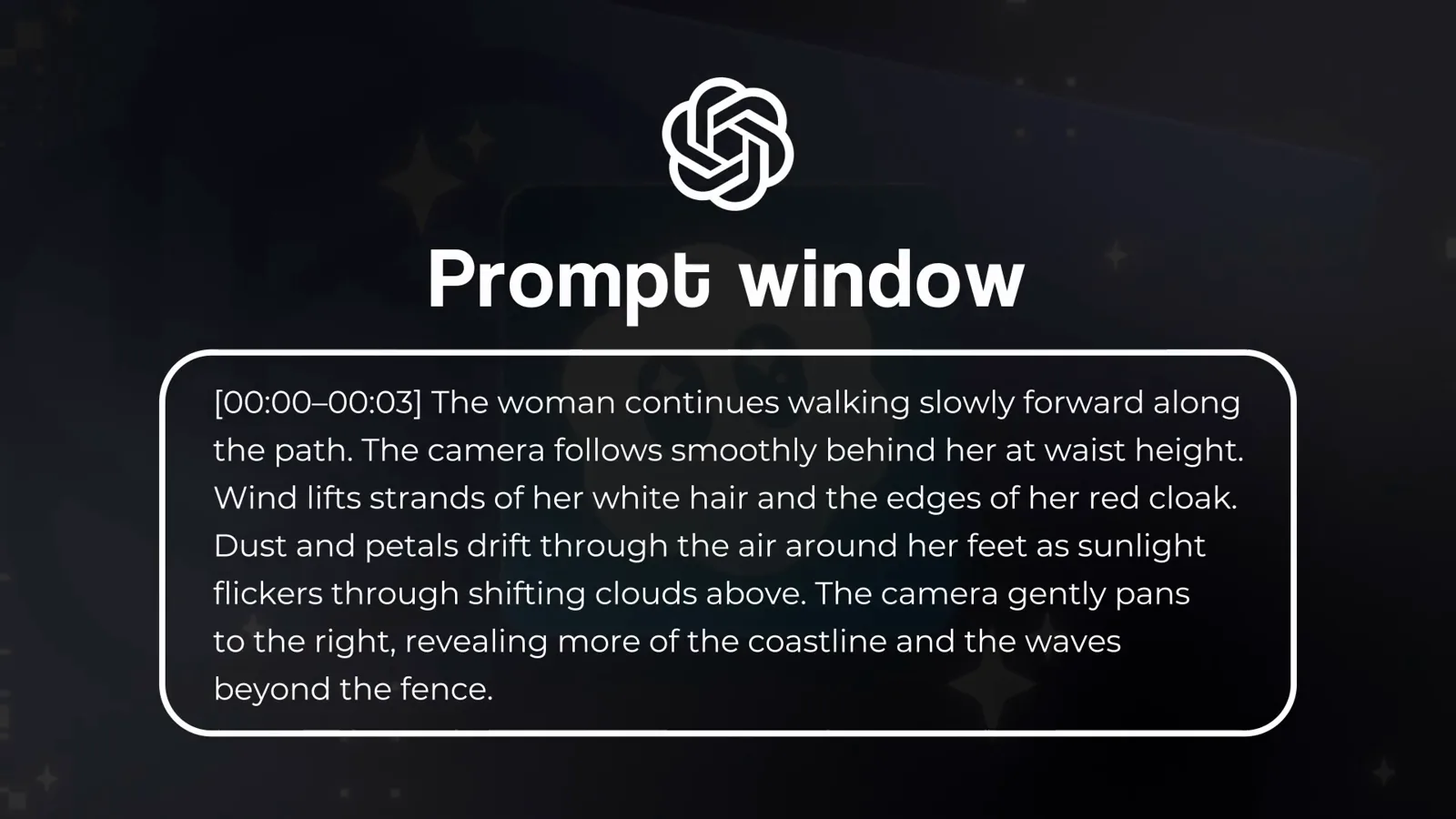
The first three seconds, directed line by line.Watch at 2:44 - 3
Give each segment its own camera move
Keep the timestamps coming and change the camera in each one. The next beat reads "[00:03-00:06] The camera transitions to a low side angle as she slows her pace", with her hand brushing the wooden fence and leaves tumbling across the path. One timestamp equals one shot: framing, camera angle and blocking all live inside the brackets, which is what stops Sora from drifting into a single static take.
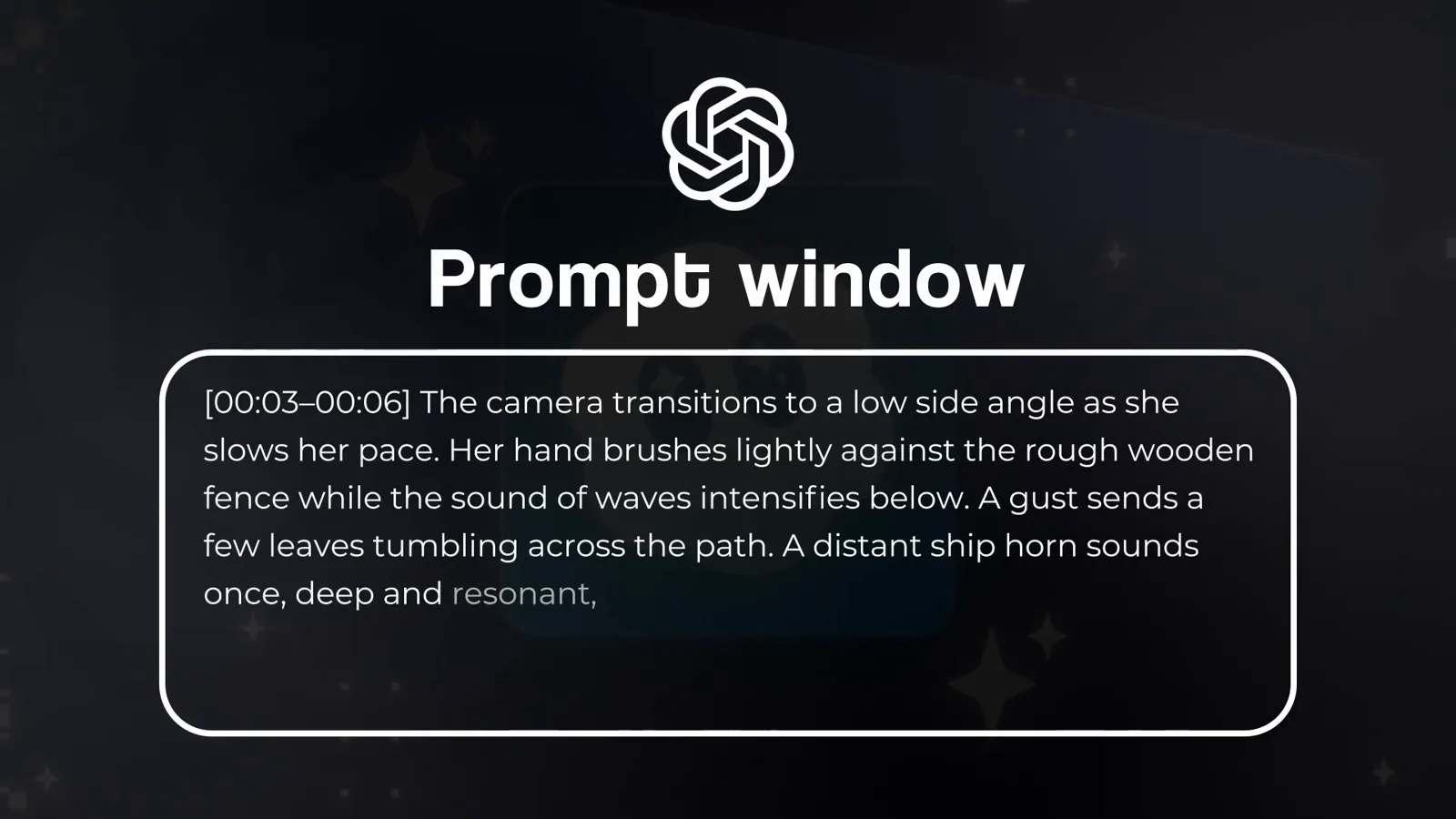
One timestamp, one camera decision — low side angle here.Watch at 2:46 - 4
Put dialogue inside the moment it is spoken
Spoken lines belong in the timestamp where they happen. In the walkthrough's third beat, the card reads "[00:06-00:09] The camera moves closer into a medium shot... She whispers quietly, 'I'll return someday'" — the whisper sits highlighted in blue exactly where the medium shot lands. Place the line where you want to hear it and Sora syncs the delivery to that moment instead of guessing.
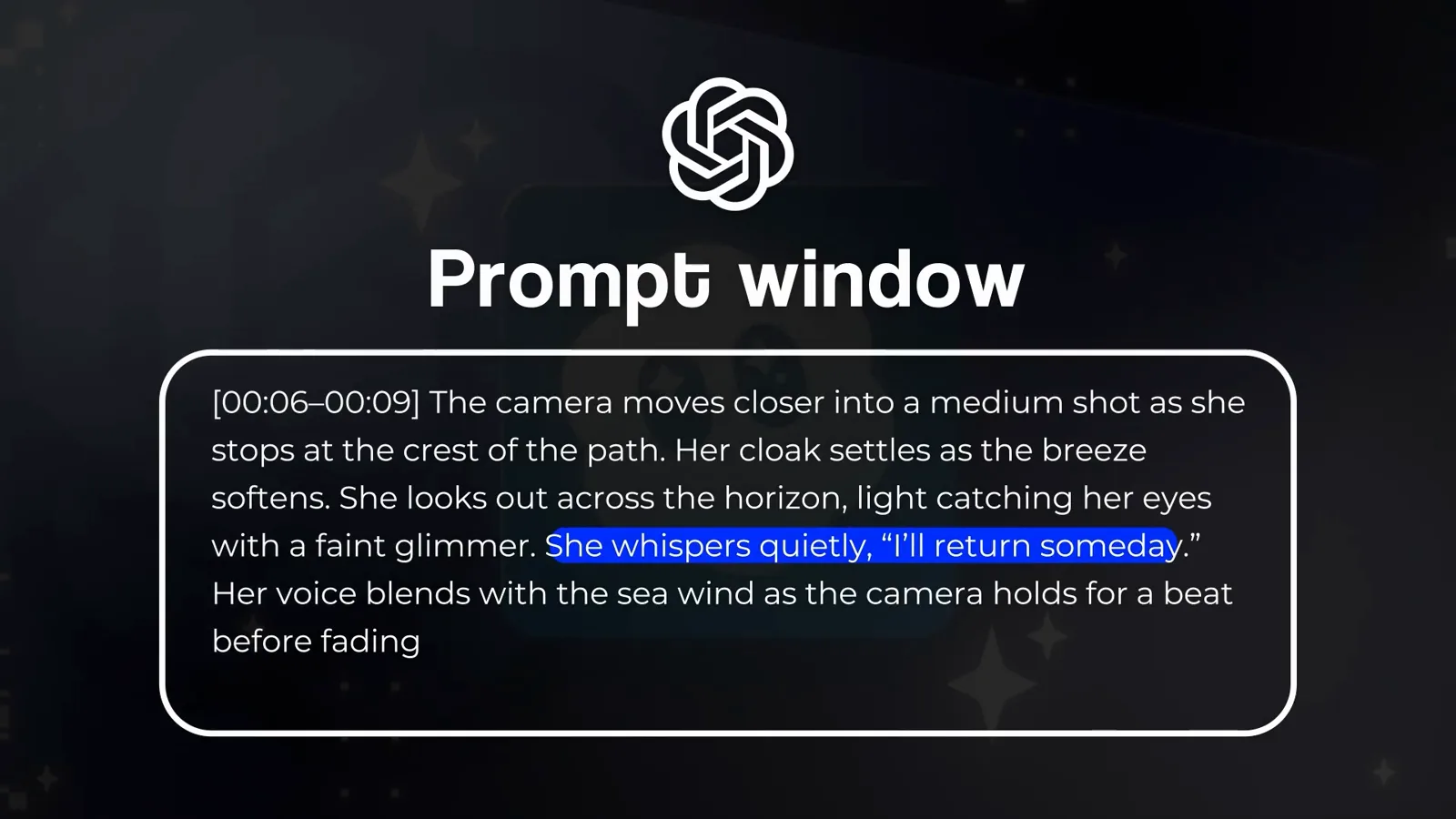
The dialogue sits inside the 00:06-00:09 beat, not at the top of the prompt.Watch at 2:54 - 5
Try cuts instead, and place sound effects in their cut
Sora 2 also accepts cut-based control — Cut 1, Cut 2, Cut 3 — and times the cuts itself. Sound design follows the same placement rule: the walkthrough drops "a distant ship horn sounds once, deep and resonant" straight into Cut 2 next to the wave crash, because that is the moment it should sound. Save ambient audio for the lighting-and-tone paragraph; specific effects go where they happen.
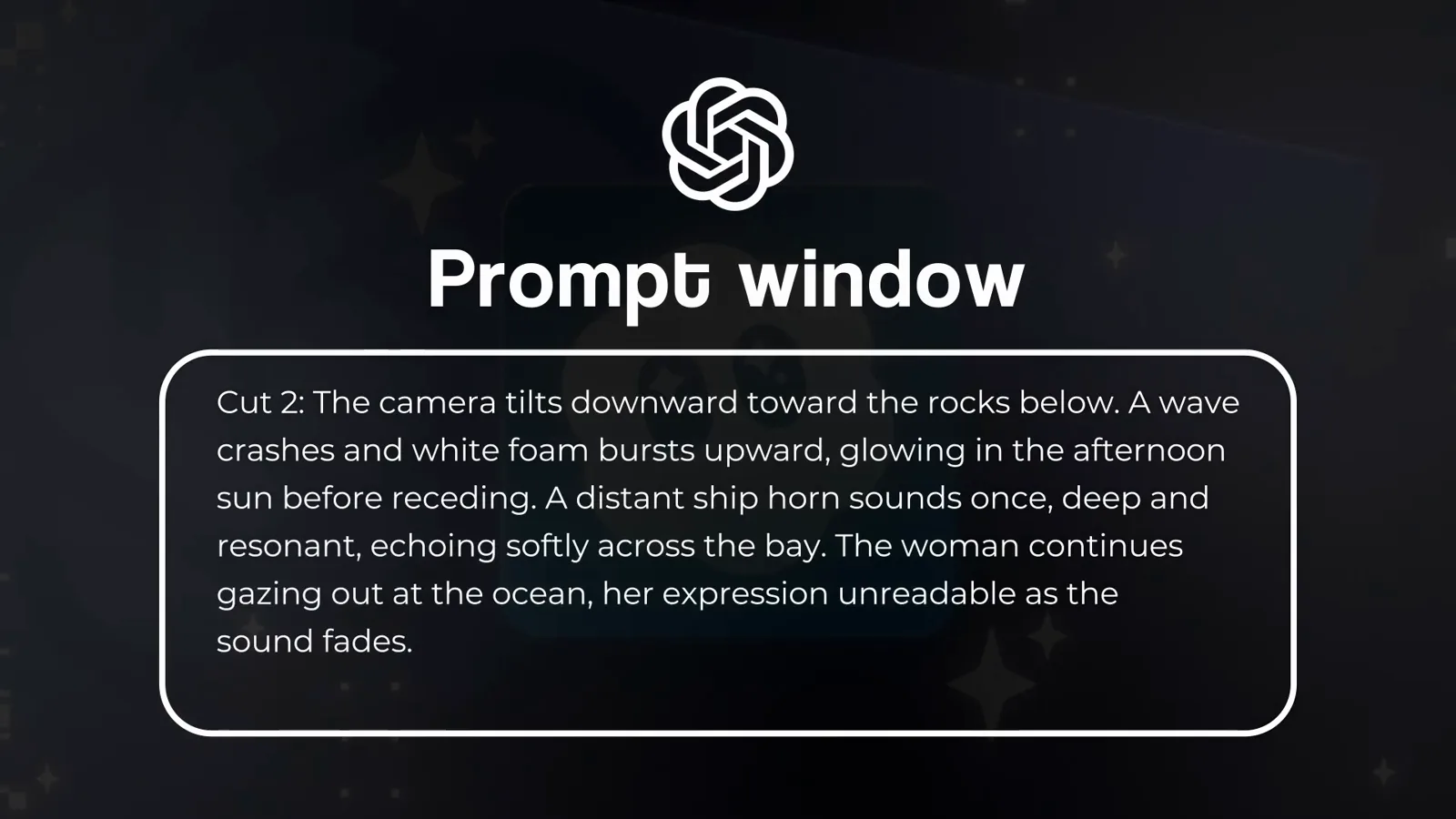
Cut 2 carries the wave crash and the ship horn together.Watch at 6:06 - 6
Close with a lighting and tone paragraph
End every prompt with one paragraph that defines the look: lighting, palette, atmosphere and emotional tone. The walkthrough's closer — "The lighting is warm and cinematic, with late-afternoon sunlight glinting off the ocean surface. The sound of distant waves and wind completes the tranquil, reflective feeling of the scene" — ties the shots together and carries the background audio. Phrases like golden hour or soft shadows earn their keep here.
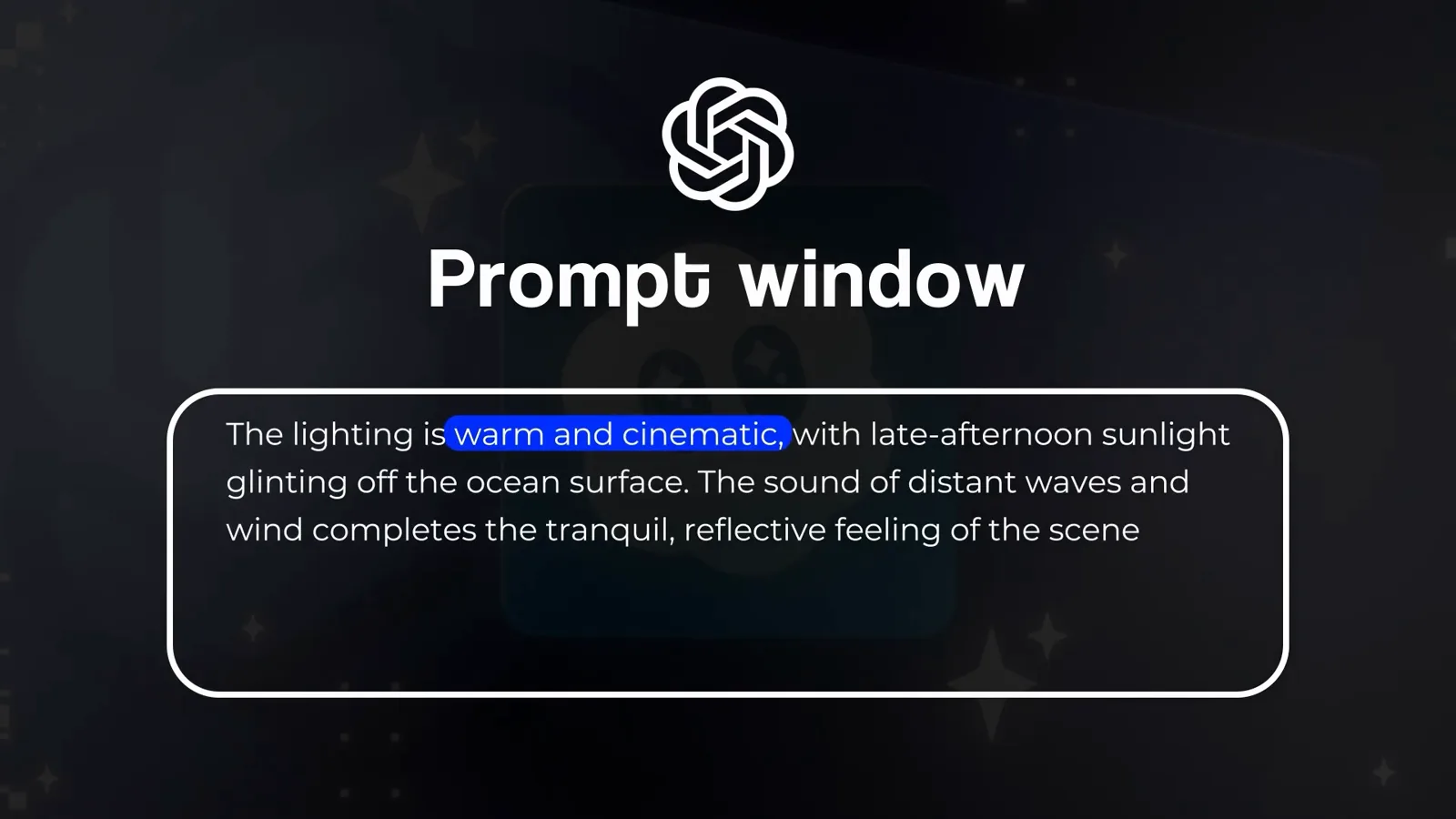
The last paragraph sets the grade — and the background sound.Watch at 4:28
Let ChatGPT draft it, trained on OpenAI's own guide
- 7
Start from OpenAI's official Sora 2 Prompting Guide
You do not have to memorize any of this. OpenAI publishes an official Sora 2 Prompting Guide on its cookbook site covering the same ground: precise subjects, camera setup, lighting and palette, action beats, tone and mood. The Artlist walkthrough leans on it for every prompt in the video — and it works even better as a ChatGPT training document, which is the next step.
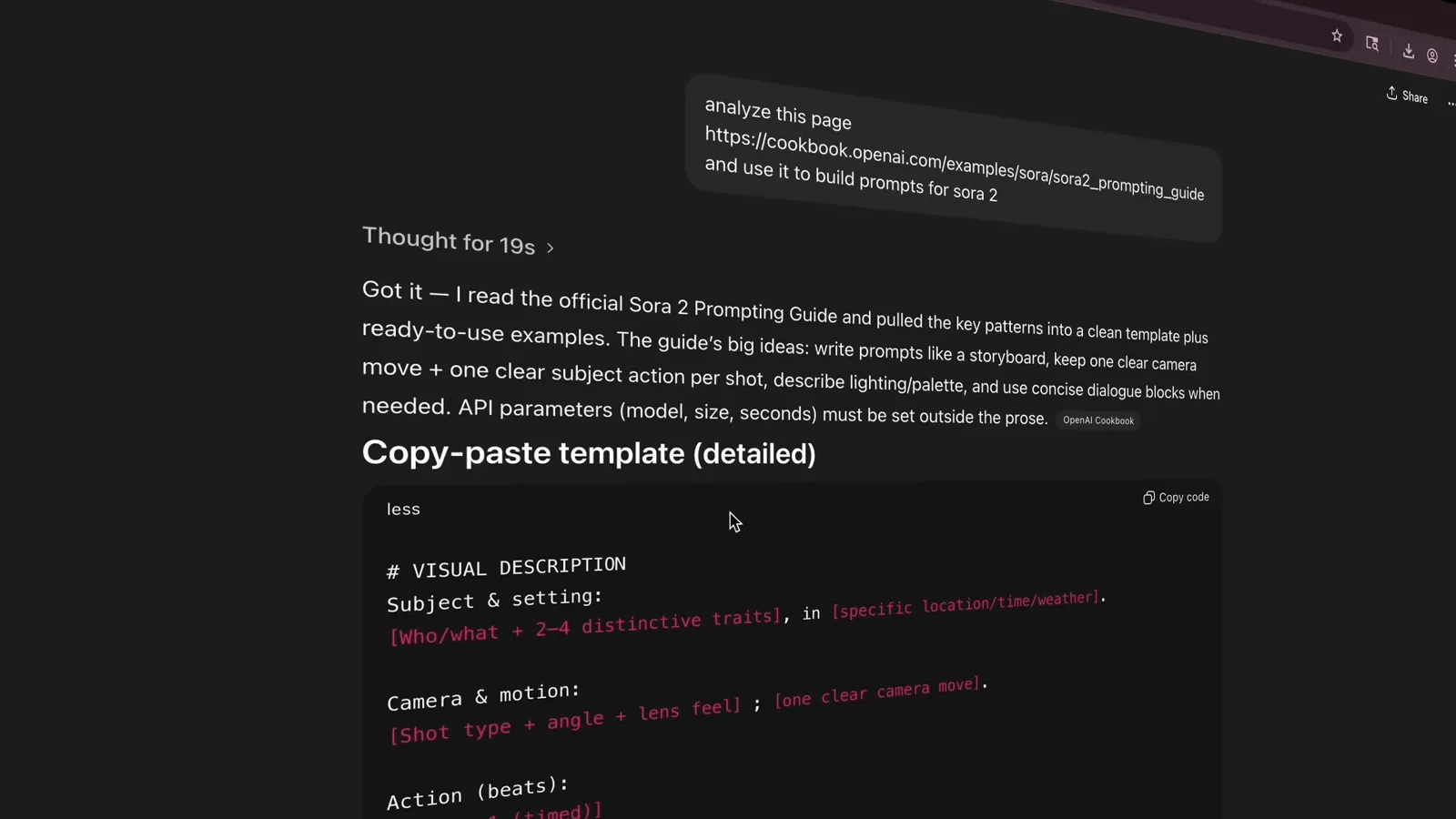
ChatGPT reads the official guide so you do not have to.Watch at 2:16 - 8
Teach ChatGPT the guide with one instruction
Paste the cookbook URL into ChatGPT with a single line: "analyze this page ... and use it to build prompts for sora 2". The model reads the official guide, pulls out its key patterns, and from then on writes prompts in Sora's own vocabulary — storyboard-style beats, one clear subject per shot, API parameters kept outside the prose. It is a one-time setup you can reuse for every clip you plan.
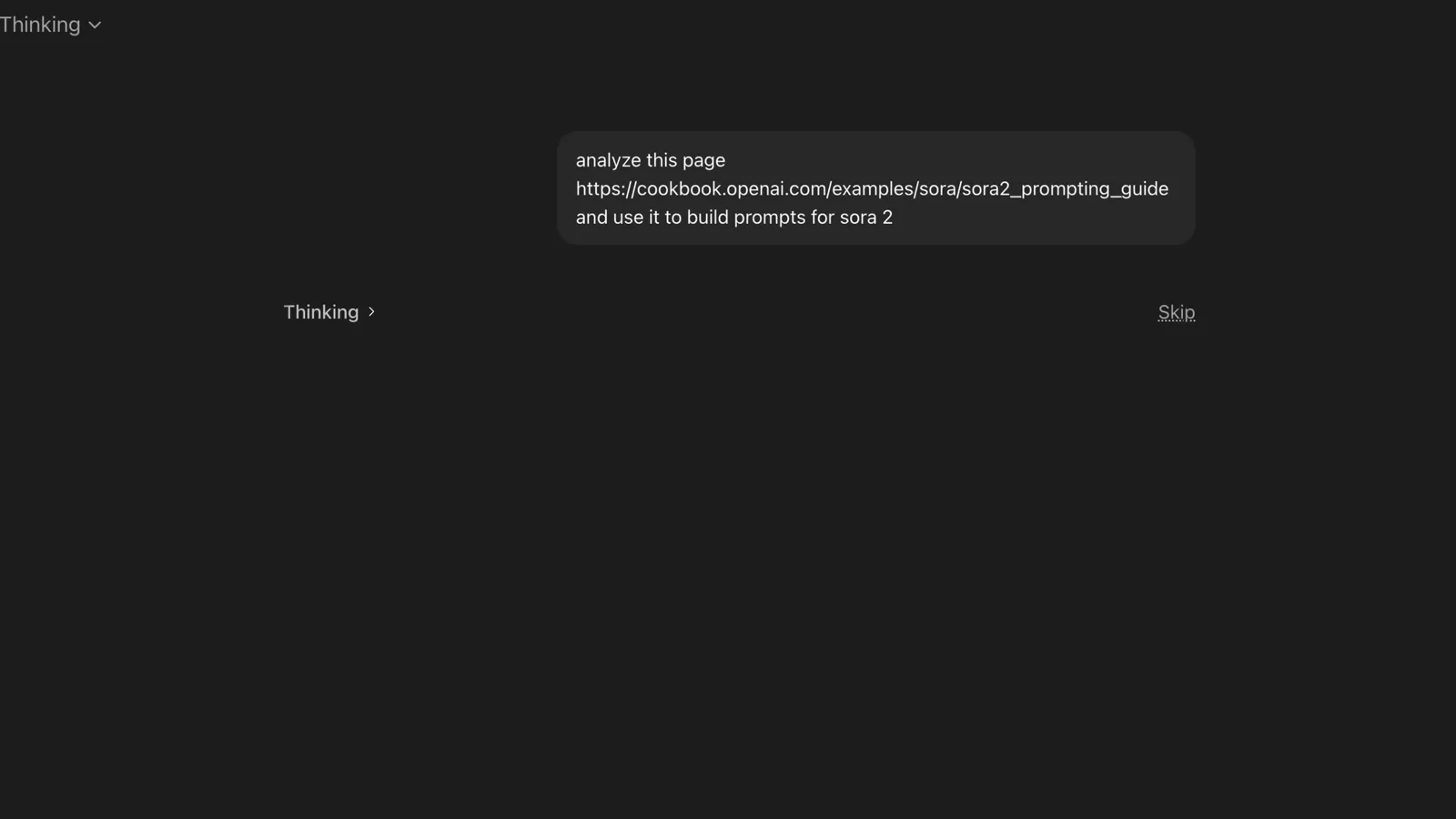
One instruction turns ChatGPT into a Sora 2 prompt writer.Watch at 2:32 - 9
Brief it like a director, not a typist
Now describe the video you want in plain words: "Create a 12 second Sora 2 prompt that will result in a super cinematic scene of a man flying over a field, similar to these photos. It should start with the man walking in the field and then start hovering and finally fly." Reference images add context for free, and ChatGPT offers extras such as a 3-shot storyboard version split into separate clips for editing.
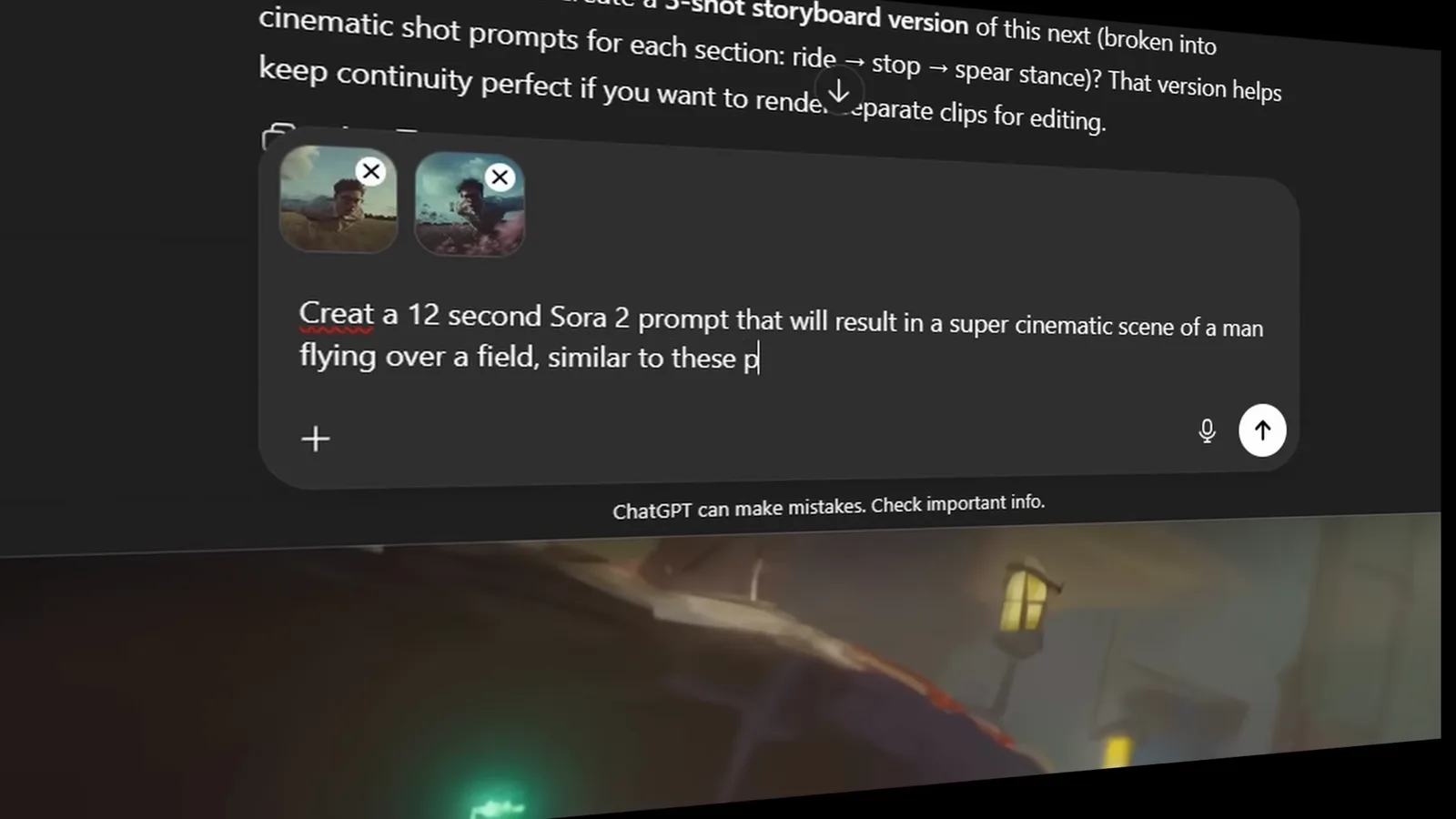
A three-sentence brief is enough once ChatGPT knows the format.Watch at 3:20 - 10
Get back a timecoded prompt you can edit
What comes back is a production document: "duration: 12s, aspect_ratio: 2.39:1, style: ultra-cinematic photoreal, dusk palette" at the top, a character reference locked to your photos, then timecoded beats — 0.0-2.5s establish walk, 2.5-3.5s transition hover, 3.5-11.5s flight with camera notes down to the lens. Edit any beat by hand; you approved the story, ChatGPT just typed the jargon.
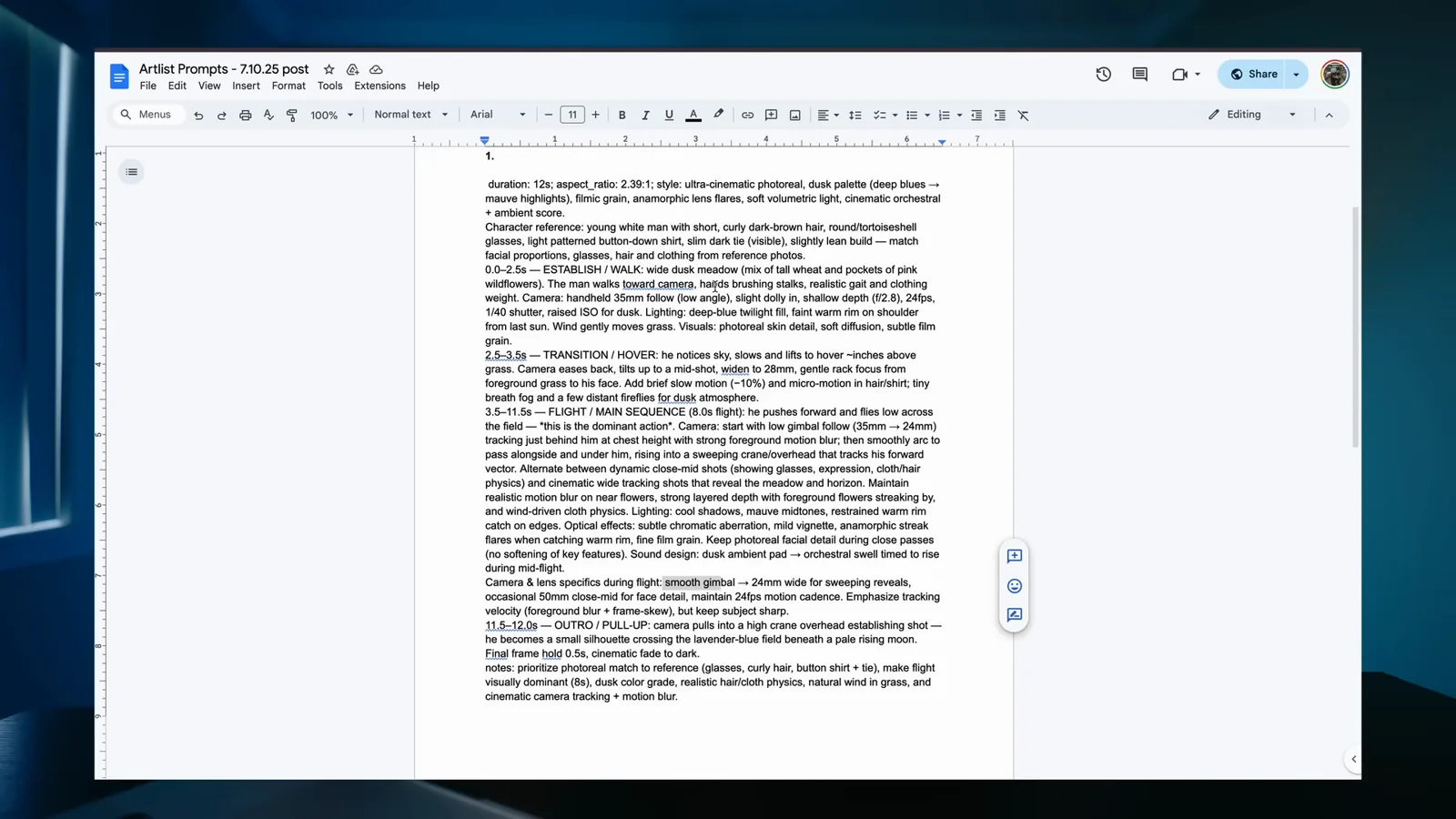
Duration, palette, character lock and every beat, pre-structured.Watch at 3:44
Generate: from prompt box to finished clip
- 11
Paste it in and pick Sora 2 Pro, 12 seconds, 1080p
In the generator — the walkthrough uses Artlist, which hosts Sora 2 and Sora 2 Pro next to models like Veo and Kling — paste the prompt, select the Sora 2 Pro model, and set 16:9, 12 seconds and 1080p before hitting Generate. Those settings mirror the prompt header, so the timecodes land where you planned. The same paste-and-configure flow applies in OpenAI's own Sora app.
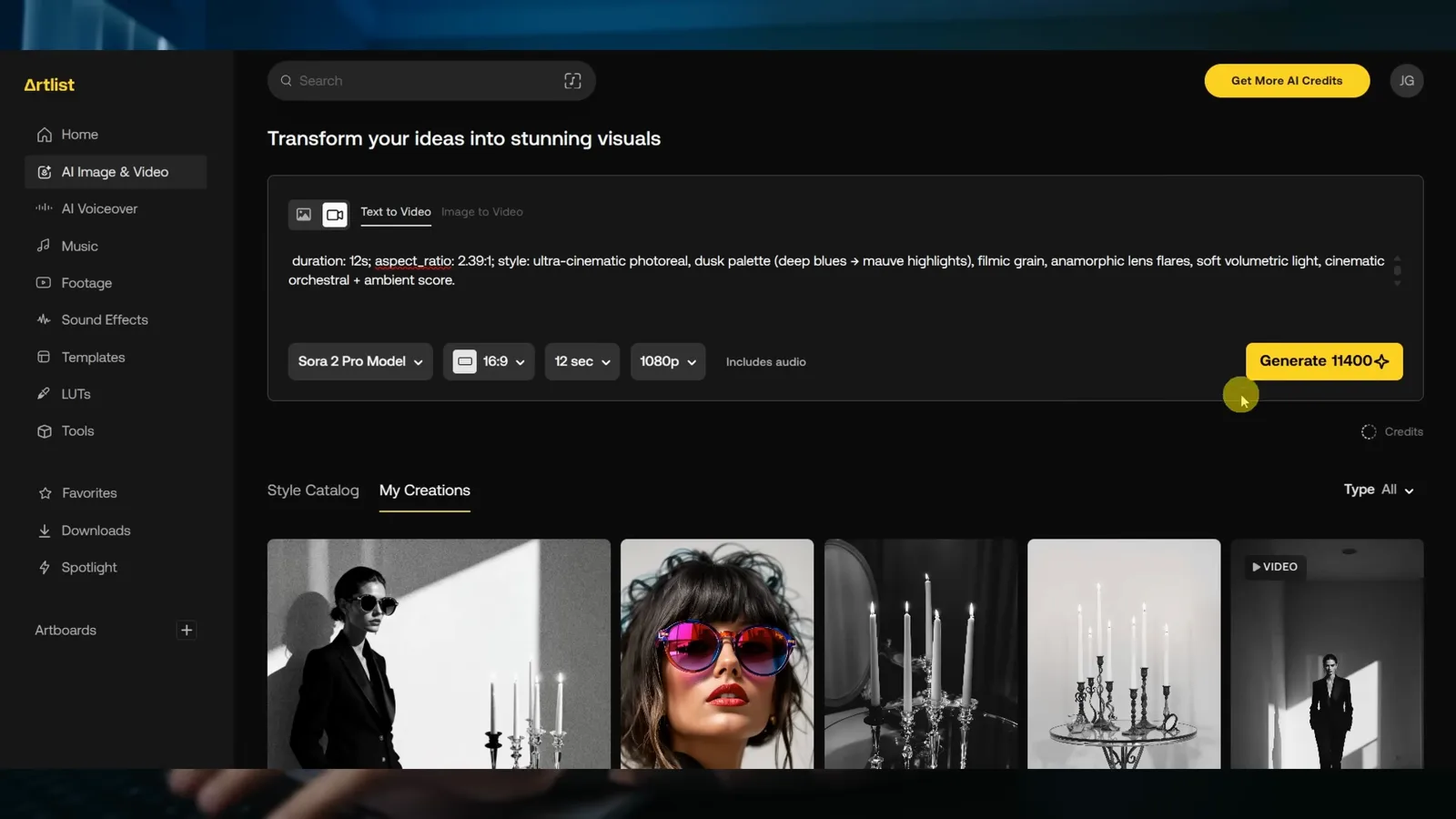
Sora 2 Pro selected, 12 seconds at 1080p, ready to generate.Watch at 4:32 - 12
Prepare a reference image for image-to-video
Image-to-video gives you more control than text alone, because the model inherits the character, wardrobe and style from a still. Generate one in the image tab of the same panel, then refine it with an instruction like "place this character on a futuristic motorcycle, riding through a dystopian barren land, motion blur to emphasize speed, full body, wide shot". That edited still becomes the first frame your prompt directs.
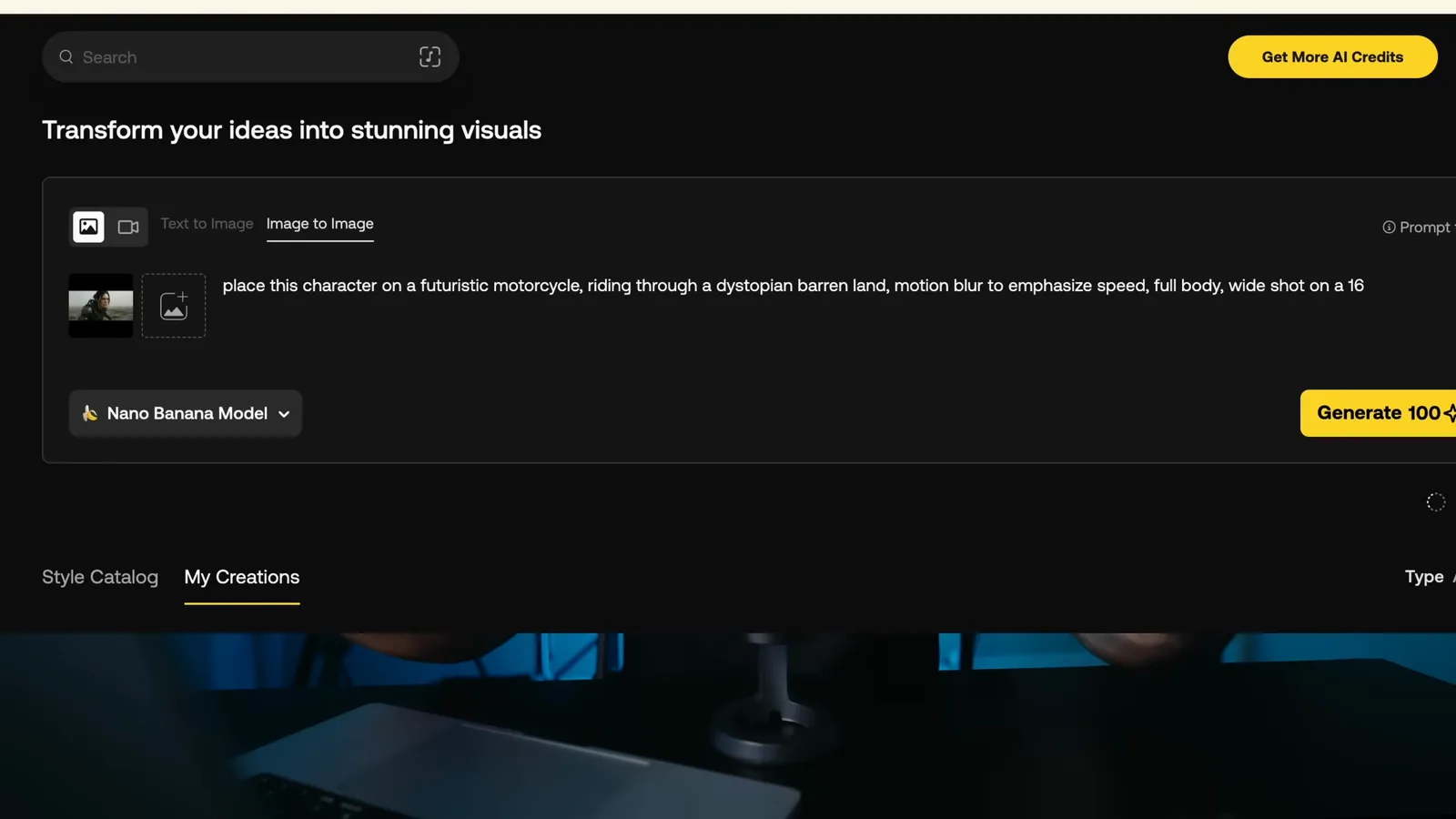
The reference still is half the prompt — character and style for free.Watch at 6:24 - 13
Write image-to-video beats that continue the still
Prompting from an image changes the verbs. Instead of describing what exists — the picture already shows that — you describe what happens next: "[00:00-00:03] The woman gently shifts her weight, then begins walking a few slow steps toward the fence. The camera holds roughly the same composition, tracking slightly forward." The opening beat moves the subject from stillness into motion while the framing holds.
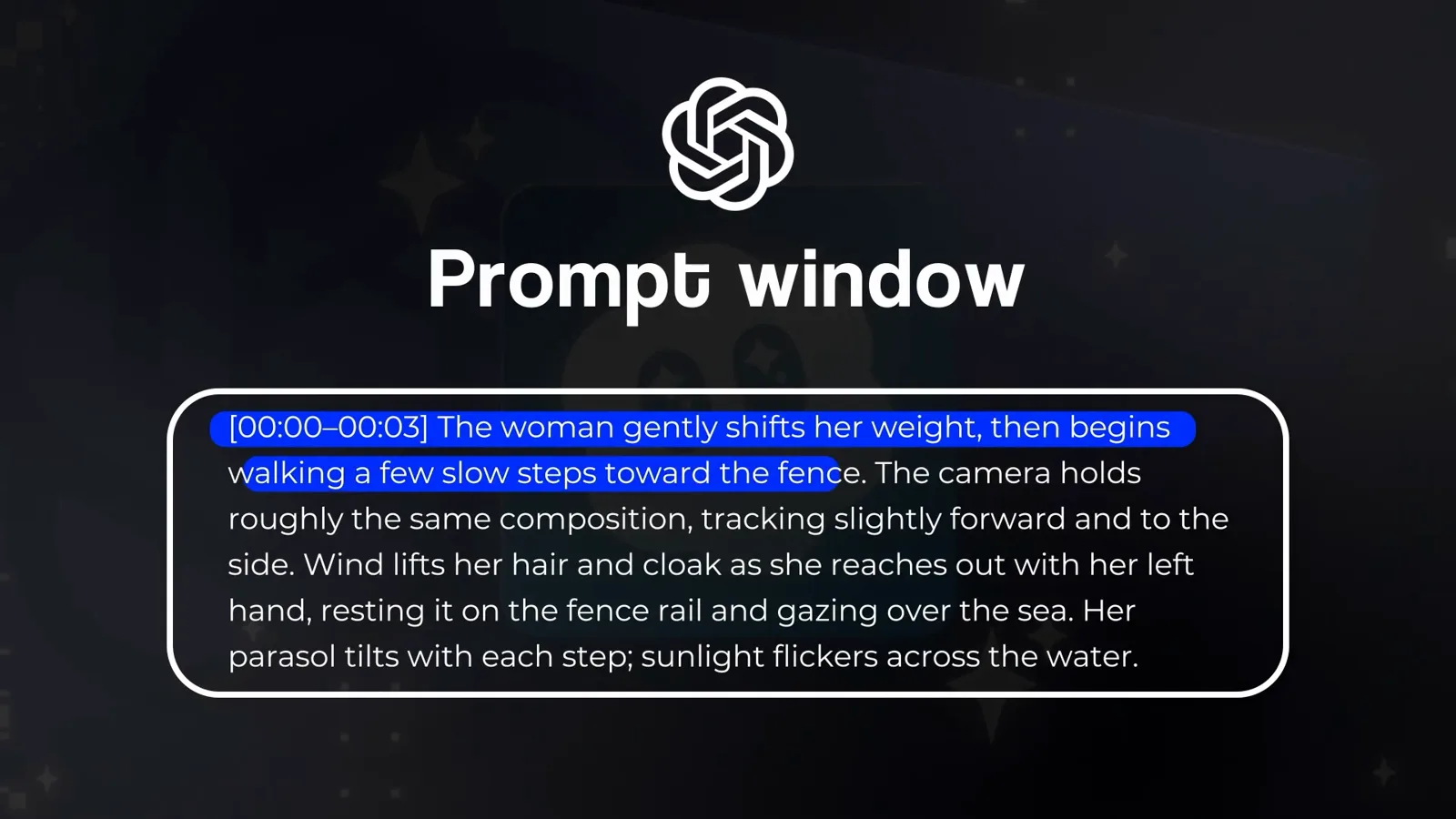
From still to motion: the first beat starts the walk.Watch at 8:51
Read the result, then remix
- 14
Read the result against the beats you wrote
The finished clip is the brief, beat by beat: the man walks through the dusk field, hovers, and finally flies low over the wheat while the camera tracks him. Judge your own results the same way — did each timestamp deliver its shot? Even this production-grade prompt needed several regeneration rounds in the source video, so treat a first render as a draft, not a miss.
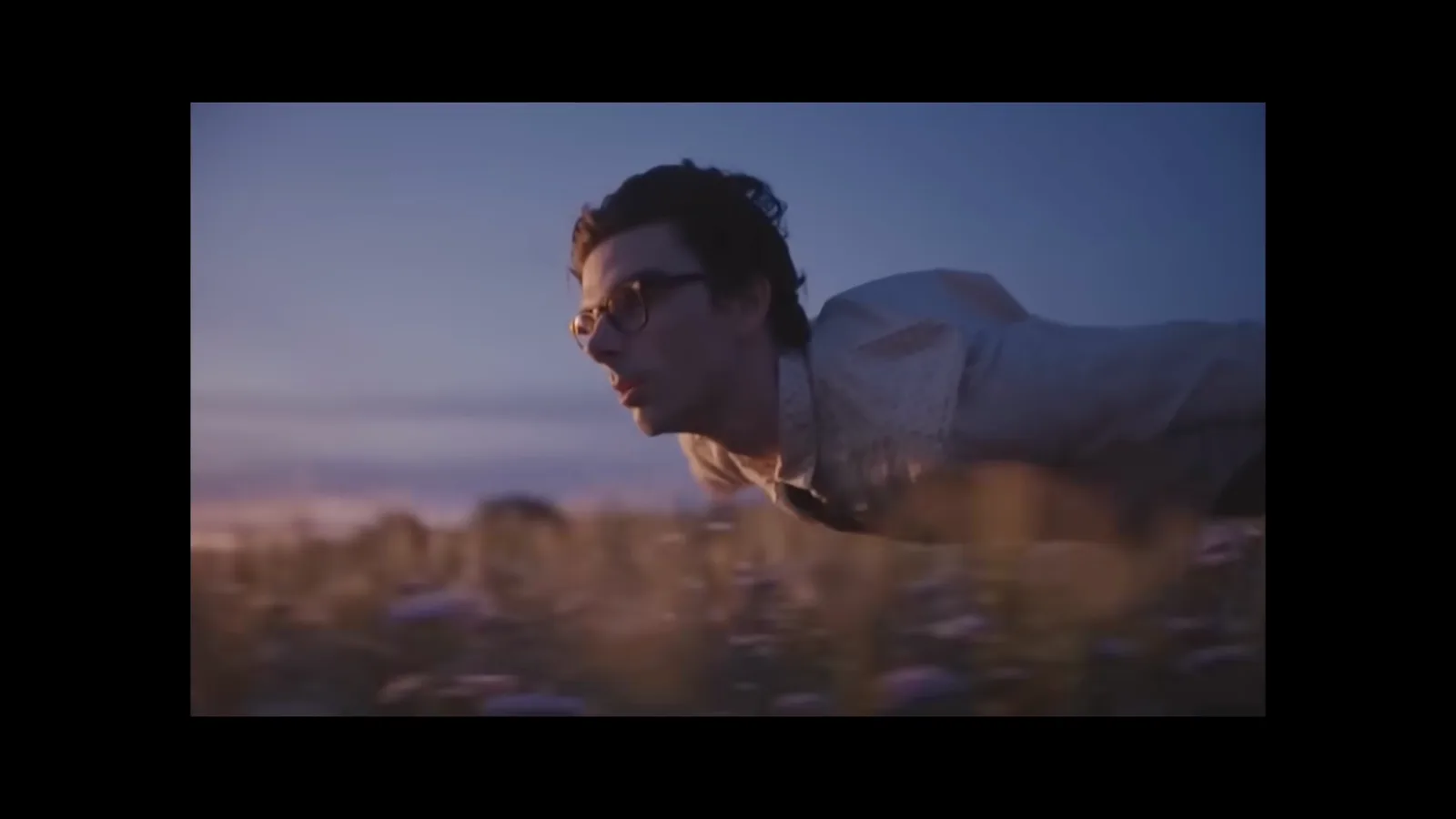
The flight beat, delivered: low over the wheat at dusk.Watch at 4:40 - 15
Expect real dialogue scenes, not just b-roll
The same formula produces acting. The dialogue demo in the source video — two people, a lamp-lit apartment, lines like "You think an apology fixes everything?" — shows Sora 2 handling conversation, emotion and staging inside a single take. Name who speaks and how the line lands, exactly as the timestamp and cut examples showed, and the scene plays it back.
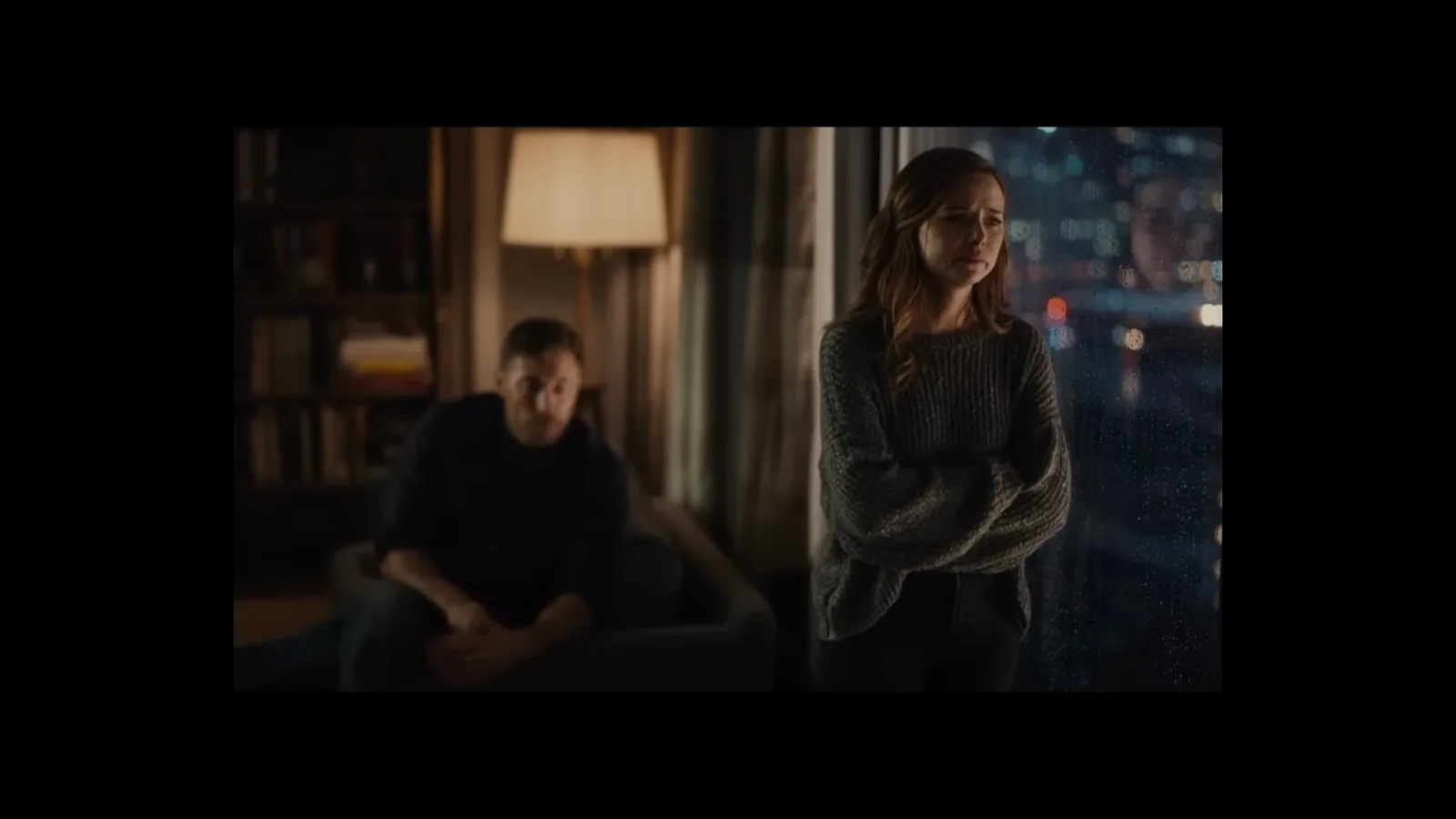
Dialogue, staging and mood from one structured prompt.Watch at 1:36 - 16
Iterate with a shot-by-shot remix request
When a result is close but not right, refine in the same chat: "I need a 12 second sora 2 sequence of this character, riding a futuristic grungy motorcycle... natural motion blur, tracking shot with natural camera shake". ChatGPT offers a shot-by-shot remix version, and targeted notes — more speed, an intentional stop, a camera orbit — fold into the next prompt. You will never get the same clip twice, so regenerate before you rewrite.
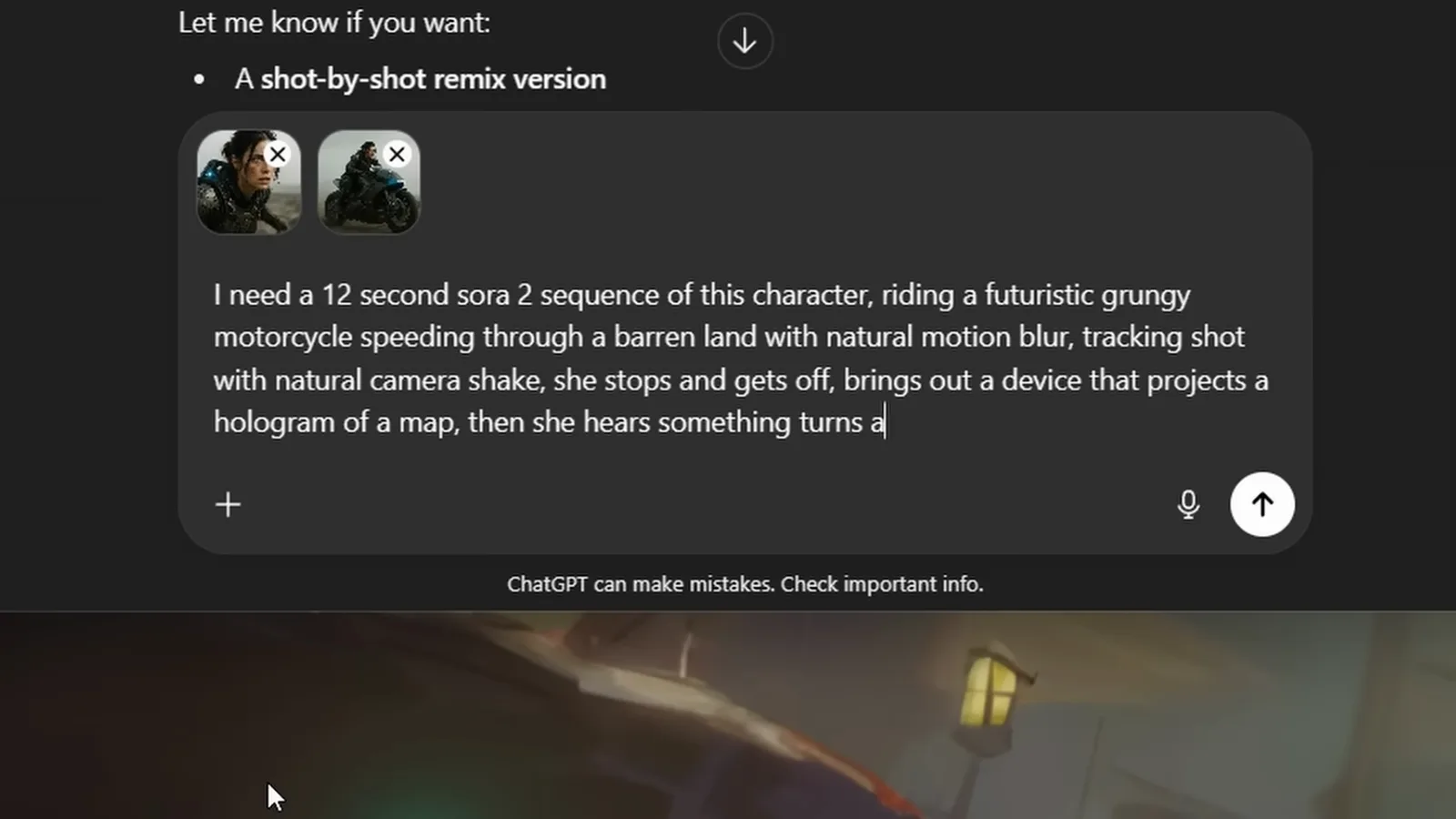
Close the gap with targeted remix requests, not full rewrites.Watch at 6:40