

How to Use GPT-6 Luna: ChatGPT Picker, Codex and API Walkthrough
GPT-6 Luna is the cheapest model in OpenAI's GPT-6 family: $0.10 per million input tokens, $0.50 per million output, and the same 1,050,000-token context as its siblings. This walkthrough follows Rob The AI Guy's hands-on ChatGPT tour and Tilman Resch's same-prompt Codex build-off, with every price and availability claim cross-checked against OpenAI's September 22, 2026 announcement. Below you will find Luna in the ChatGPT model picker, run it on a real Codex project, call gpt-6-luna from the API, and see when Sol or Astra is the better pick instead.
Source & credits
Screenshots in this guide are captured from Rob The AI Guy's public walkthrough video. Every step links back to the exact moment it shows, so you can follow along.
Rob The AI Guy ↗Know what GPT-6 Luna is
- 1
Meet the launch: Sol and Luna arrive together
OpenAI announced GPT-6 Sol and GPT-6 Luna together on September 22, 2026, rounding out a GPT-6 family that flagship Astra has led since September 3. Both new models were trained with similar methods as GPT-6 Astra and inherit its communication style, so the upgrade feels familiar. The pitch is simple: frontier-family intelligence at a fraction of the price.
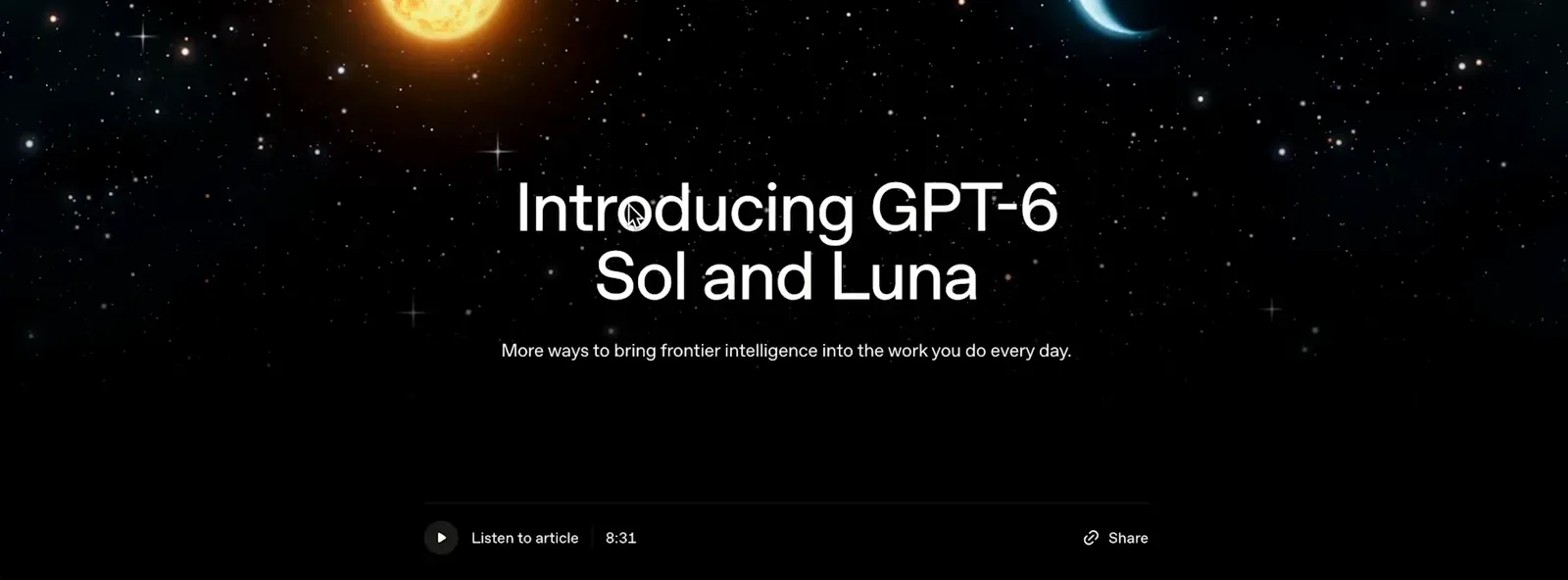
One launch page, two new models: GPT-6 Sol and GPT-6 Luna.Watch at 0:16 - 2
Register the 50 percent price cut
The announcement bolds the headline change: API prices for Sol and Luna dropped 50 percent versus their GPT-5.6 counterparts' promotional pricing. That halving is what moves Luna from nice-to-have to default for high-volume work. The same paragraph credits caching and inference improvements with making the lower prices sustainable.
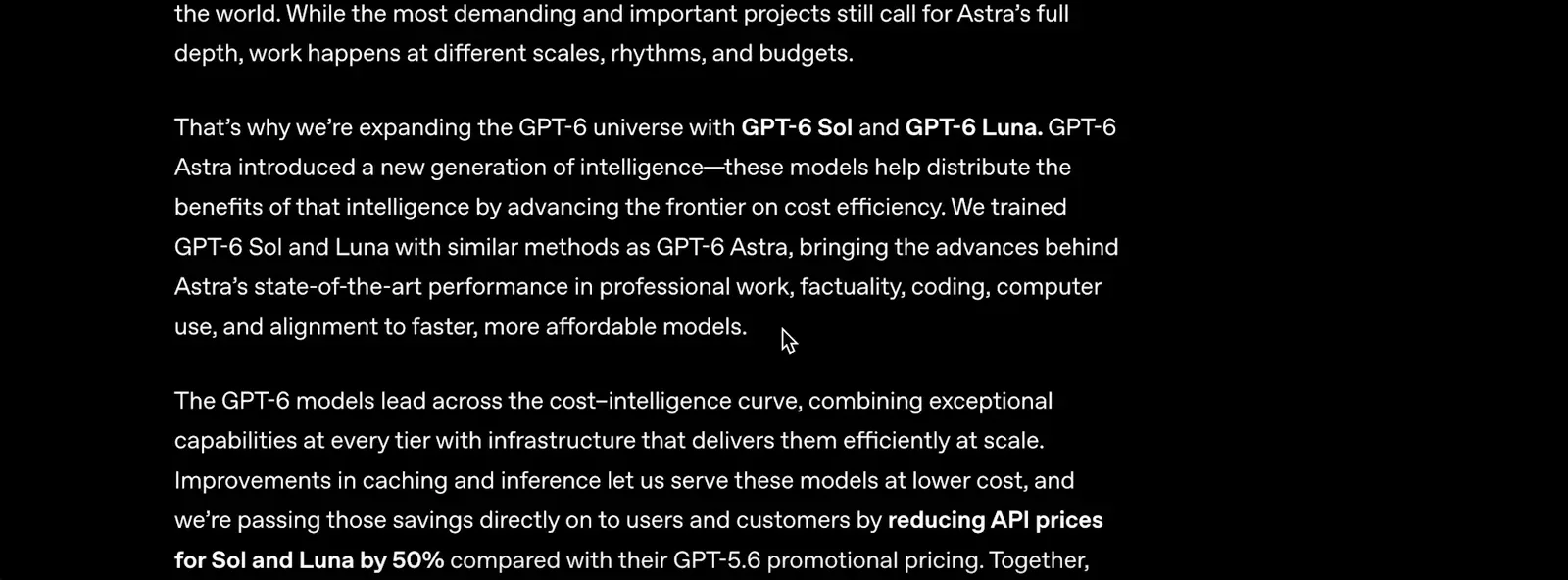
API prices for Sol and Luna are 50% below GPT-5.6 promotional pricing.Watch at 1:01 - 3
Read the official prices before you build
The pricing table puts numbers on it: gpt-6-luna costs $0.10 per million input tokens and $0.50 per million output tokens, while gpt-6-sol runs $2 and $10. Cached input reads get a 90 percent discount on both models. Astra keeps the premium slot, and the announcement says outright that it remains OpenAI's best model across the board.
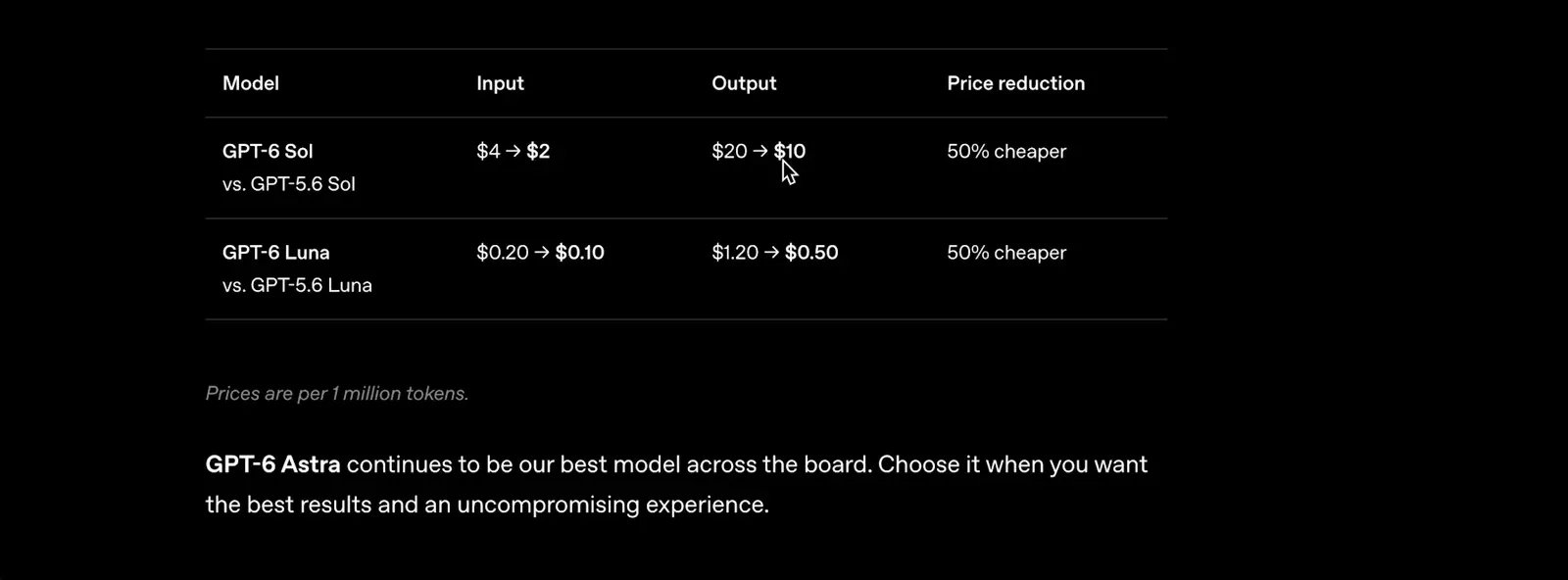
Luna: $0.10 in, $0.50 out. Sol: $2 in, $10 out. Both 50% cheaper.Watch at 3:16
Use GPT-6 Luna in ChatGPT
- 4
Open the ChatGPT Work tab
In ChatGPT, switch from Chat to the Work tab, where the new models appear first. The composer shows the active model as a pill, GPT-6 Astra Medium by default on the Pro account in this walkthrough, and an Open desktop app link sits under the input box. Paid plans see the new entries automatically as the rollout reaches their account.
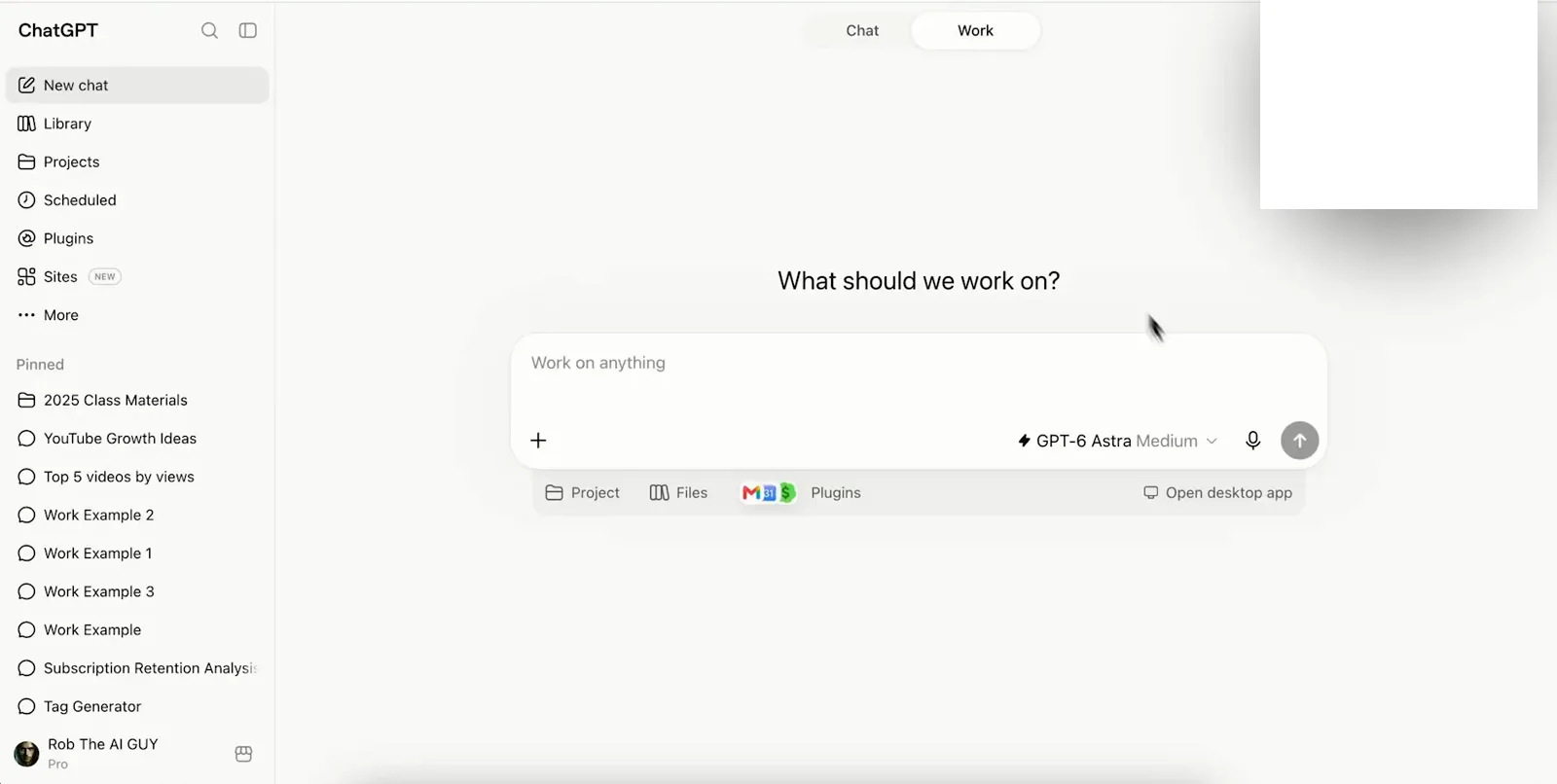
The Work tab is the front door for GPT-6 Sol and Luna in ChatGPT.Watch at 2:35 - 5
Pick GPT-6 Luna in the model picker
Click the model pill to open the Select model menu: GPT-6 Luna sits between GPT-6 Sol and the older GPT-5.6 entries. Selecting it pins the whole conversation to Luna until you change it again. If the entry is missing, the gradual rollout simply has not reached your account yet; OpenAI asks you to try again later.
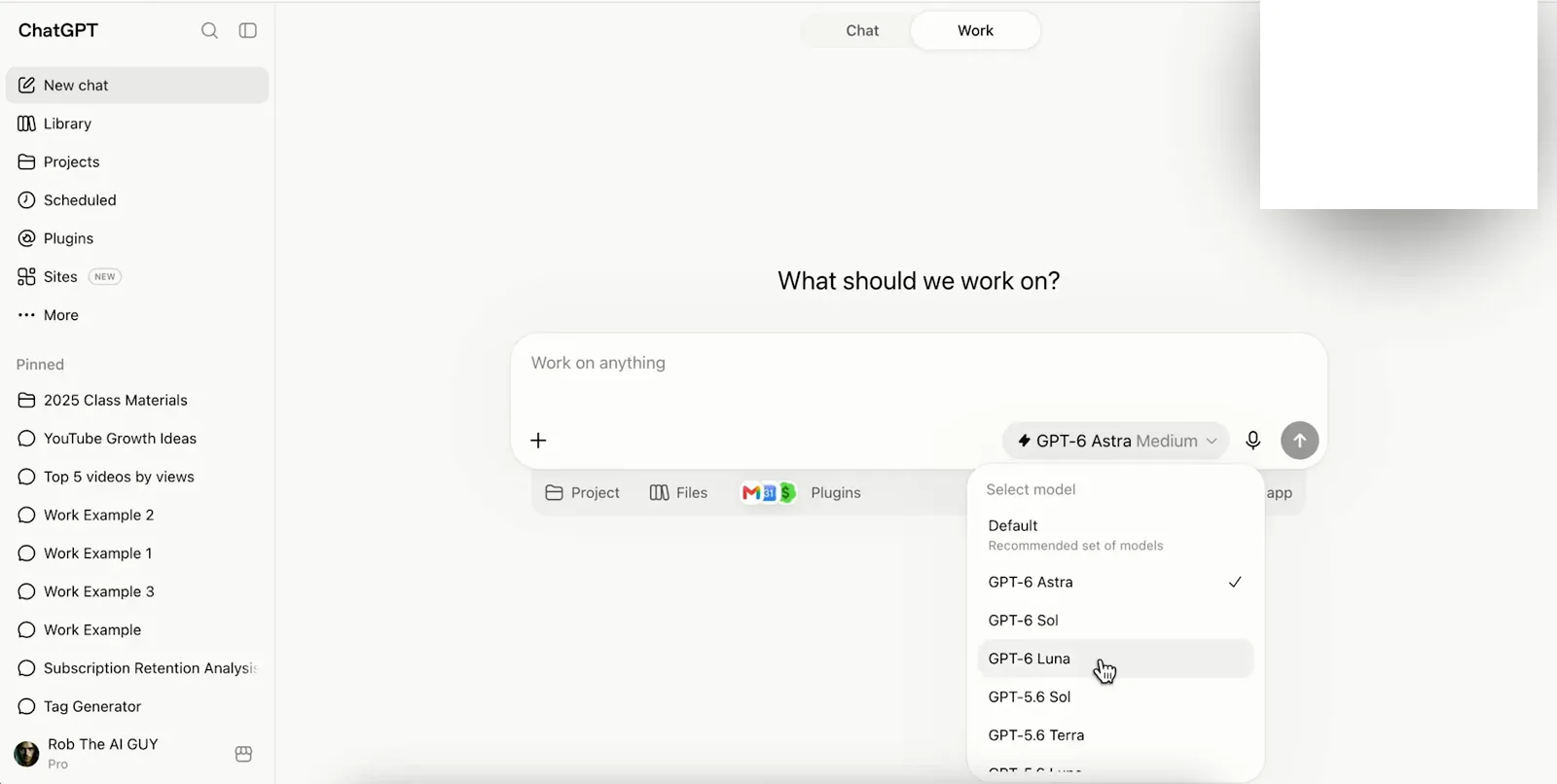
One click pins the conversation to GPT-6 Luna.Watch at 3:01 - 6
Check where your plan can use Luna
Availability differs by plan, and the announcement's own list is the source of truth. Plus, Pro, Business, Enterprise and Edu users get both models in ChatGPT Work and Codex; Free and Go users can use GPT-6 Luna in the desktop app only; regular Chat does not have the new models yet. Enterprise and Edu workspaces also started with the models off by default, so an admin may need to enable them.
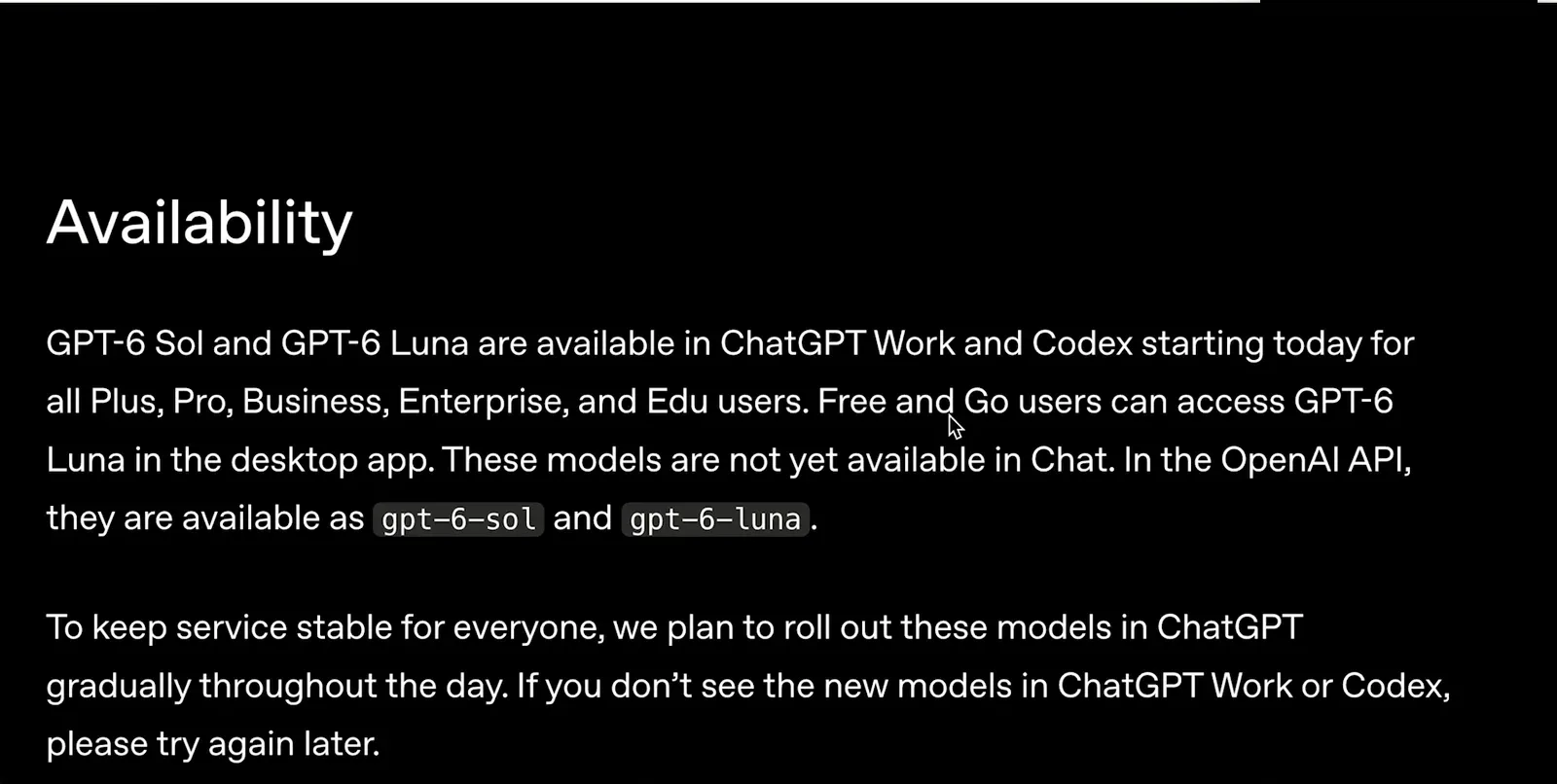
Work plus Codex for paid plans; desktop app only for Free and Go.Watch at 3:34 - 7
Know the caching discount before you scale
Luna ships with improved prompt caching aimed at agents and long conversations. Cached input-token reads cost 90 percent less, cache hit rates are higher by default, and changing reasoning effort or tools no longer breaks the cache. For any workload that reuses a long system prompt, the effective cost drops far below the sticker price.
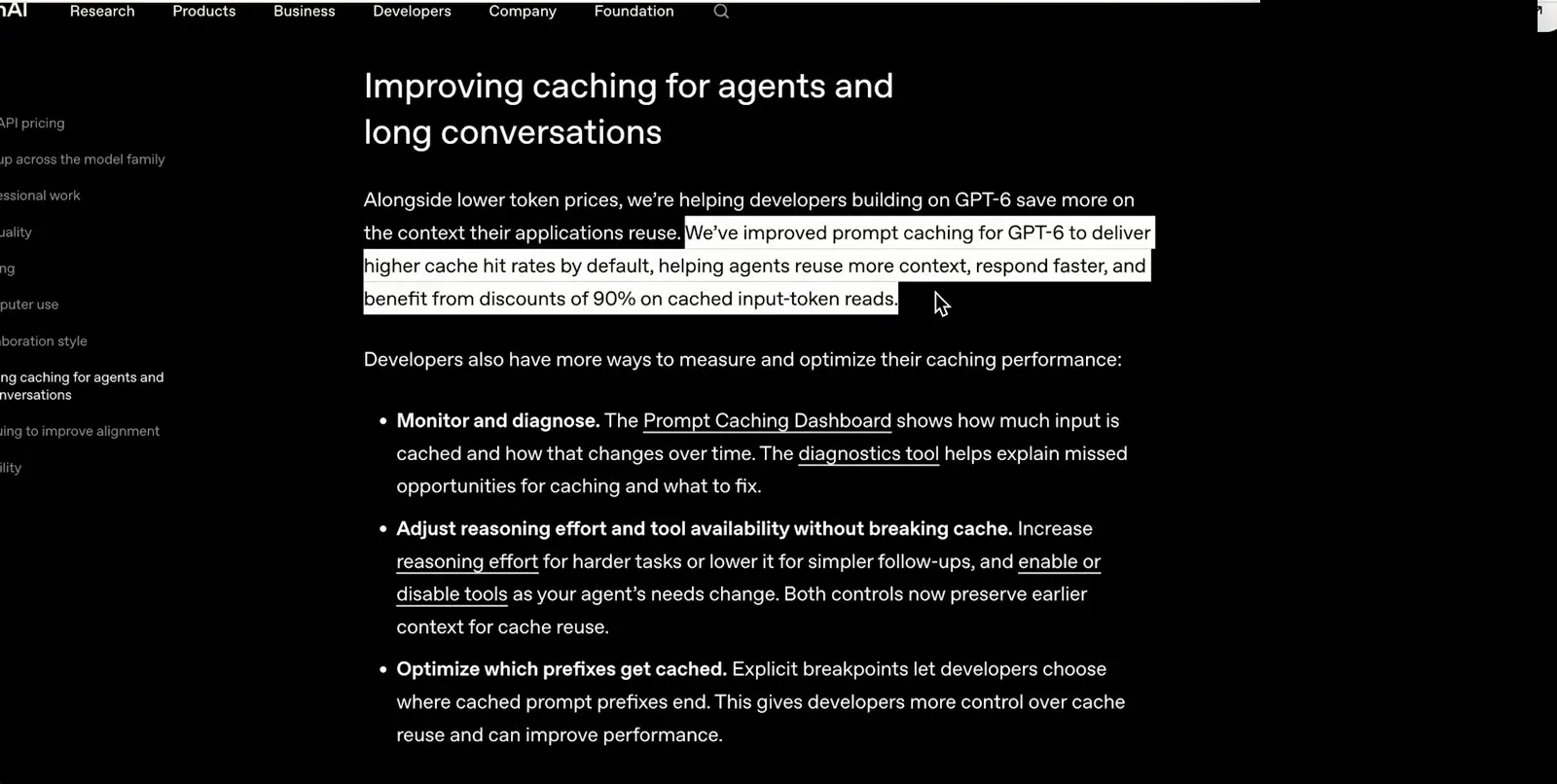
Cached reads are 90% off; the Prompt Caching Dashboard tracks hit rates.Watch at 4:01 - 8
Use the same models from the Chrome extension
The ChatGPT browser extension exposes the same GPT-6 lineup in a small popup, model menu included, so you can summarize or rewrite the page you are on without switching tabs. The picker mirrors the main app: a recommended Default set with 6 Astra, 6 Sol and 6 Luna below it. Model, effort and tools all switch from the same popup.
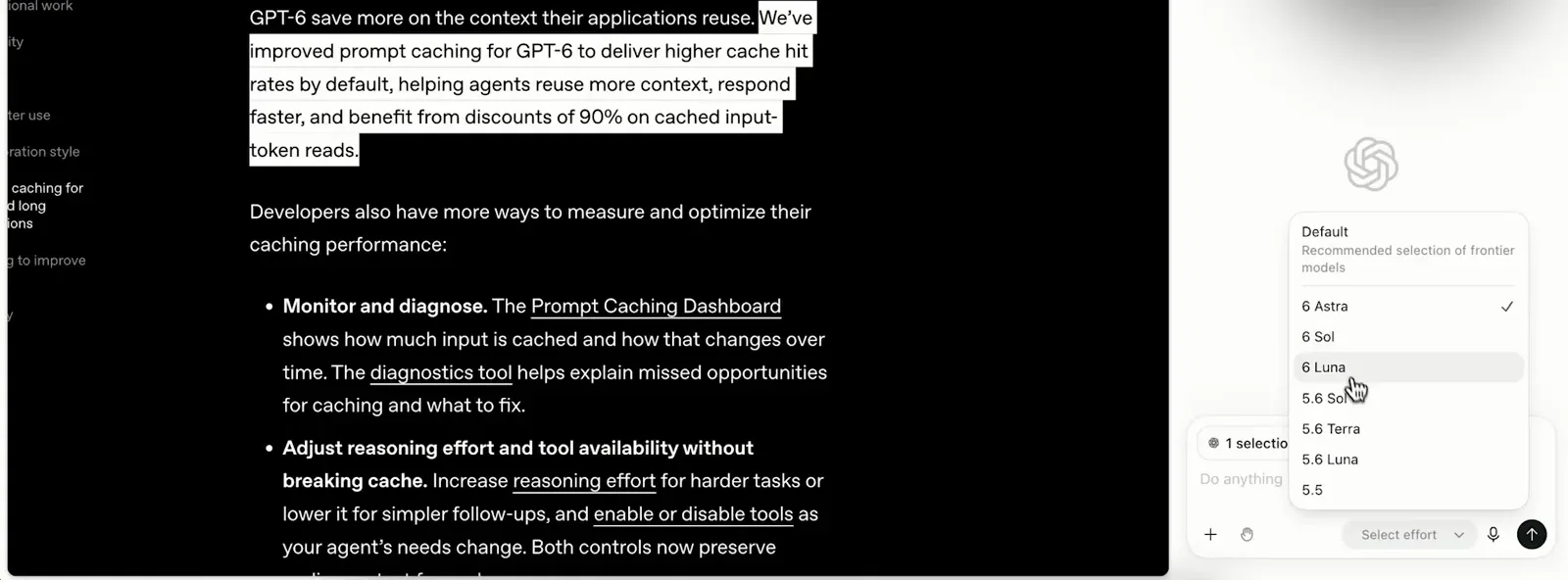
Same lineup, smaller surface: the extension picker mirrors ChatGPT.Watch at 4:53
Build with Luna in Codex
- 9
Start a fresh Codex thread for Luna
Codex is where Luna's price-to-coding ratio shines. Open a new thread, name the project, then check the composer footer, which shows the active model and effort; this thread runs GPT-6 Luna at High. Keeping each model in its own thread is what makes a comparison honest and later cleanup easy.
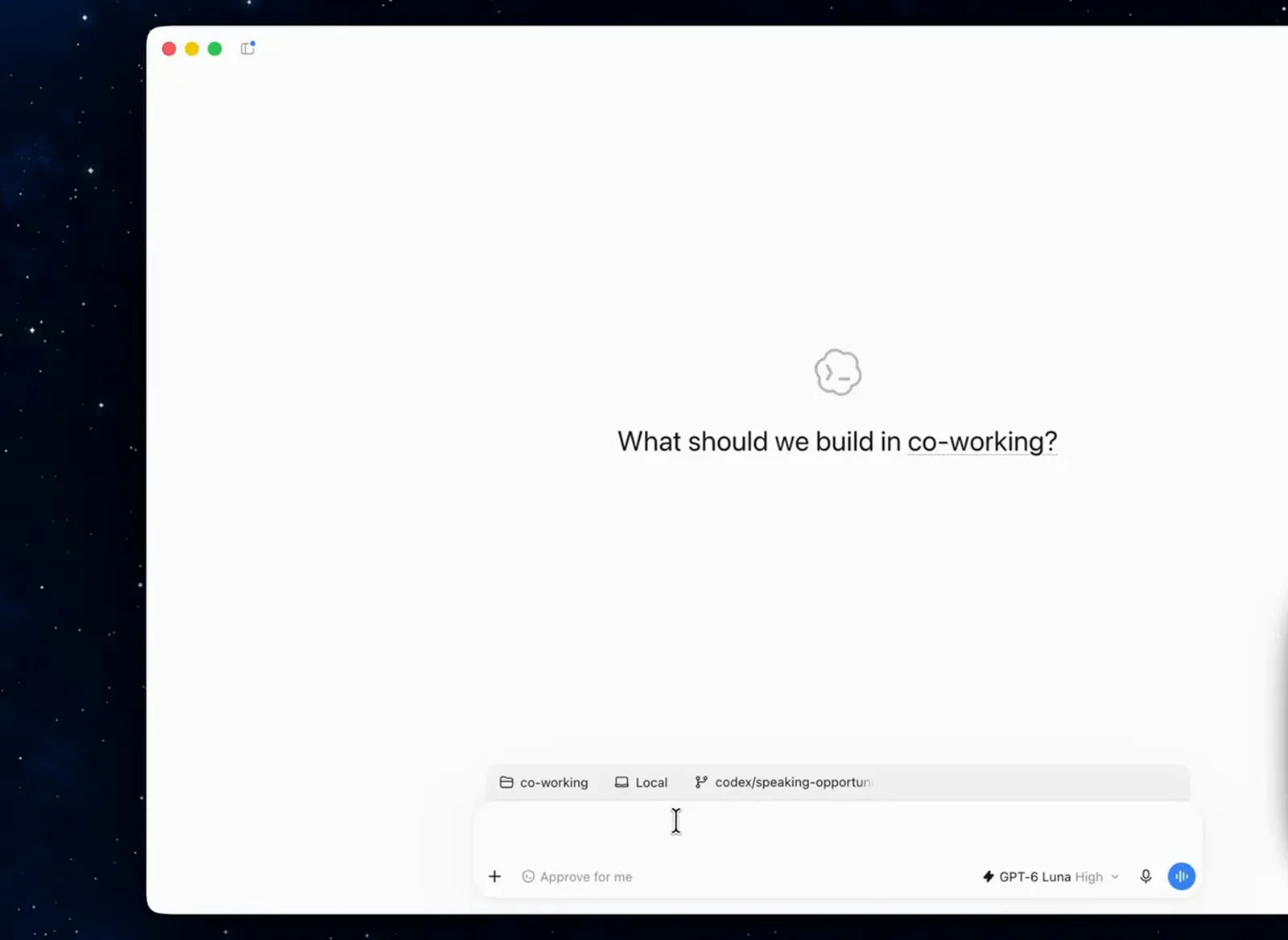
A fresh thread pinned to GPT-6 Luna at high effort.Watch at 0:31 - 10
Give Luna the same brief as its siblings
The fairest test reuses one prompt verbatim. This brief asks for a Munich coffee shop site with South American character, a responsive layout, real imagery and a working reservation form backed by a local database. Paste it, confirm the GPT-6 Luna pill, and send; duplicate the thread for Sol and Astra if you want the full three-way race.
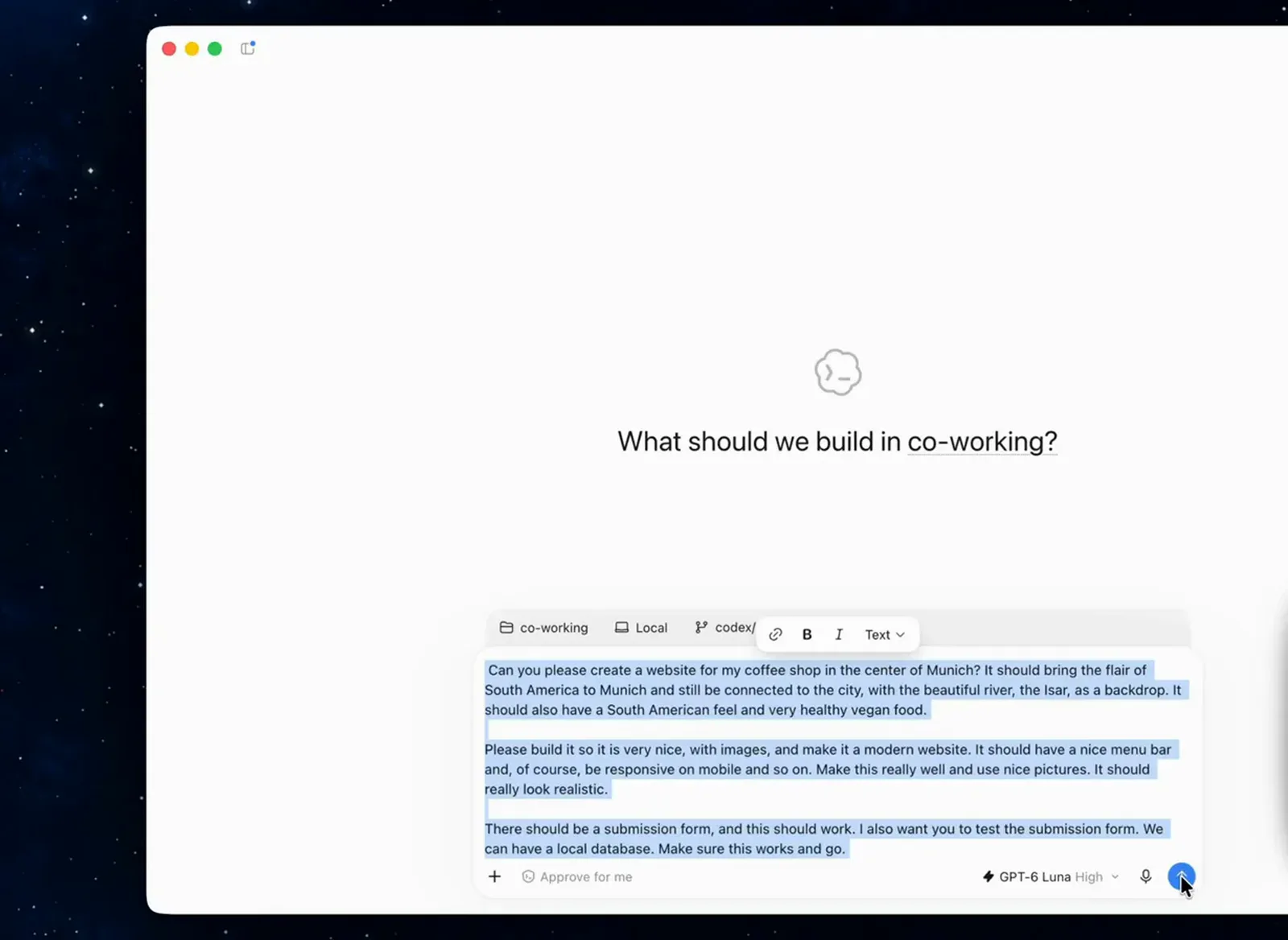
The exact brief, pasted once and sent to each model's own thread.Watch at 1:31 - 11
Watch the build and note the clock
Codex plans, writes and tests while you watch; the task view shows the brief card, a Thinking status and the Environment sidebar with changes and commit options. In this channel's timed run, Luna needed about 20 minutes for the full site while Sol finished in 15 and Astra in 16. Slower, yes, and the meter barely moved.
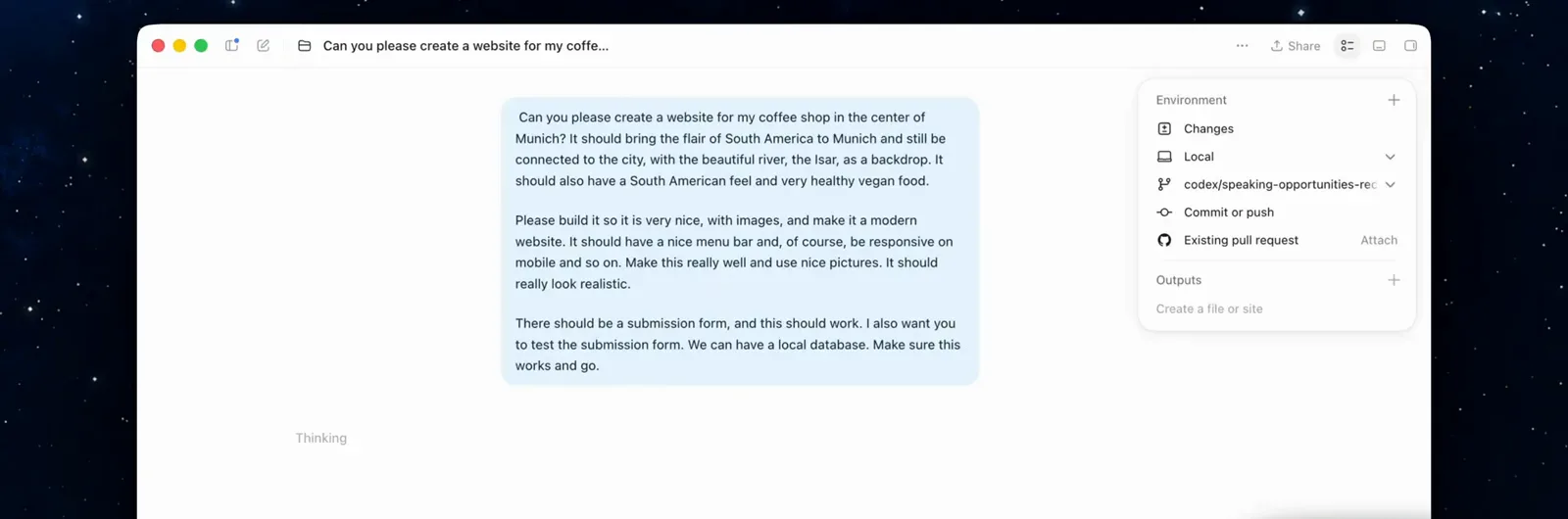
Luna ran about 20 minutes here, versus 15 for Sol and 16 for Astra.Watch at 1:46 - 12
Review what Luna actually shipped
When the thread finishes, open the preview. The generated site in this run shipped a full brand: hero copy, an Isar-river concept, a kitchen section with photography and its own layout decisions. Judge it as a working draft rather than a finished product; Luna's output gets you most of the way there for close to nothing.
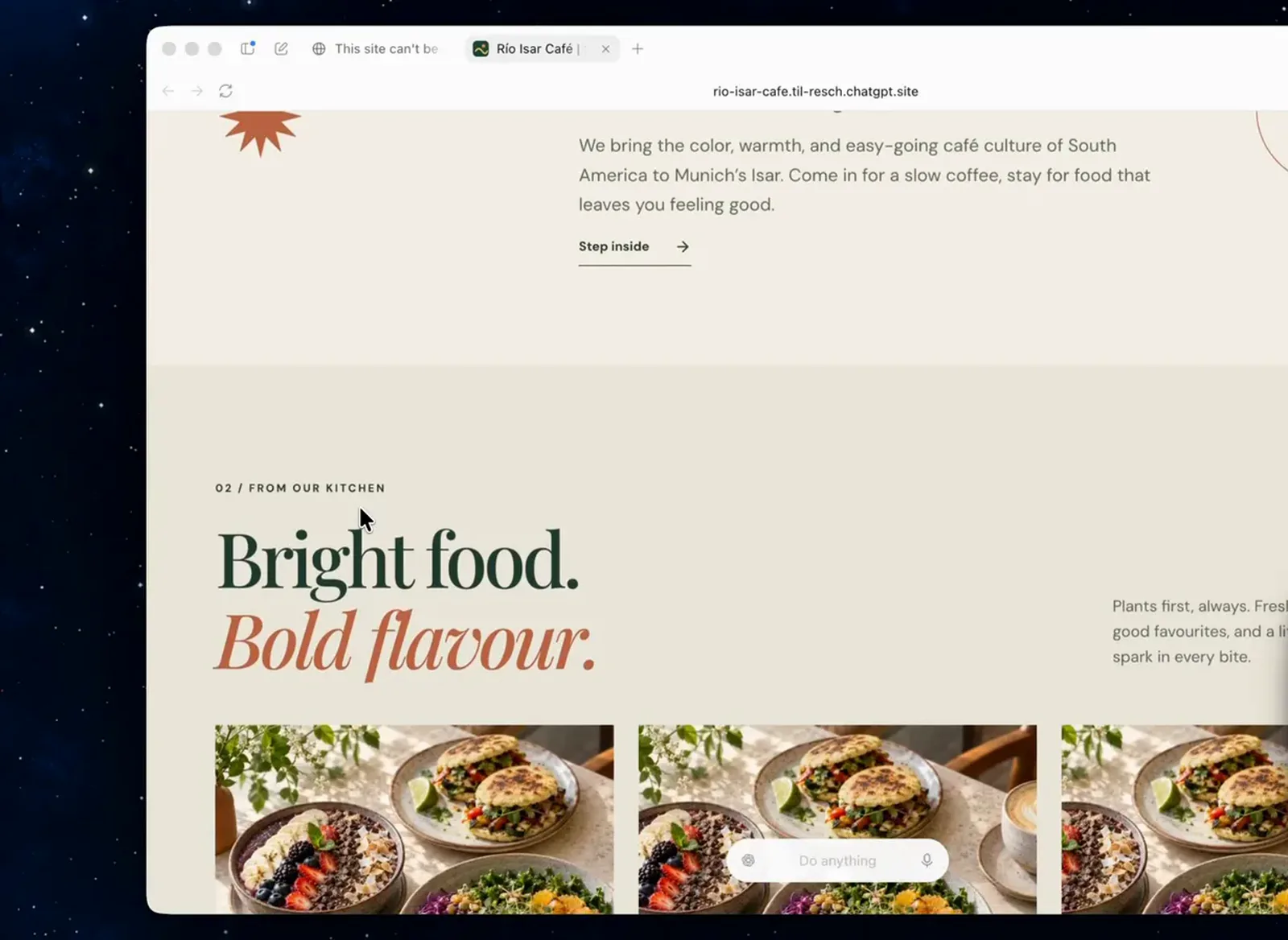
A complete branded site from the roughly 20-minute Luna run.Watch at 3:05 - 13
Test the interactive parts yourself
Static screenshots hide the failures that matter, so click through the dynamic pieces. The reservation form from the brief works end to end: name and email fields, party size, a live date picker and a confirm flow. Verifying generated behavior, not just generated markup, is what makes cheap models safe to ship with.
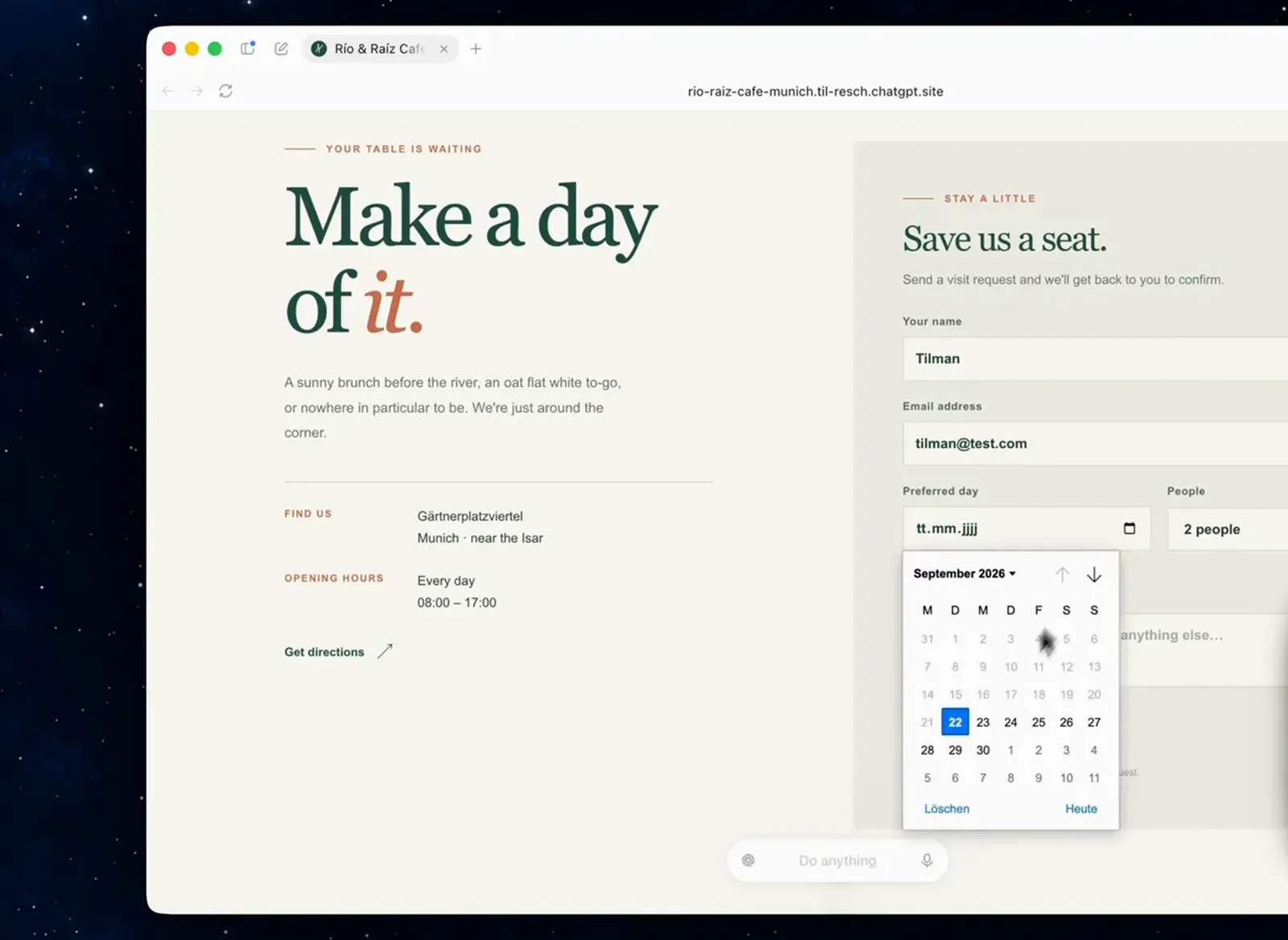
The brief demanded a working form; verifying it takes 30 seconds.Watch at 3:46
Call the API and pick the right model
- 14
Quantify the value story on professional work
OpenAI's own benchmarks frame where Luna lands. On AutomationBench, a test of business workflows across apps, high-effort GPT-6 Luna improves on its predecessor by 5.4 percentage points at 58 percent lower cost per task, while Sol at xhigh outperforms Claude Opus 5 at max effort for 9 percent of its cost. The family trades a little capability for a lot of budget.
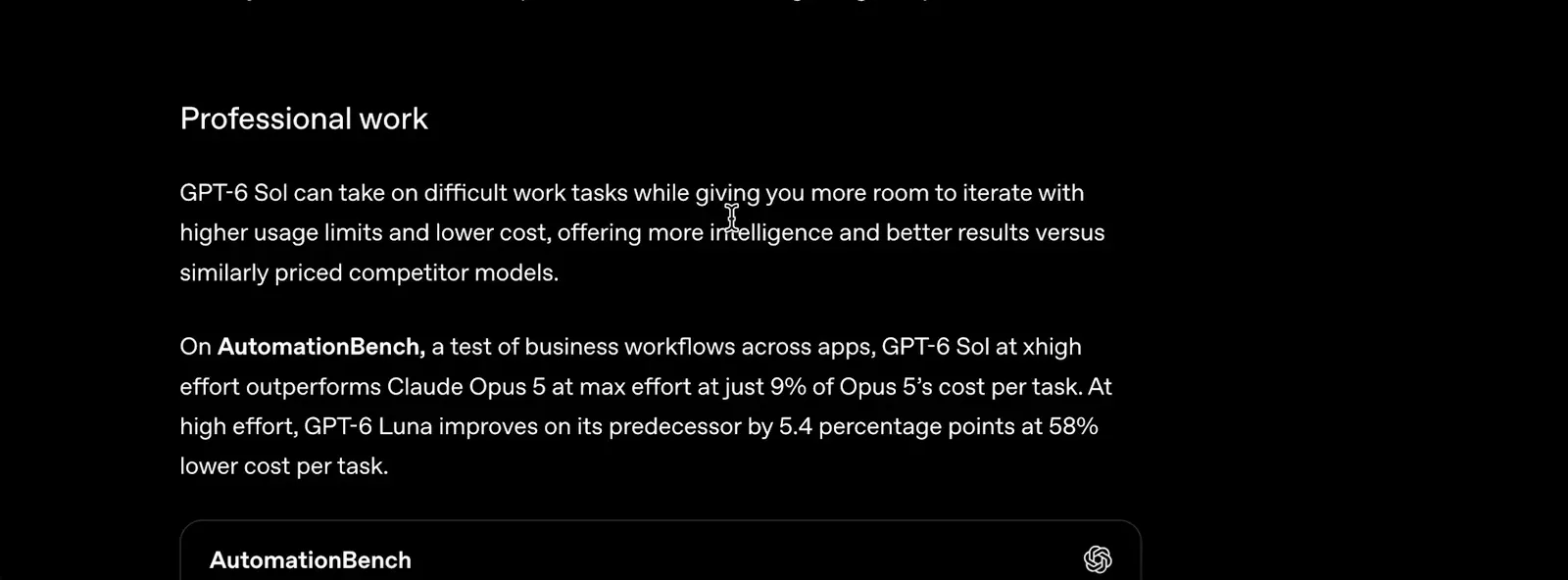
+5.4 points at 58% lower cost per task: Luna's jump this generation.Watch at 1:35 - 15
Compare cost per task, not just per token
The cost table turns benchmarks into budgets: GPT-6 Sol at xhigh scores 33.2 percent on AutomationBench for $0.27 per task, low-effort GPT-6 Astra scores 30.3 percent at 3.9 times that cost, and Claude Opus 5 at max costs 11.1 times more. Luna sits below Sol on both axes, which is the point: a per-task cost low enough to run all day.
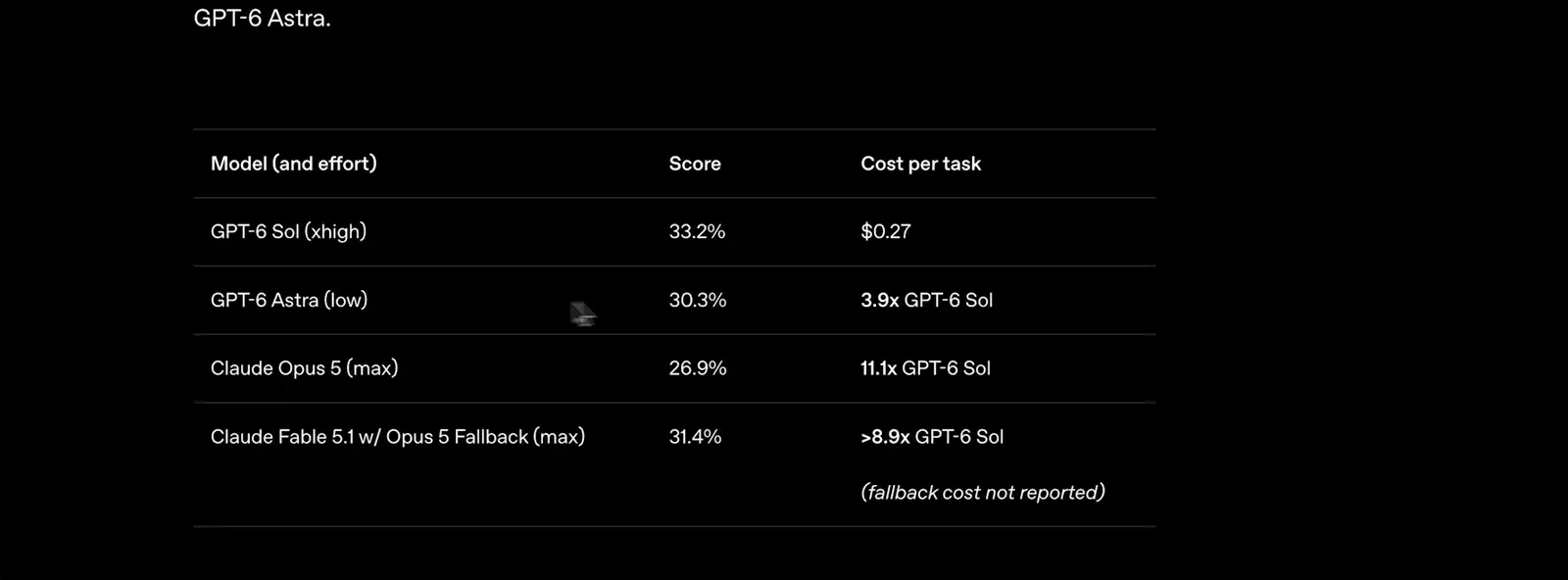
Sol: $0.27 per task. Astra: 3.9x. Opus 5: 11.1x. Luna undercuts them all.Watch at 1:57 - 16
Pick Luna for volume, Astra for the hard stuff
The announcement's coding section ties it together: GPT-6 Sol and Luna combine strong coding performance with lower API prices, and OpenAI reports internal daily token usage already exceeding $600 for the median researcher. That is the regime Luna was built for, focused, high-volume tasks. For the hardest reasoning and computer-use work, Astra remains the world's best model per OpenAI, so route accordingly.
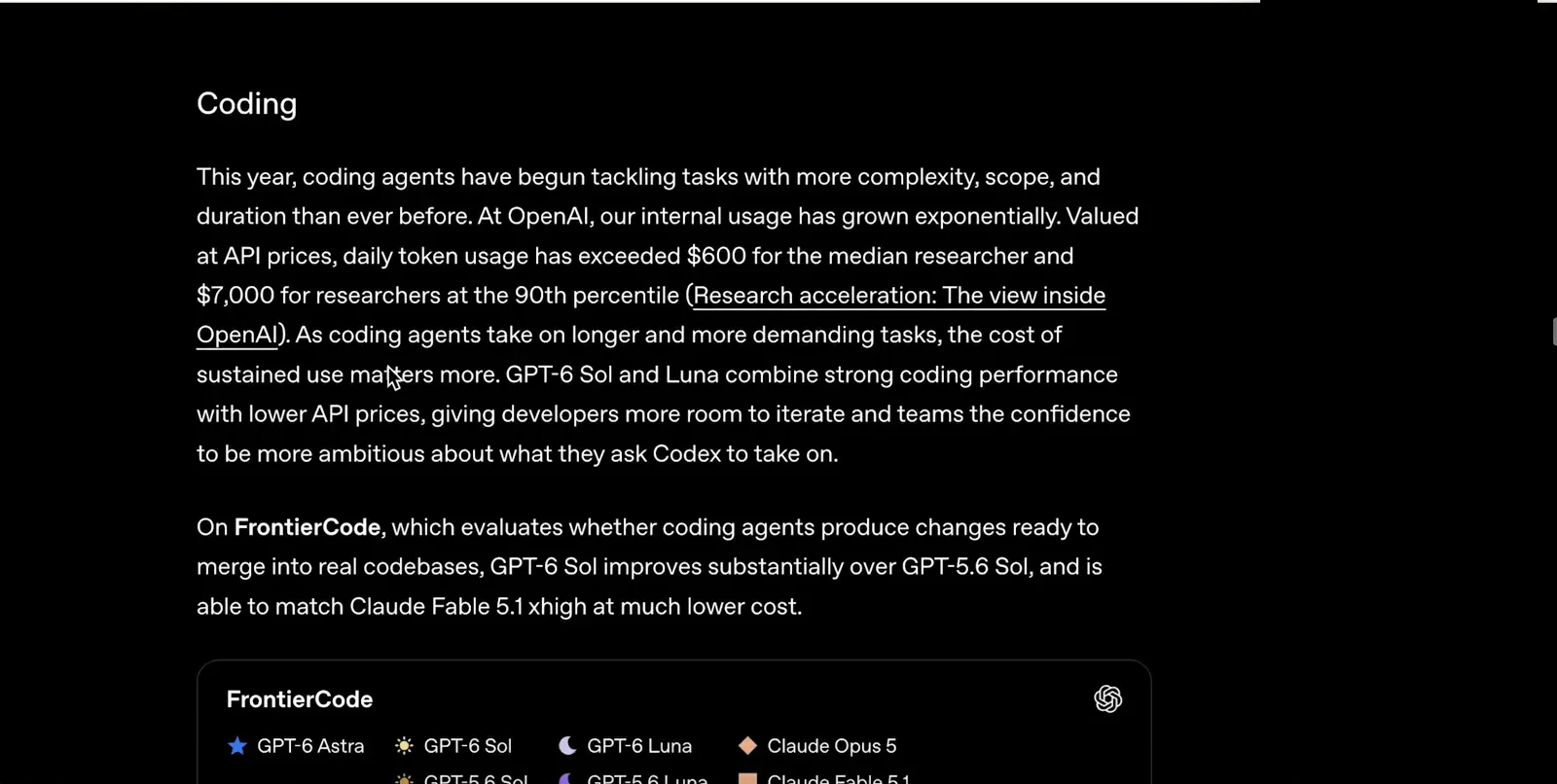
High-volume coding is Luna's lane; Astra keeps the crown for hard tasks.Watch at 2:11