

How to Use Grok 4.7: The 2026 Walkthrough
Grok 4.7 is xAI's coding-focused frontier model, launched September 21, 2026 at $2 per million input tokens and $6 per million output — and for the first time there is an official free path: the Grok Build CLI runs it with limits, no subscription required. This walkthrough covers what the launch actually claims, the three ways in (X, grok.com, the CLI), the full CLI setup from install to your first real task, and Grok Bot — the agent product the model was trained to drive. Screenshots come from live sessions, and every step links back to the exact minute of its source video.
Source & credits
Screenshots in this guide are captured from nullhackers's public walkthrough video. Every step links back to the exact moment it shows, so you can follow along.
nullhackers ↗What Grok 4.7 Actually Changed
- 1
Start with what xAI itself claims
The launch slide making the rounds from xAI's announcement: trained on the Grok Bot harness, same price as Grok 4.6, better than Opus 5, half the price of Opus 5, and xAI's “1st entry into great agent race.” Treat vendor claims as a starting point — the official benchmark table comes next.
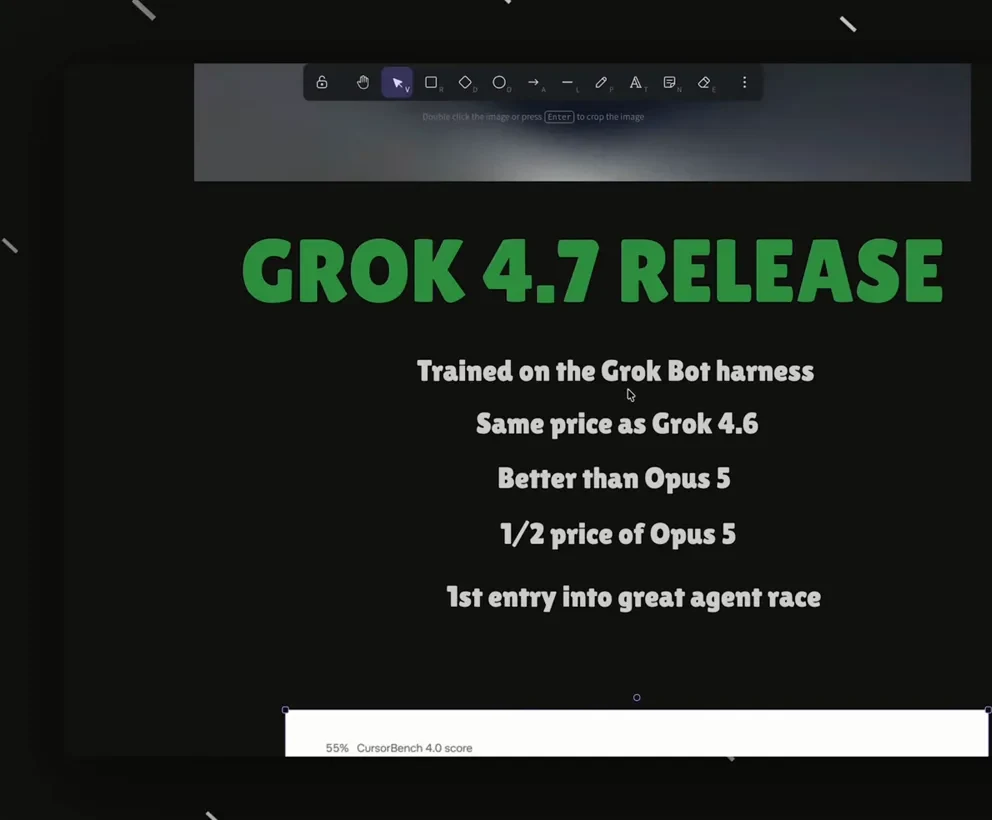
xAI's own launch slide — claims first, verification second.Watch at 0:40 - 2
Read the official benchmark table
x.ai's Model Improvements page compares Grok 4.7 head-to-head with Grok 4.6, GPT 5.6 Sol, and Fable 5.1 Mini across software engineering, electrical engineering, office work, and cybersecurity tasks. Read it for shape — where Grok claims the lead — then cross-check any decision against your own tasks before switching.
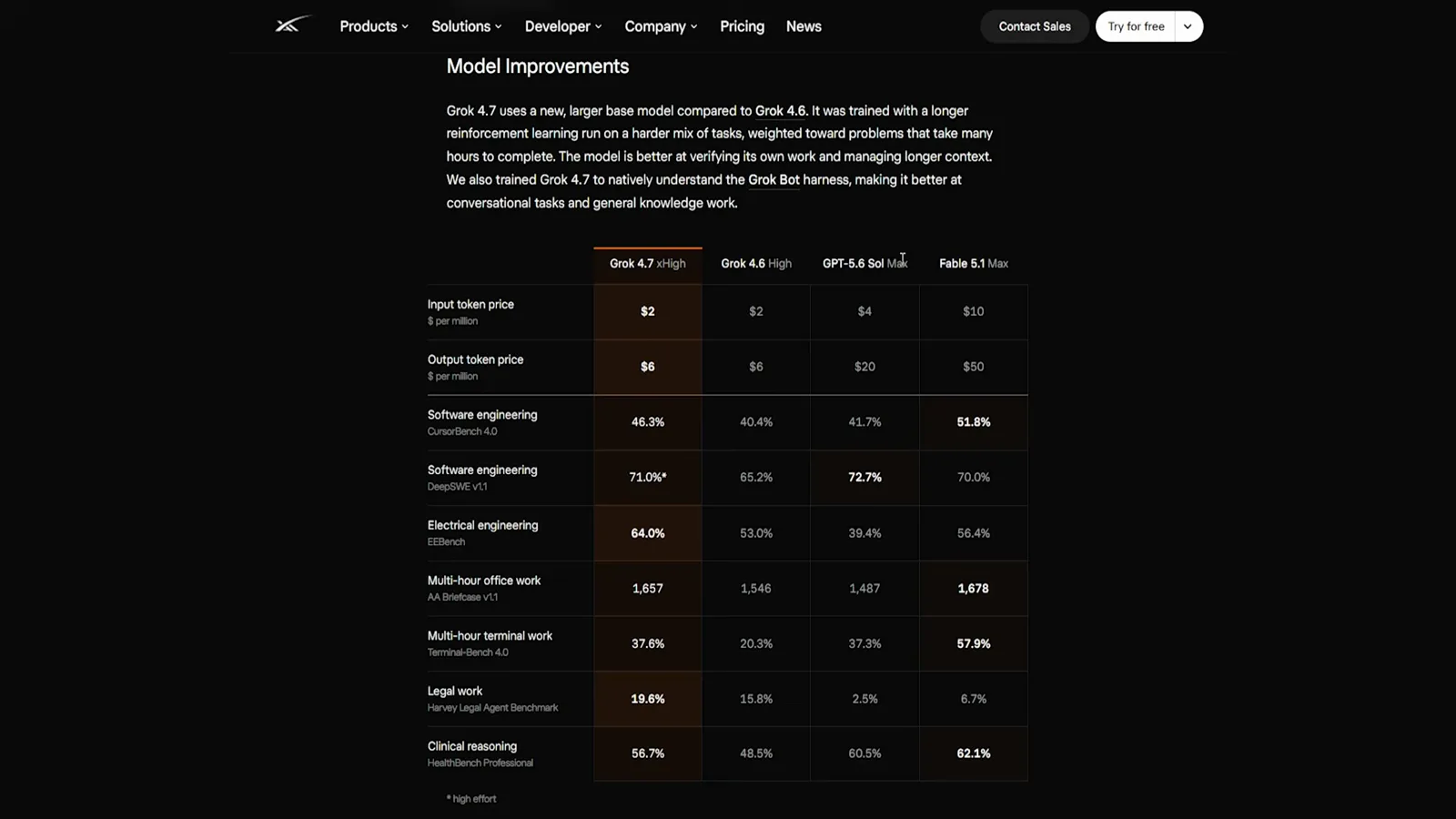
The official table — read the shape, then test on your own work.Watch at 1:17 - 3
The pricing pitch: frontier work, half the price
The announcement's own summary: Grok 4.7 is for coding and knowledge work, “works longer on difficult tasks — all at half the price of comparable models,” and sits at the frontier of CursorBench v2 in both solutions and time. API pricing lands at $2 per million input and $6 per million output tokens under 200K context.
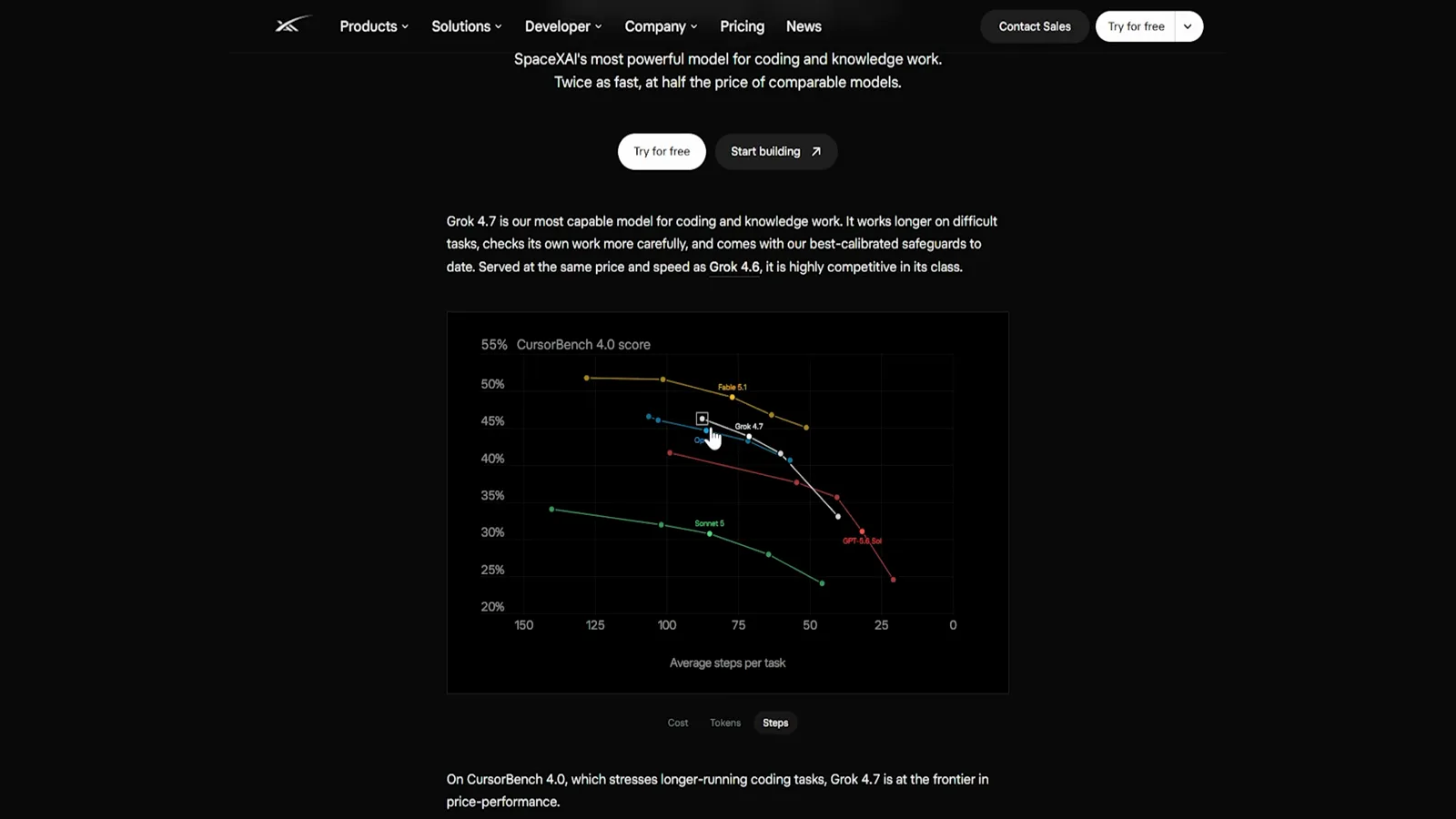
xAI's pitch: frontier coding work at half the price.Watch at 1:02
Three Ways In
- 4
Use it inside X — no new account
The fastest door is the one you already have: Grok runs inside X on web and mobile, and your tier carries over. The timeline is also where xAI ships launch notes and benchmark charts, so it is worth following for the first week while third-party numbers settle.
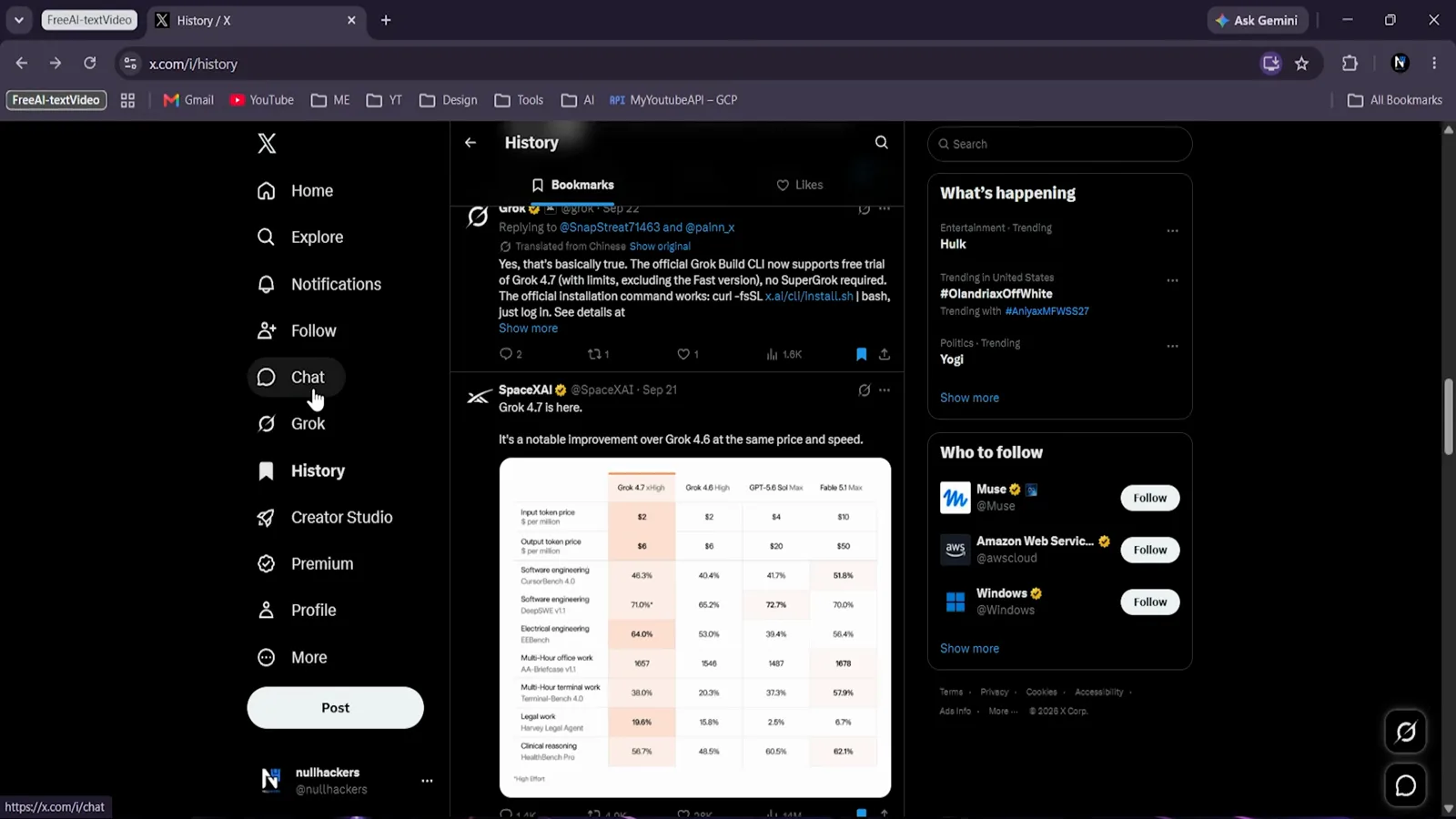
Already on X? You already have a Grok account.Watch at 2:32 - 5
The free trial lives in the Grok Build CLI
From the announcement post: “The official Grok Build CLI now supports free trial of Grok 4.7 (with limits, excluding the Fast version, no SuperGrok required).” A free, official path to the model itself — the install is one curl command, next section.
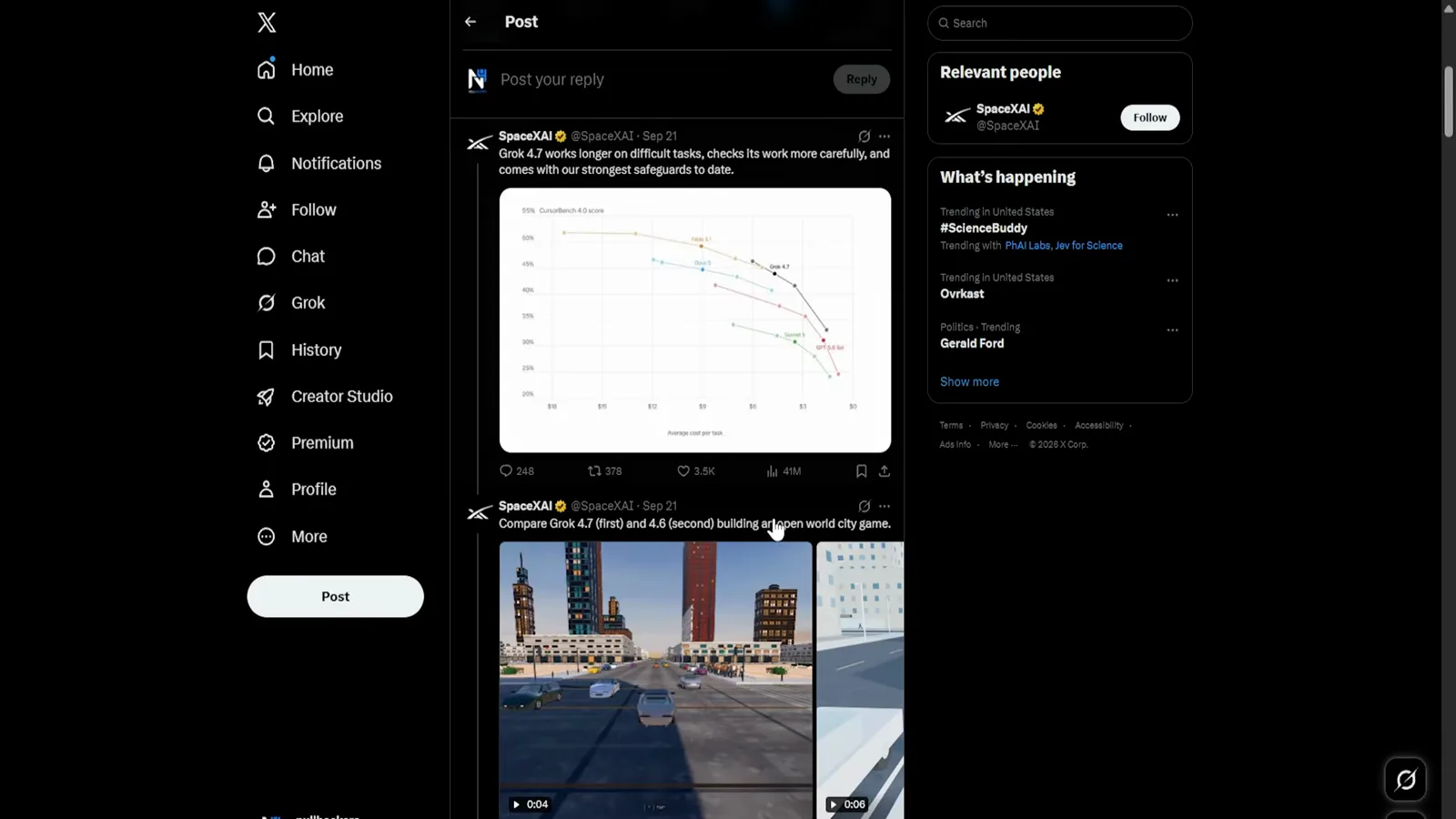
Free, official, no subscription — via the CLI.Watch at 0:16
Grok Build: the Free CLI Path
- 6
Grab the install command
The developer page makes the pitch in one line: “Bring Grok to your computer. A powerful coding agent for complex work, now powered by Grok 4.7, our newest model.” Install is a single curl command for the install script on macOS, Linux, or Windows.
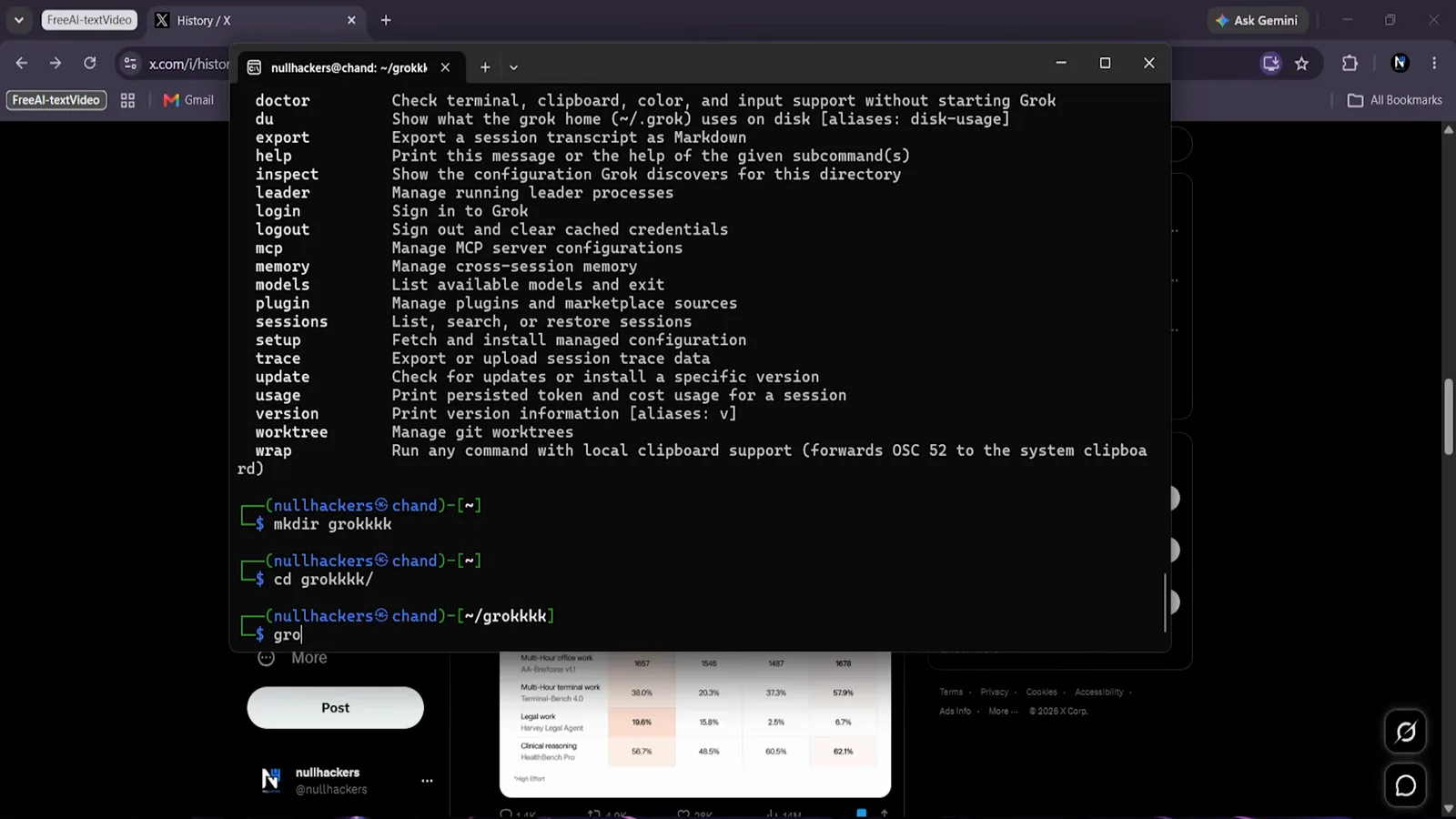
One curl line puts the CLI on your machine.Watch at 4:47 - 7
Watch the install run
The installer downloads the CLI, links it into your path, and drops you at a grok prompt — nothing to configure yet. If you have used a terminal coding agent before, this feels familiar: it reads files, proposes edits, and runs commands inside your project folder.
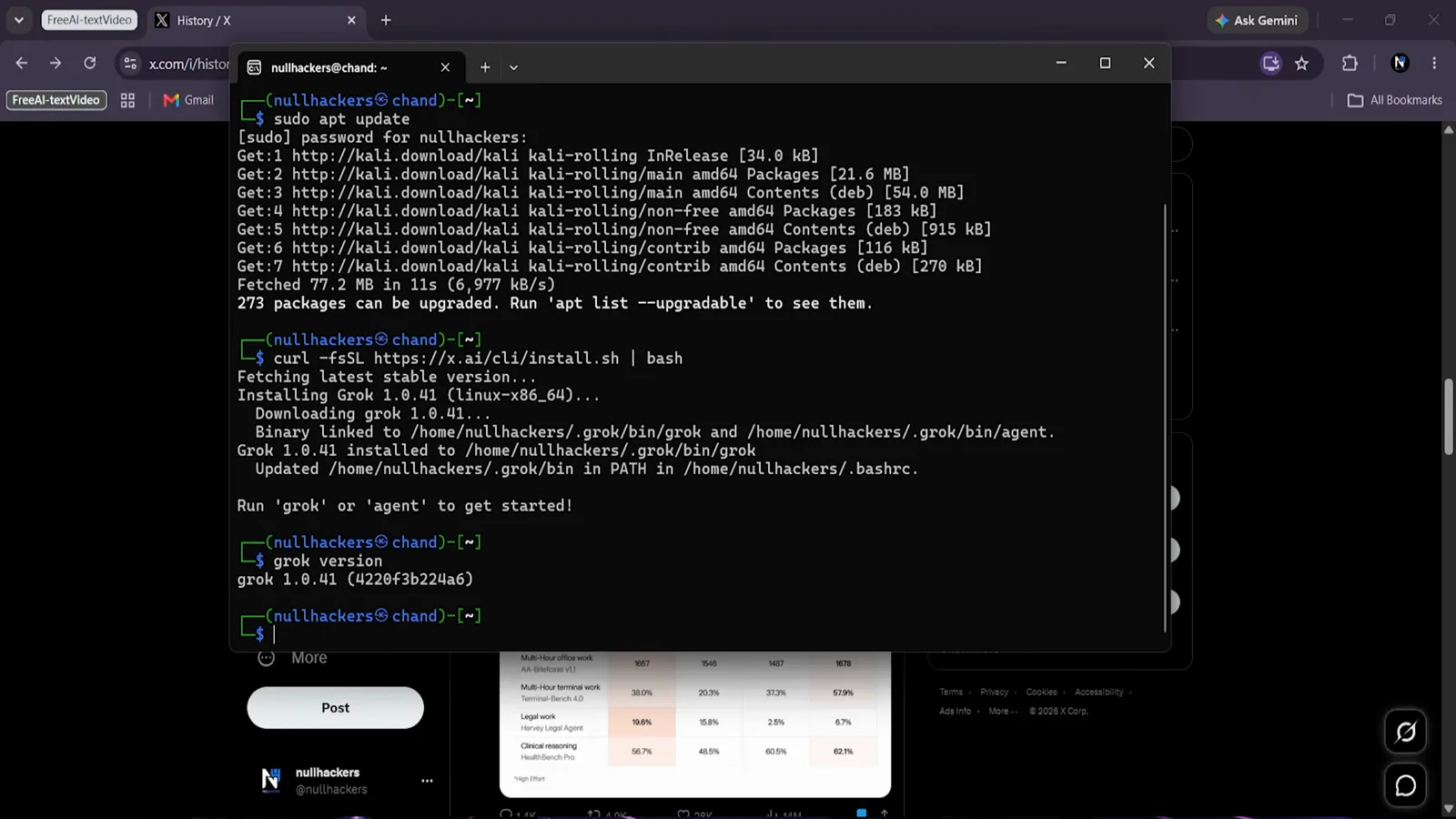
Install, link, done — no config step.Watch at 4:16 - 8
Sign in with a device code
First launch asks you to sign in: the CLI shows a short code, you confirm it in the browser, and the terminal flips to Device Authorized. Your X or Grok account is the identity — no new credentials to create or manage.
Browser confirms, terminal unlocks.Watch at 6:16 - 9
Give it real work, not a demo prompt
The session opens with a plain question — what do you want to work on? — and a token meter up top. Point it at an actual folder: read a file, propose an edit, run the tests. The free trial's limits (and no Fast mode) are the only differences from a paid run.
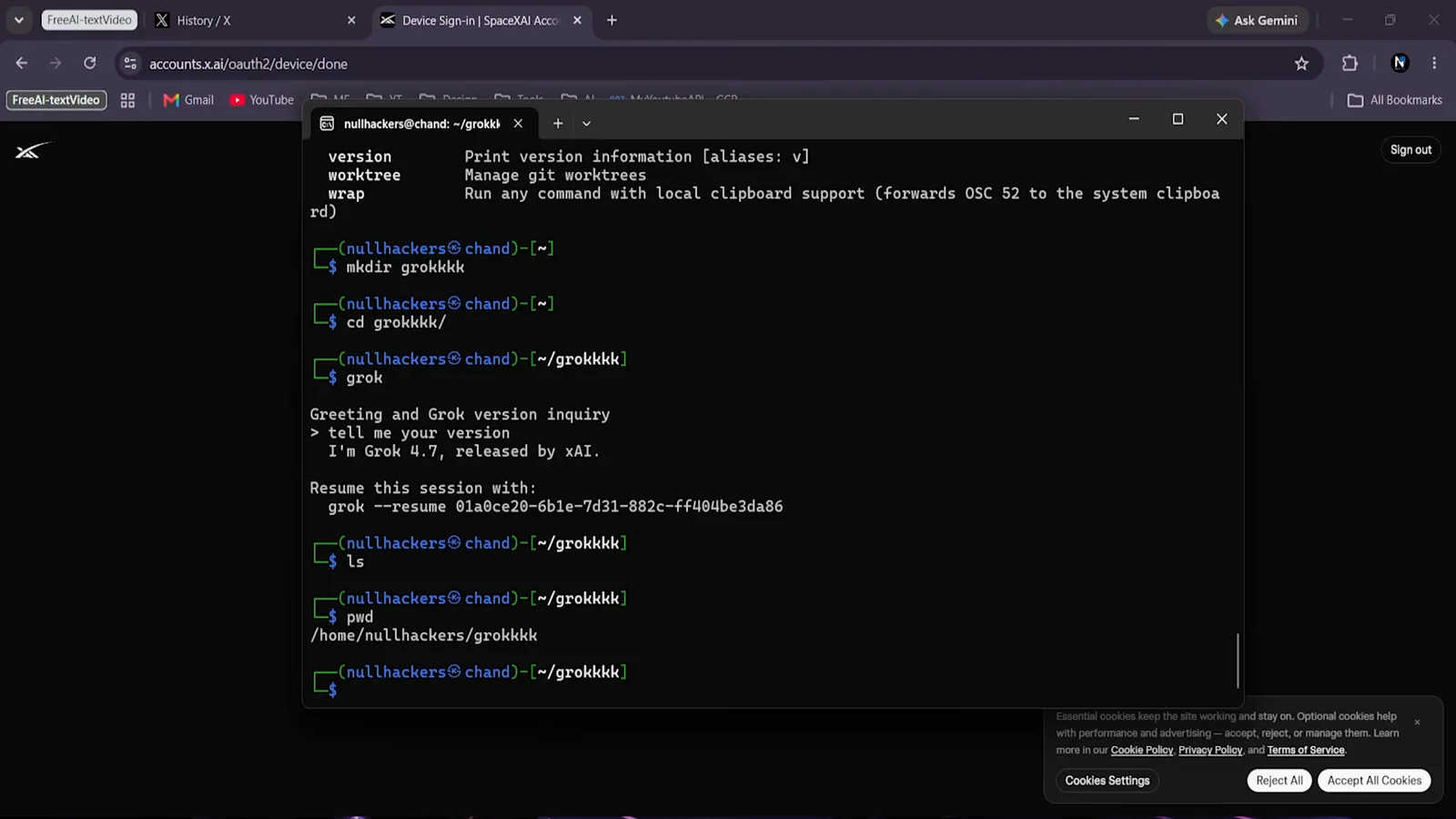
A token meter and one question — start typing.Watch at 7:02 - 10
Check the model and your session tools
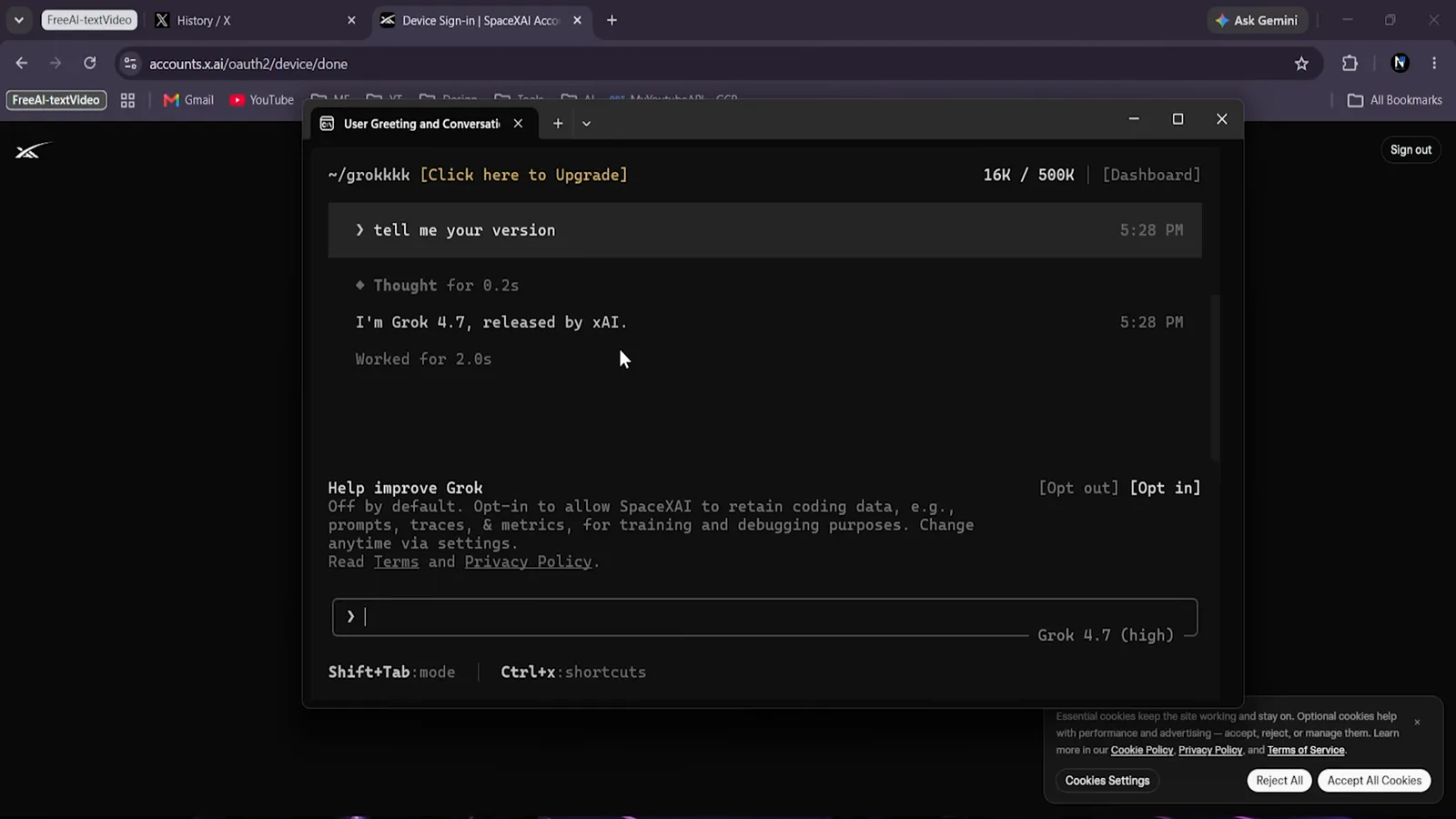
The /model command confirms what you are running — the session banner reads “I'm Grok 4.7, released by xAI” — and the help menu covers sessions, memory, and context compaction. Resuming a session by its ID keeps a multi-day task coherent.
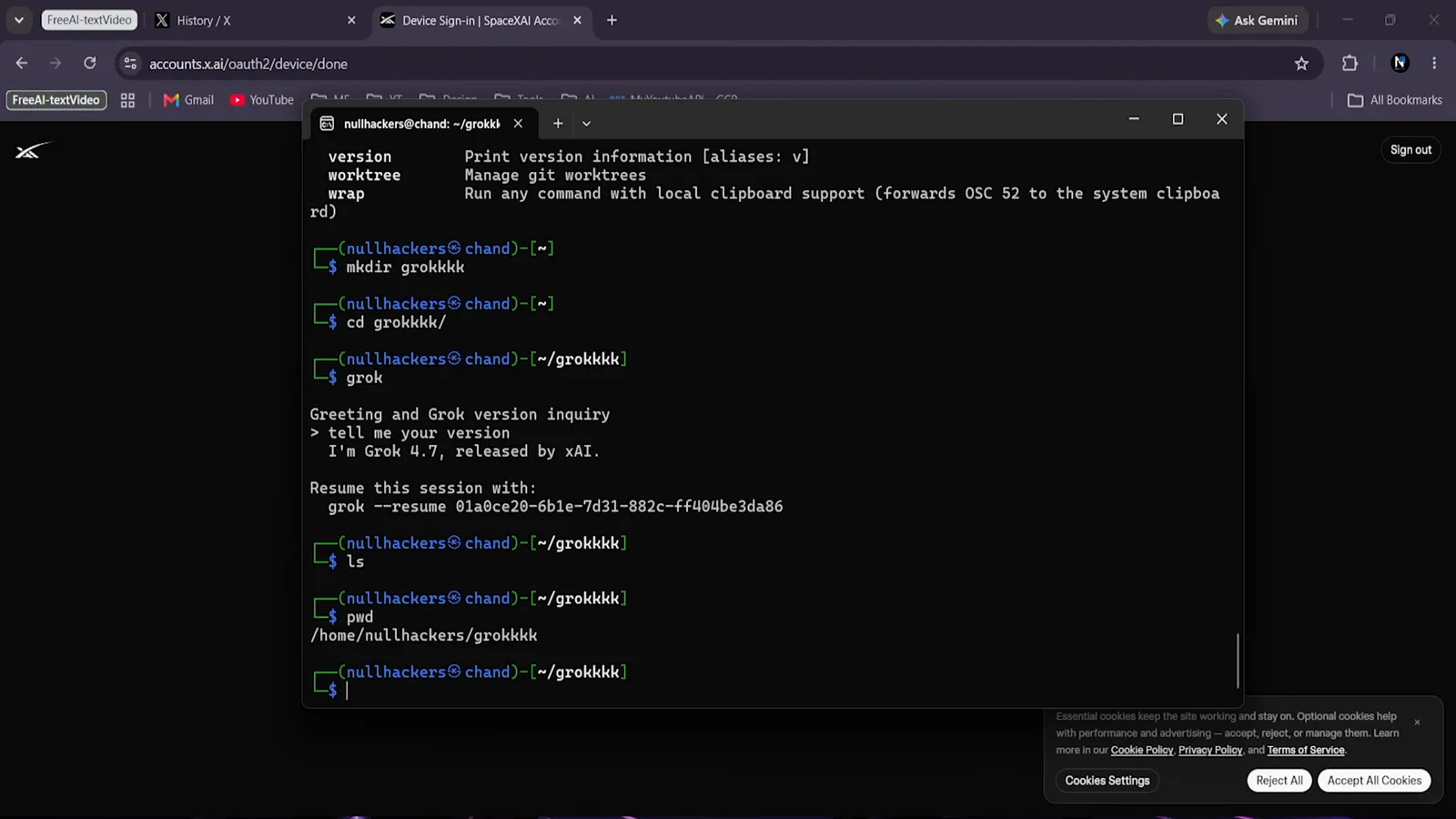
/model confirms what you are actually talking to.Watch at 7:16
The Agent Layer: Grok Bot
- 11
Meet the harness Grok 4.7 was trained for
Grok Bot is xAI's always-on agent: each bot gets its own persistent cloud computer — browser, files, terminal — signs into your web apps, and works through multi-step jobs, pausing for approval when money or email is involved. The launch slide's “trained on the Grok Bot harness” refers to this product.
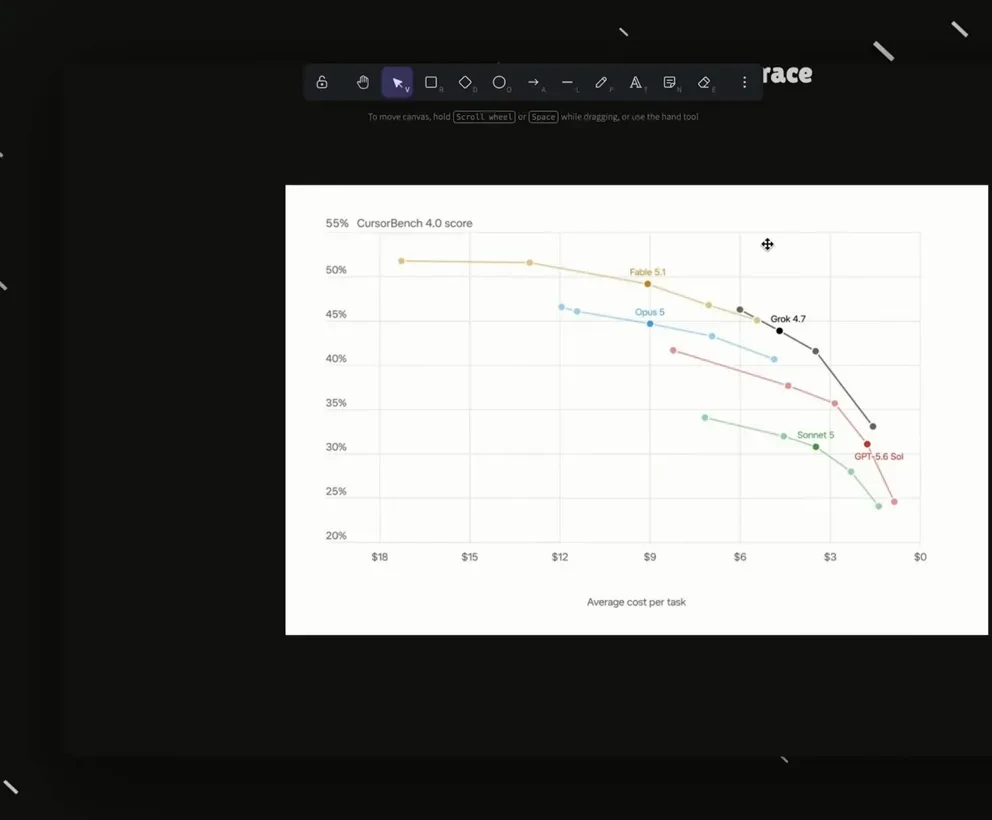
A cloud computer per bot, driven by 4.7.Watch at 3:20 - 12
Run several bots — or a whole team
Bots run in parallel, and channels let multiple bots share context — xAI's answer to delegating like a manager. Grok Bot is in early beta behind the top subscription tiers, so treat the CLI above as the reliable free path and the Bot as a preview of where this is going.
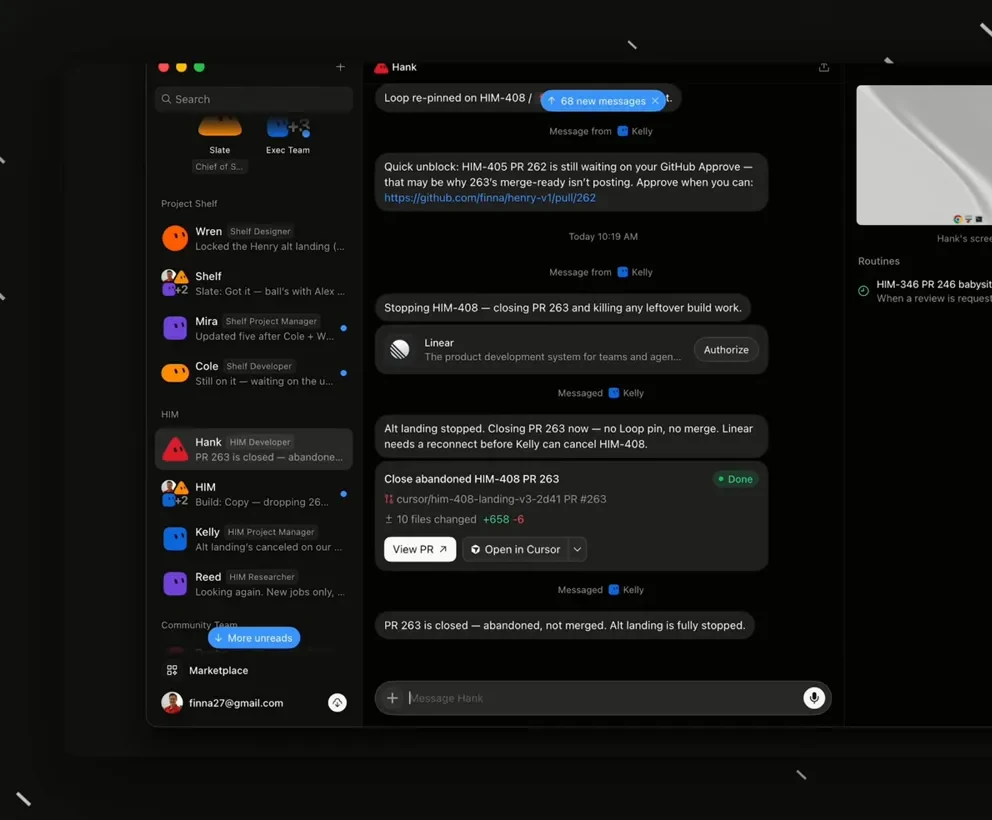
Parallel bots, shared channels — preview tier for now.Watch at 4:00